Vai al contenuto
View in the app

A better way to browse. Learn more.

mega MINI forum

A full-screen app on your home screen with push notifications, badges and more.

To install this app on iOS and iPadOS
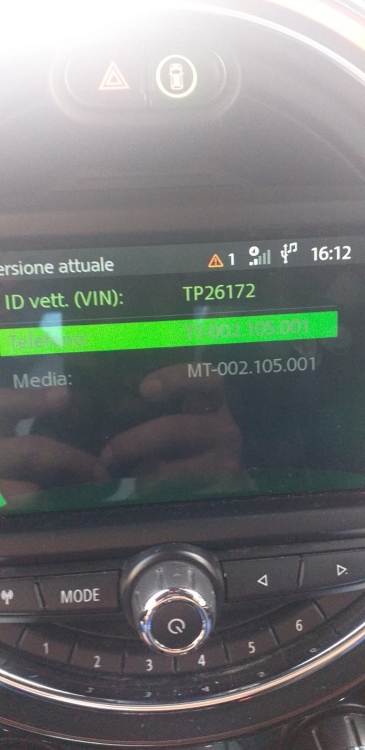
  1. Tap the Share icon in Safari
  2. Scroll the menu and tap Add to Home Screen.
  3. Tap Add in the top-right corner.
To install this app on Android
  1. Tap the 3-dot menu (⋮) in the top-right corner of the browser.
  2. Tap Add to Home screen or Install app.
  3. Confirm by tapping Install.

salvosr

Utente forum
  • Iscritto

  • Ultima visita

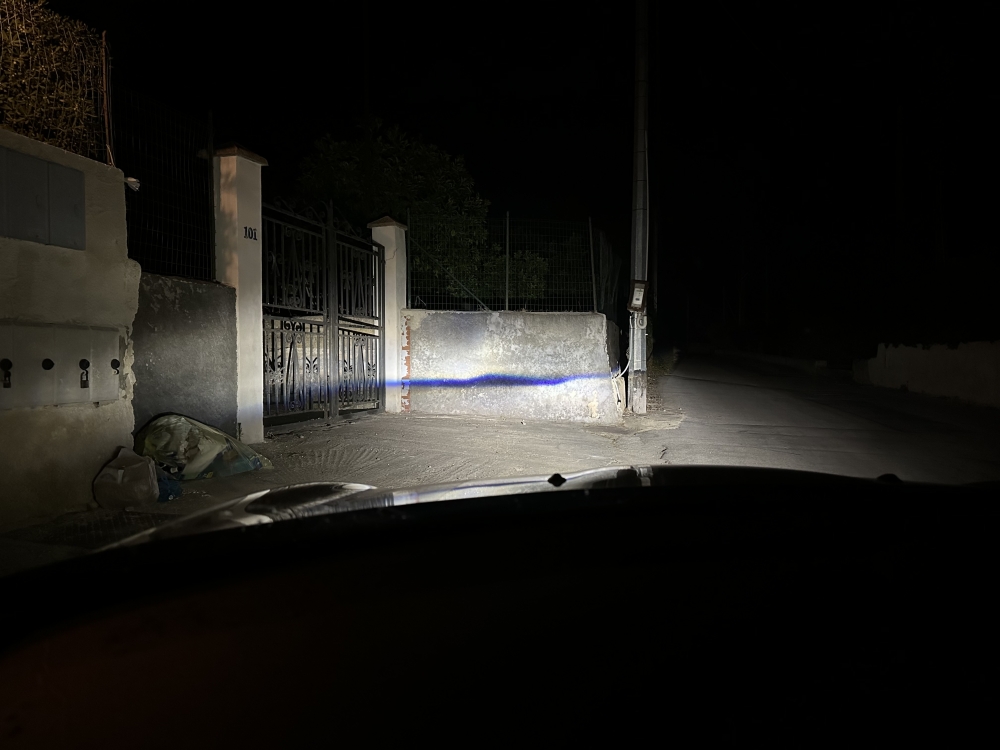
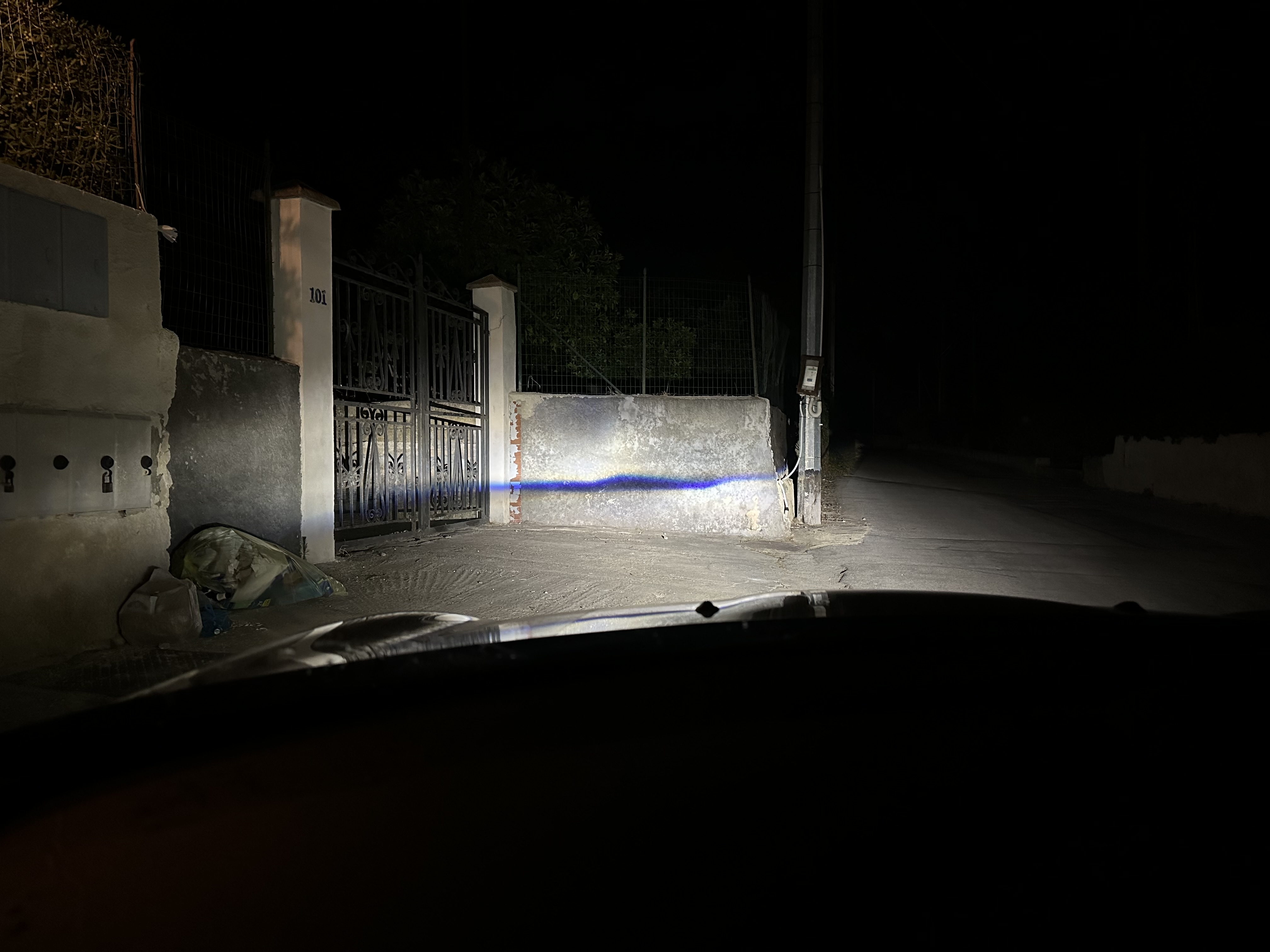
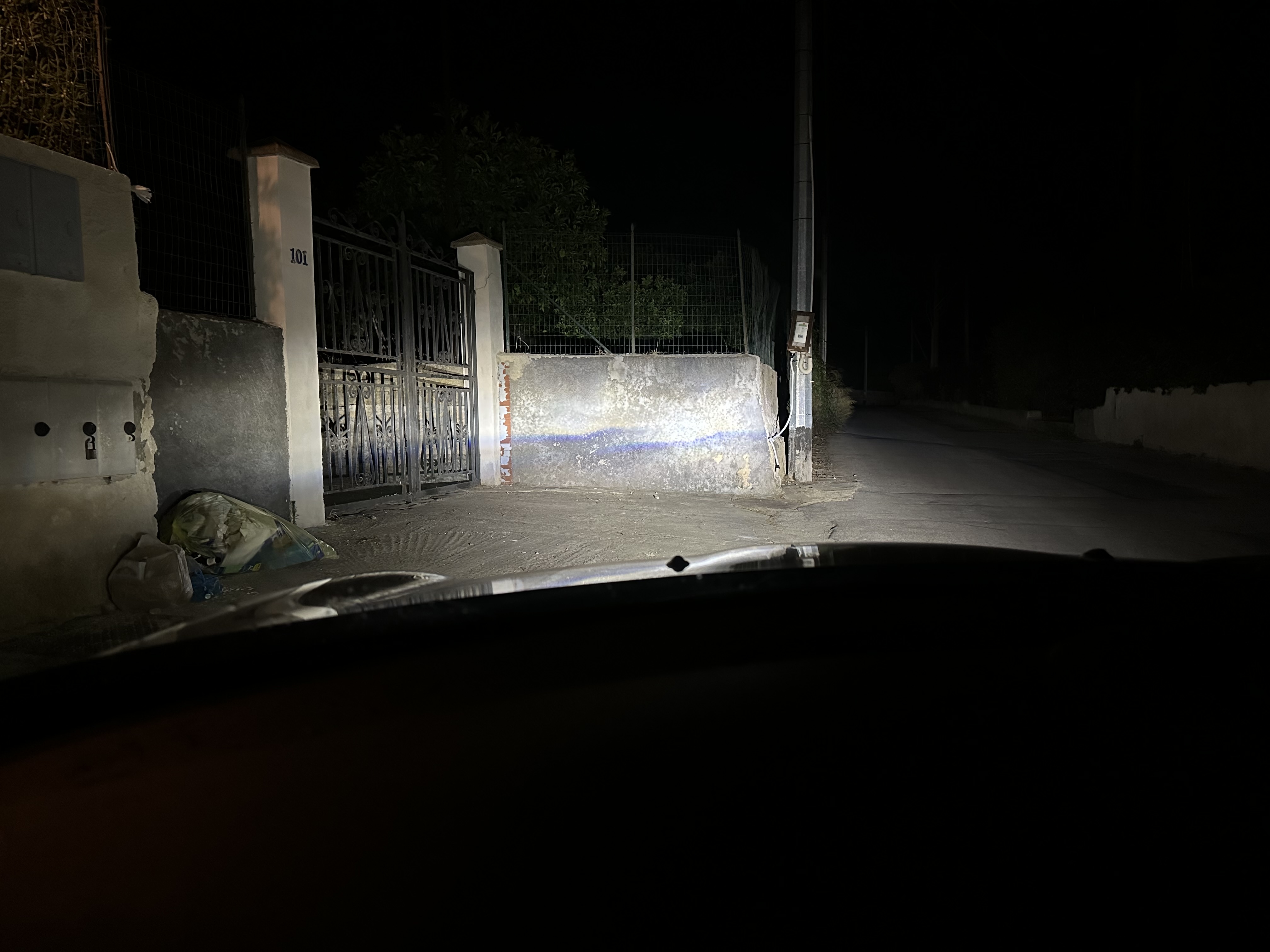
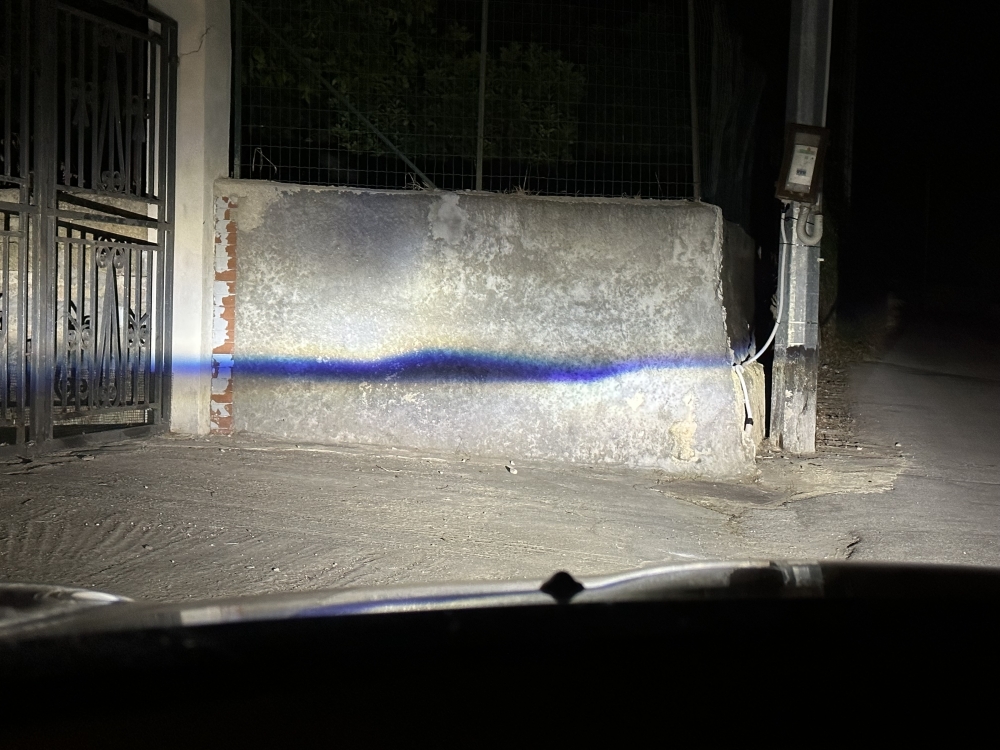
  1. Buongiorno a tutti, non so che sia successo ma è spuntata una striscia nera a fari accesi anabbaglianti, per spiegare meglio allego foto
  2. salvosr ha cambiato la sua immagine del profilo
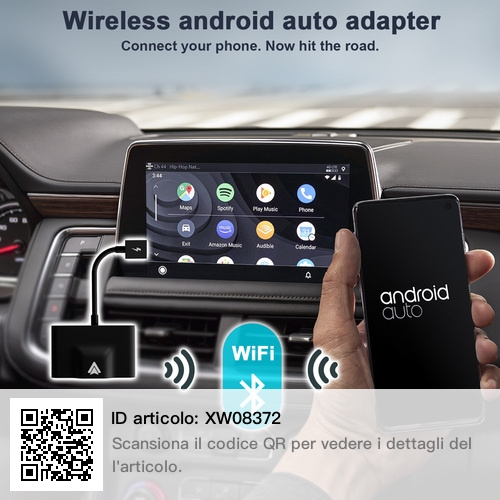
  3. E prendendo un car play android tipo questo
  4. Peccato
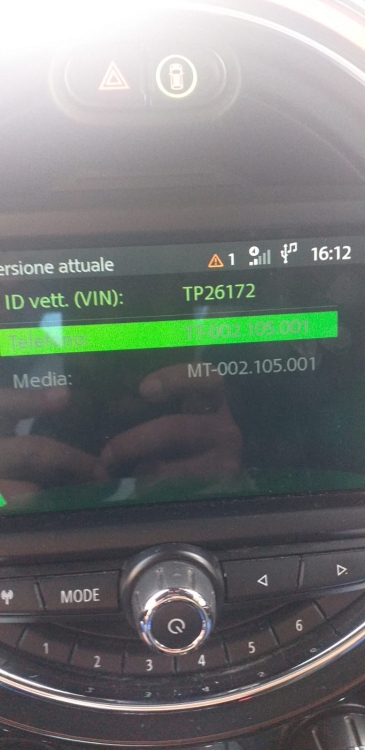
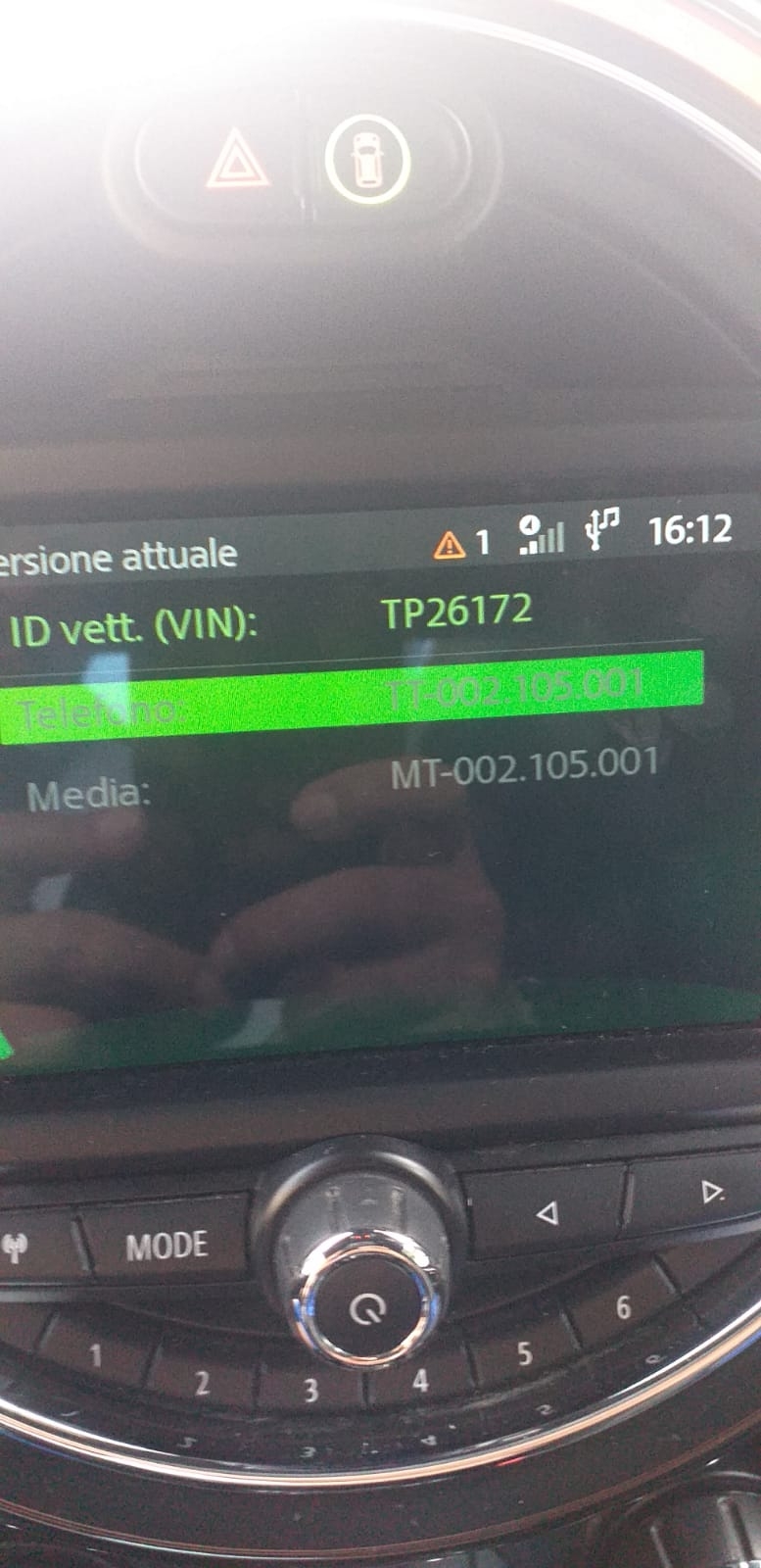
  5. Salve anche io sono interessato ho la stessa versione
  6. Ciao a tutti posso effettuare l’aggiornamento su questo
  7. salvosr ha pubblicato una discussione in New megaMINI DRIVERS
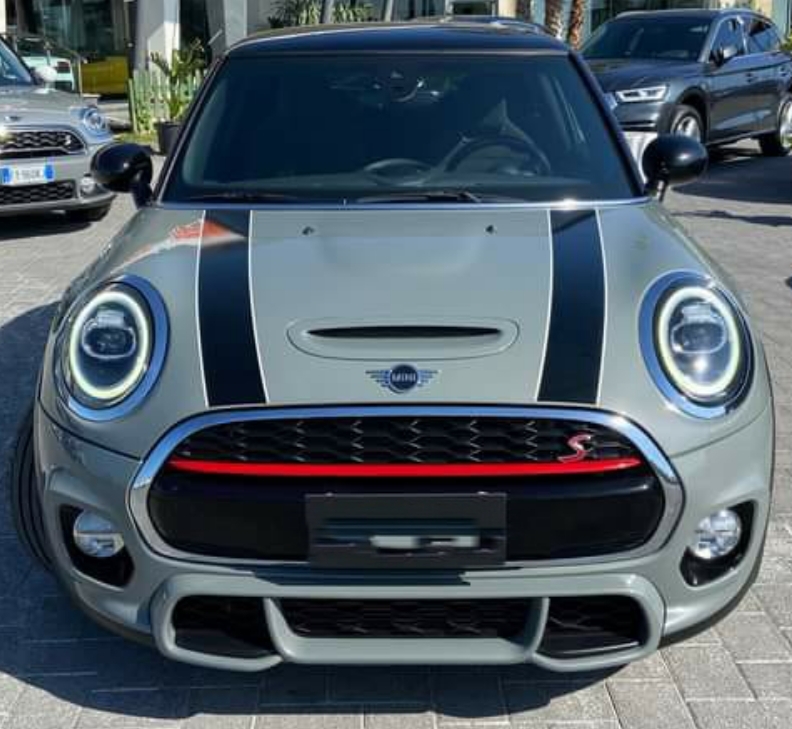
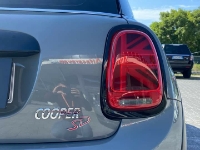
    Ciao a tutti sono Salvatore da Siracusa e sono il felice proprietario di una MINI Cooper sd del 2020
Account

Navigation

Cerca

Cerca

Configure browser push notifications

Chrome (Android)
  1. Tap the lock icon next to the address bar.
  2. Tap Permissions → Notifications.
  3. Adjust your preference.
Chrome (Desktop)
  1. Click the padlock icon in the address bar.
  2. Select Site settings.
  3. Find Notifications and adjust your preference.