Albert clubman soho
Utente forum
-
Iscritto
-
Ultima visita
Tutti i contenuti di Albert clubman soho
-
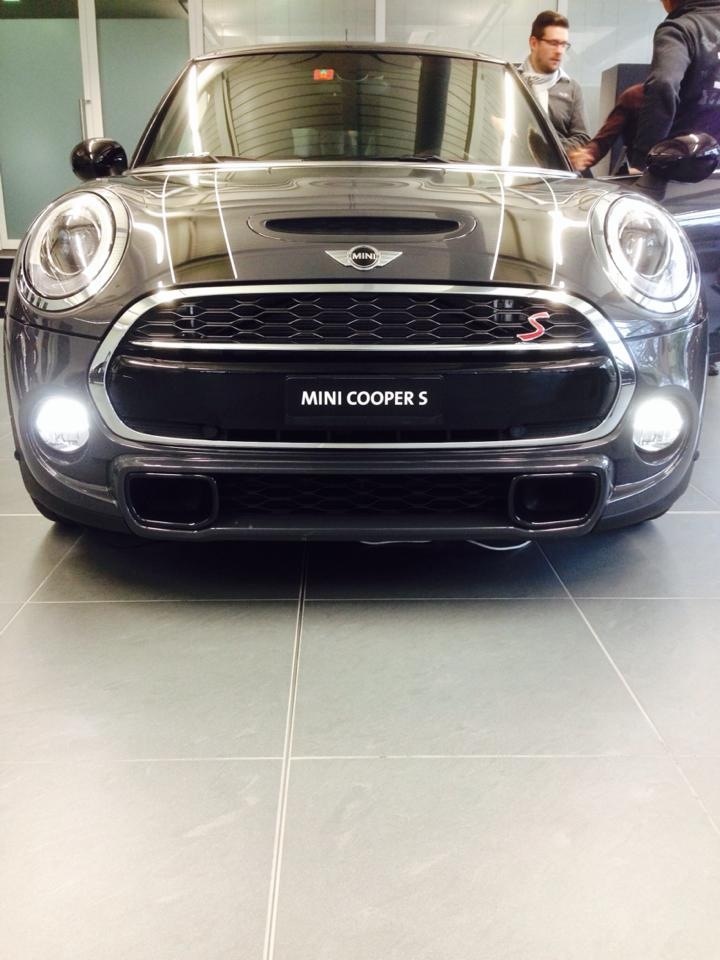
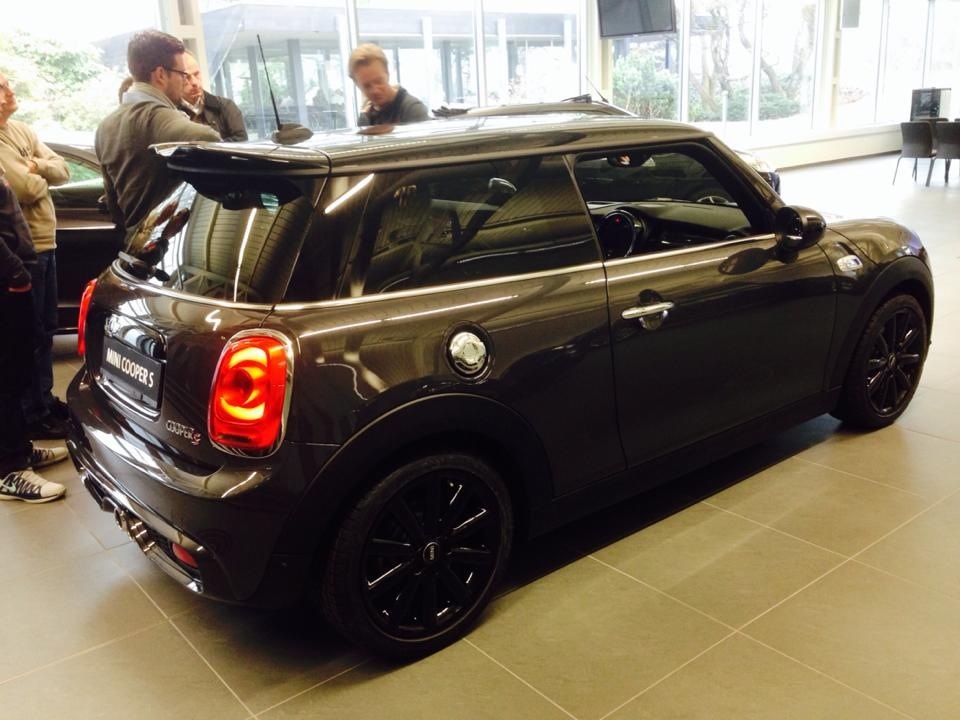
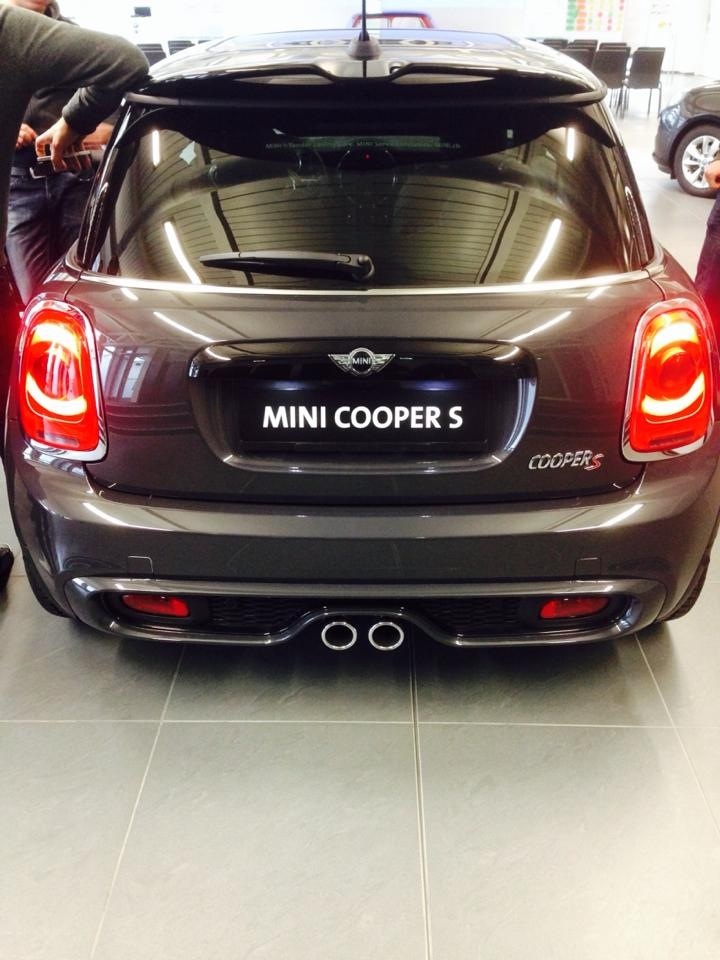
Ma non era 0,5 cm più bassa davanti? Adesso dite 1 cm?Comunque secondo me gli xeno neri sono quasi d'obbligo sennò sembra abbastanza stupidaA me comincia seriamente a piacere.. Mamma mia
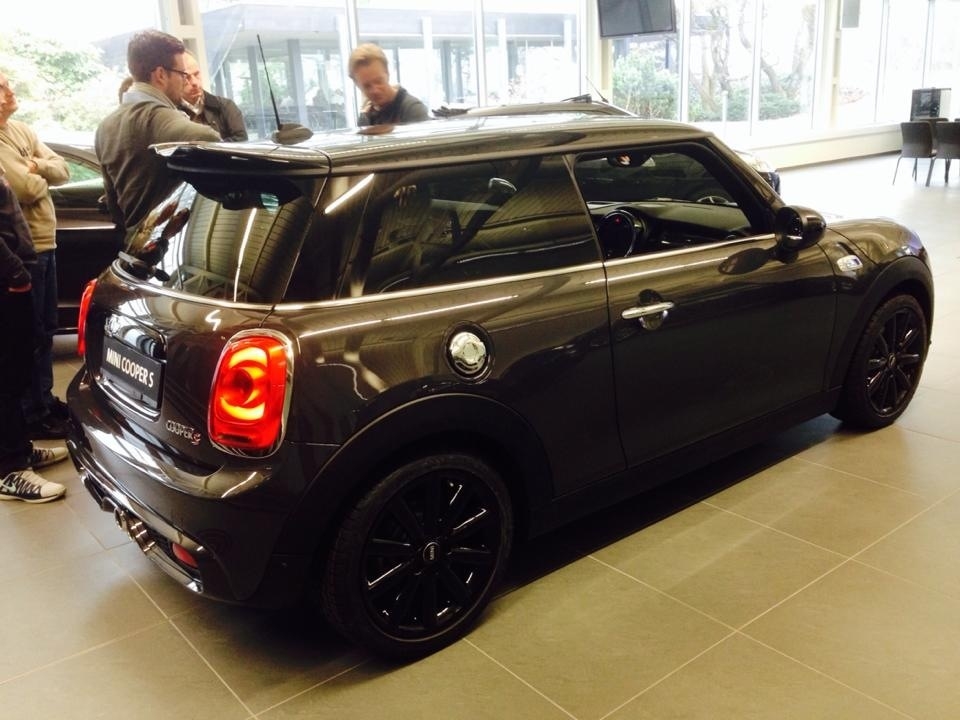
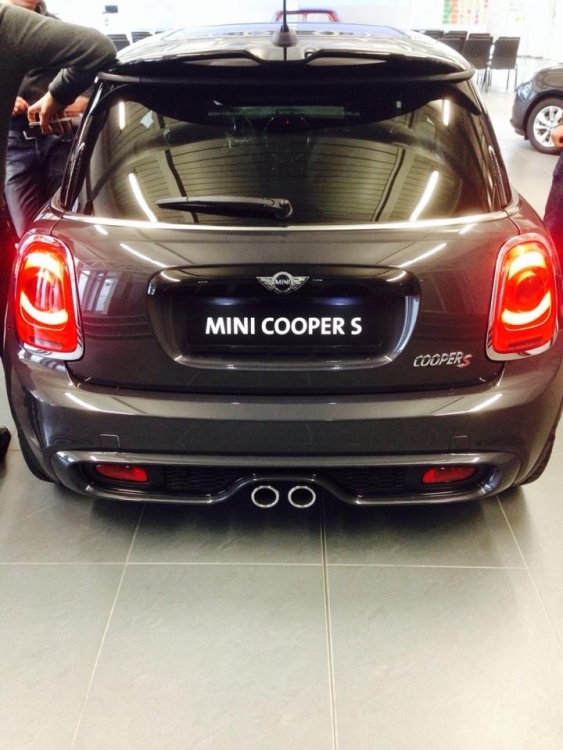 Ma ne avrà max 240/250!! Dai una mini col superbollo non se la piglia nessuno!! Che poi mica è una A3 o serie 1 che sono più grosse e possono gestire meglio la potenzaRagazzi mi dite la vostra se tenere o no il simbolo mini dietro? Se volete nella galleria c'è una foto con e senza ;)Notte!!!Qualcuno mi ha cancellato il messaggio? Mi sembrava di aver postato :) Comunque ci sono pure io col carro funebreUna domanda.. Ma alla fine sta mini funziona o no?Notte people
Account
Navigation
Cerca
Configure browser push notifications
Chrome (Android)
- Tap the lock icon next to the address bar.
- Tap Permissions → Notifications.
- Adjust your preference.
Chrome (Desktop)
- Click the padlock icon in the address bar.
- Select Site settings.
- Find Notifications and adjust your preference.
Safari (iOS 16.4+)
- Ensure the site is installed via Add to Home Screen.
- Open Settings App → Notifications.
- Find your app name and adjust your preference.
Safari (macOS)
- Go to Safari → Preferences.
- Click the Websites tab.
- Select Notifications in the sidebar.
- Find this website and adjust your preference.
Edge (Android)
- Tap the lock icon next to the address bar.
- Tap Permissions.
- Find Notifications and adjust your preference.
Edge (Desktop)
- Click the padlock icon in the address bar.
- Click Permissions for this site.
- Find Notifications and adjust your preference.
Firefox (Android)
- Go to Settings → Site permissions.
- Tap Notifications.
- Find this site in the list and adjust your preference.
Firefox (Desktop)
- Open Firefox Settings.
- Search for Notifications.
- Find this site in the list and adjust your preference.