Albert clubman soho
Utente forum
-
Iscritto
-
Ultima visita
Tutti i contenuti di Albert clubman soho
-
Albert clubman soho ha commentato al immagine della galleria Albert clubman soho in MINI degli utenti
 Bella!! Perché non provi con le cornici in tinta?? :)Io metterei i 18, hai già 211 cv cavolo!! Mica perdi 50 cv mettendo i 18..Ti sei risposto da solo ;)Ma si ragazzi godiamoci ste mini!! Che tanto mica dobbiamo fare ogni giorno :DDavanti escono un pelo e devi abbassarla molto come dice Luca sia per un fattore estetico sia per "antisgamo" dato che abbassandola camberizza un po' ;)Albert clubman soho ha commentato al immagine della galleria Albert clubman soho in MINI degli utenti
 Assorbe meglio le buche delle molle? E sei a -4? Comunque fammi sapere che è quello l'assetto che ho in testa da un sacco :)Albert clubman soho ha commentato al immagine della galleria Albert clubman soho in MINI degli utenti
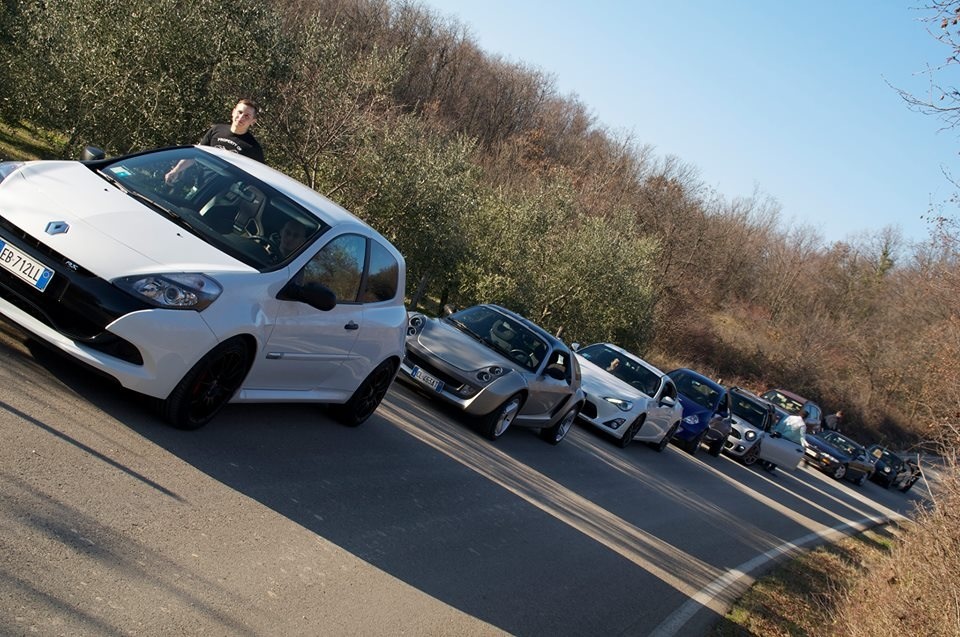
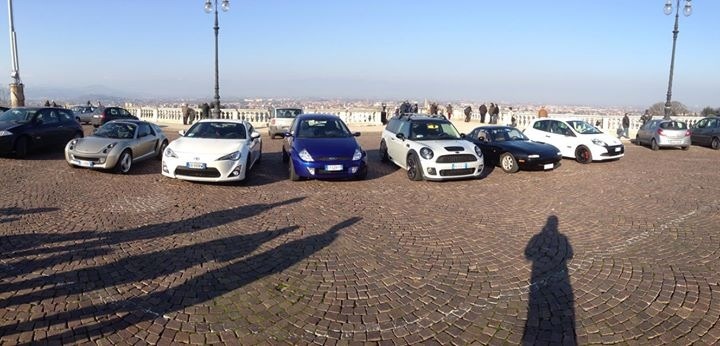
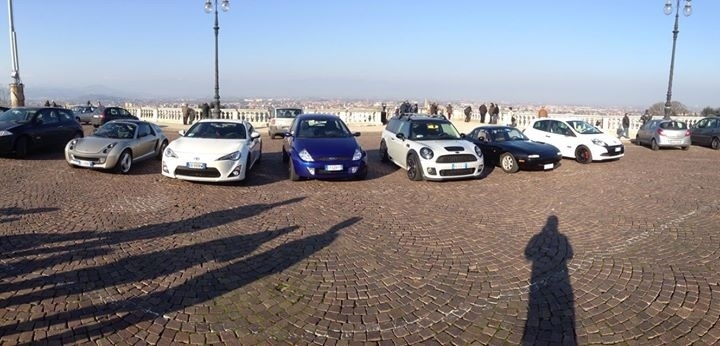
L'hai provata un po' o no? Comunque adesso a quanto sei giù?Giornatina sui colli berici con auto di tutti i tipi :)
Assorbe meglio le buche delle molle? E sei a -4? Comunque fammi sapere che è quello l'assetto che ho in testa da un sacco :)Albert clubman soho ha commentato al immagine della galleria Albert clubman soho in MINI degli utenti
L'hai provata un po' o no? Comunque adesso a quanto sei giù?Giornatina sui colli berici con auto di tutti i tipi :)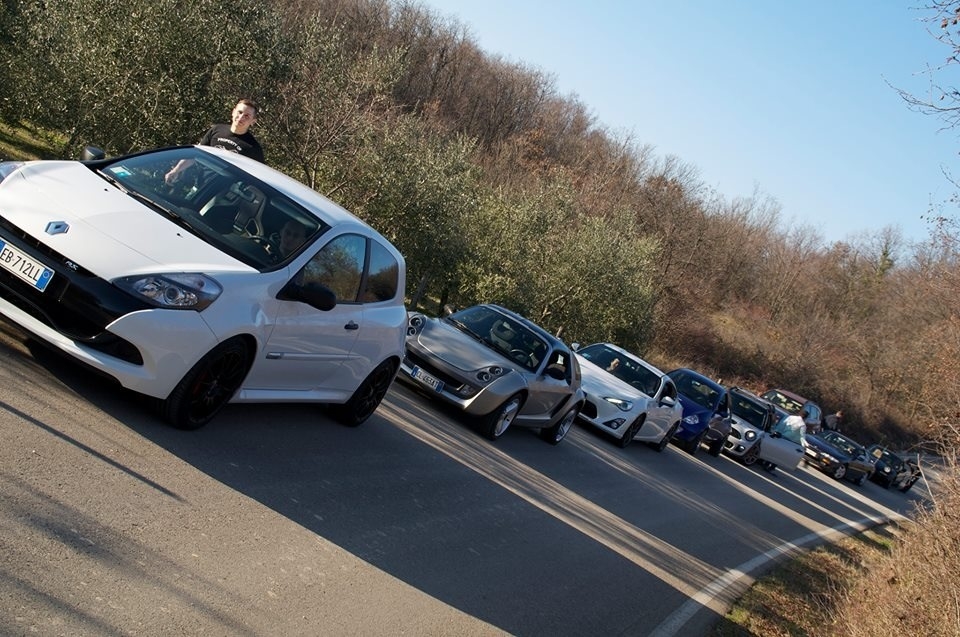
 Notte bomberiBuondì bella genteAlbert clubman soho ha commentato al immagine della galleria Albert clubman soho in MINI degli utenti
 Io tengo ancora su le molle per un po'.. Intanto fra un paio di mesetti mi butto su delle gomme performanti e più avanti verso l'estate si vedrà!Albert clubman soho ha commentato al immagine della galleria Albert clubman soho in MINI degli utenti
Se non li monti.. Sai a chi darli ;) Comunque ottimo up
Io tengo ancora su le molle per un po'.. Intanto fra un paio di mesetti mi butto su delle gomme performanti e più avanti verso l'estate si vedrà!Albert clubman soho ha commentato al immagine della galleria Albert clubman soho in MINI degli utenti
Se non li monti.. Sai a chi darli ;) Comunque ottimo upAccount
Navigation
Cerca
Configure browser push notifications
Chrome (Android)
- Tap the lock icon next to the address bar.
- Tap Permissions → Notifications.
- Adjust your preference.
Chrome (Desktop)
- Click the padlock icon in the address bar.
- Select Site settings.
- Find Notifications and adjust your preference.
Safari (iOS 16.4+)
- Ensure the site is installed via Add to Home Screen.
- Open Settings App → Notifications.
- Find your app name and adjust your preference.
Safari (macOS)
- Go to Safari → Preferences.
- Click the Websites tab.
- Select Notifications in the sidebar.
- Find this website and adjust your preference.
Edge (Android)
- Tap the lock icon next to the address bar.
- Tap Permissions.
- Find Notifications and adjust your preference.
Edge (Desktop)
- Click the padlock icon in the address bar.
- Click Permissions for this site.
- Find Notifications and adjust your preference.
Firefox (Android)
- Go to Settings → Site permissions.
- Tap Notifications.
- Find this site in the list and adjust your preference.
Firefox (Desktop)
- Open Firefox Settings.
- Search for Notifications.
- Find this site in the list and adjust your preference.