Albert clubman soho
Utente forum
-
Iscritto
-
Ultima visita
Tutti i contenuti di Albert clubman soho
-
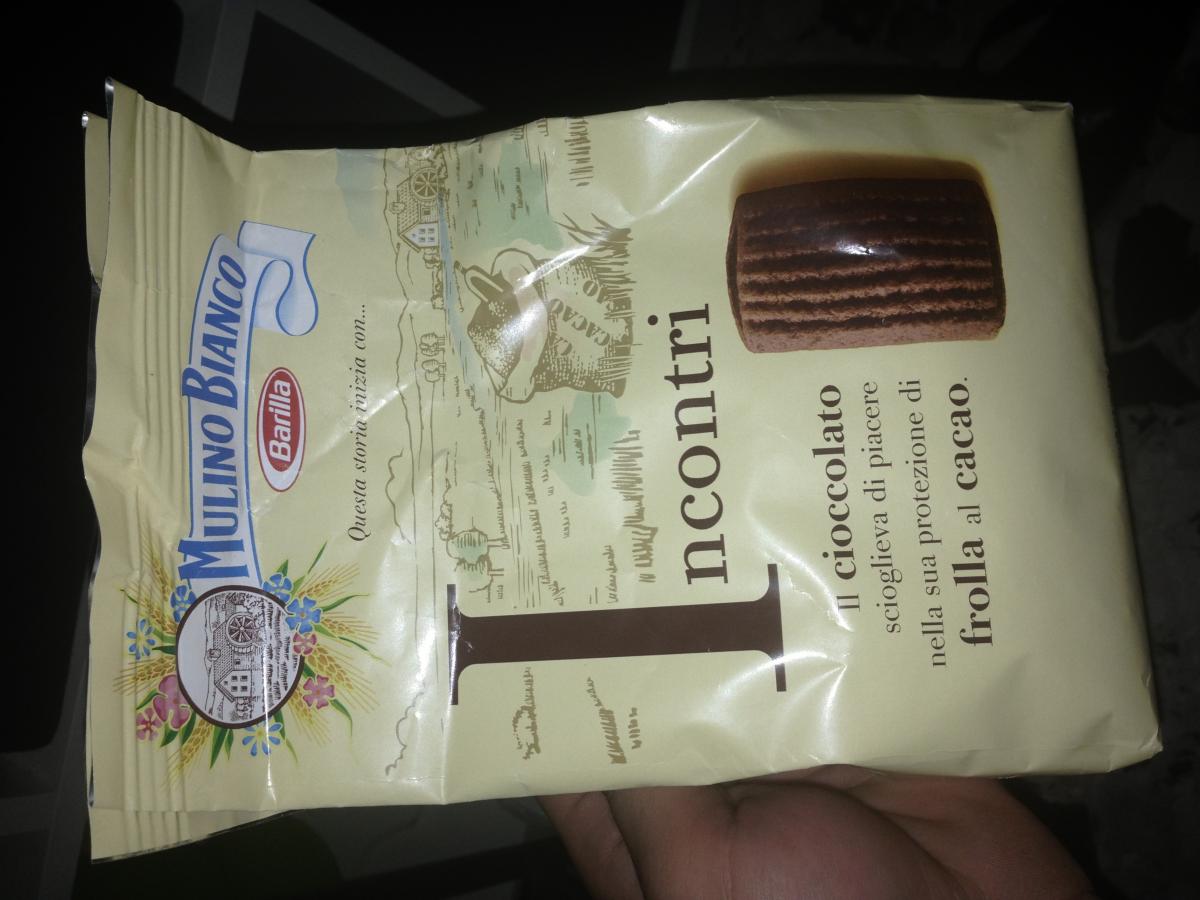
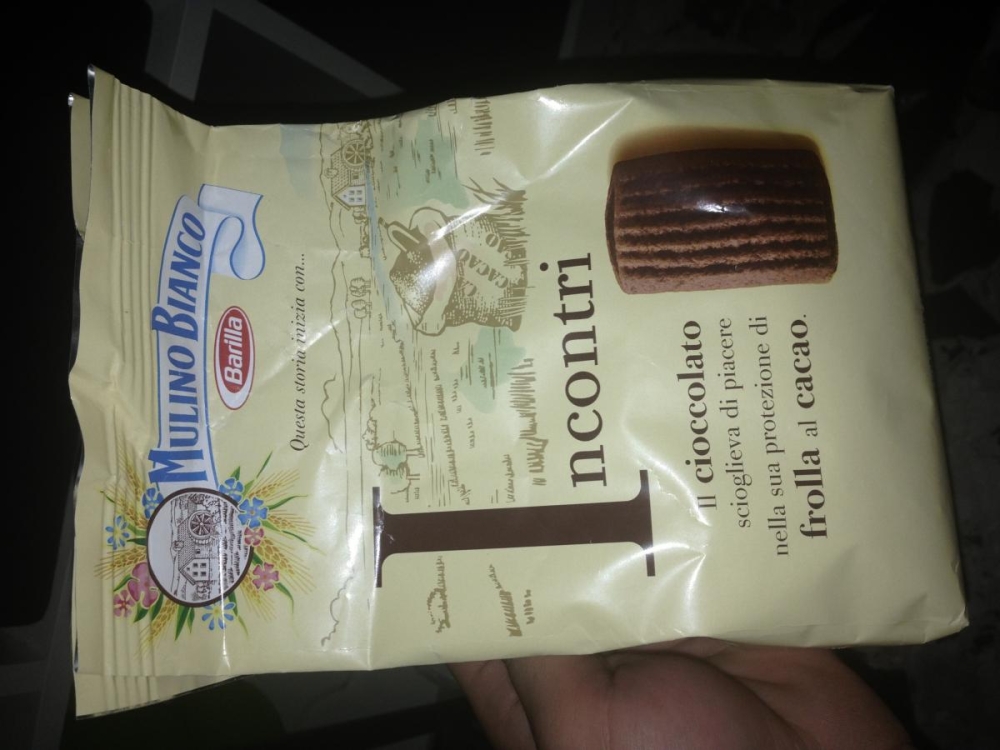
Buondì belli :) Ieri ho comprato i biscotti del mulino bianco.. INCONTRI. Sono il top Consigliati ;)
 Be se non viene Luca via dalla carica di admin.. BuuuuuuuuNotte boys ;)Massi ha fatto indigestione di porceddu e seadas ahahahahahMinchia ma che giri loschi avete a Bergamo?? :)Albert clubman soho ha commentato al immagine della galleria Albert clubman soho in MINI degli utenti
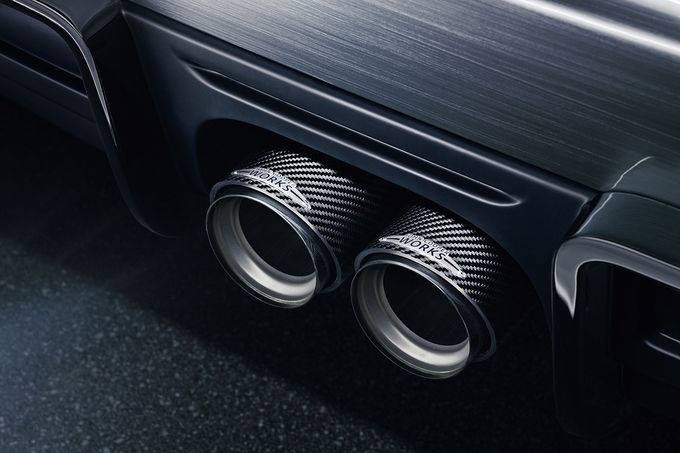
 Bellissima! Pellicola o vernice? Comunque la targa messa li davanti all'Intercooler non è il massimo ;)Nuove foto..
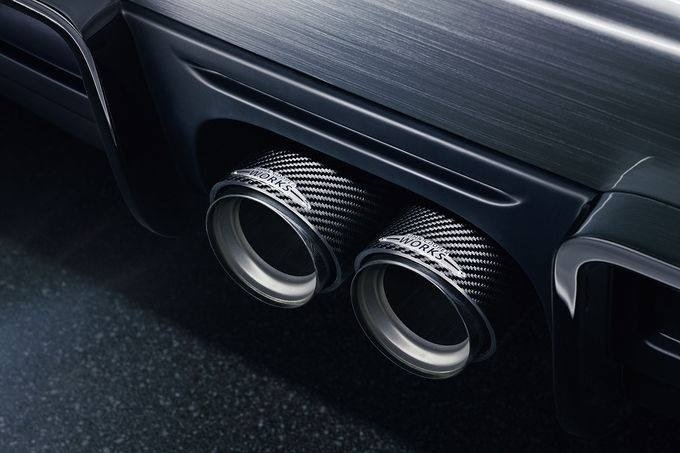
 Notte ministiSilver a me per favore metti +1 intanto.. Vediamo se per venerdì nasce il primogenito.. :DNotte belli :)Non c'è da fidarsi perché graffiano il tetto, io sul nero ho numerosi graffi che però vengono via tranquillamente, però con le temperature rigide non ho proprio sbatti.. Poi io che uso un sacco la mini si sporca subito in questo periodo!A me era successo con un fusibile ;)
Account
Navigation
Cerca
Configure browser push notifications
Chrome (Android)
- Tap the lock icon next to the address bar.
- Tap Permissions → Notifications.
- Adjust your preference.
Chrome (Desktop)
- Click the padlock icon in the address bar.
- Select Site settings.
- Find Notifications and adjust your preference.
Safari (iOS 16.4+)
- Ensure the site is installed via Add to Home Screen.
- Open Settings App → Notifications.
- Find your app name and adjust your preference.
Safari (macOS)
- Go to Safari → Preferences.
- Click the Websites tab.
- Select Notifications in the sidebar.
- Find this website and adjust your preference.
Edge (Android)
- Tap the lock icon next to the address bar.
- Tap Permissions.
- Find Notifications and adjust your preference.
Edge (Desktop)
- Click the padlock icon in the address bar.
- Click Permissions for this site.
- Find Notifications and adjust your preference.
Firefox (Android)
- Go to Settings → Site permissions.
- Tap Notifications.
- Find this site in the list and adjust your preference.
Firefox (Desktop)
- Open Firefox Settings.
- Search for Notifications.
- Find this site in the list and adjust your preference.