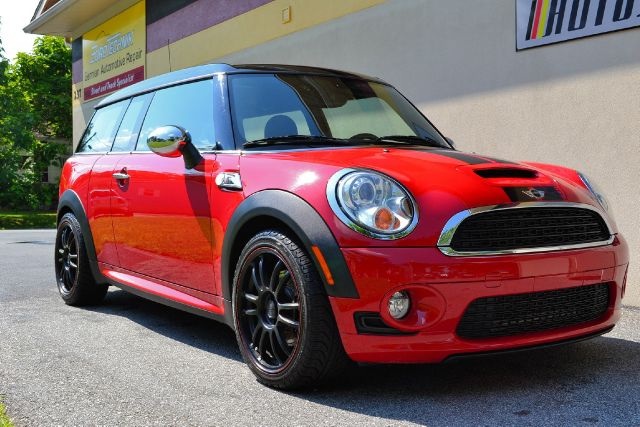
Albert clubman soho
Utente forum
-
Iscritto
-
Ultima visita
Tutti i contenuti di Albert clubman soho
-
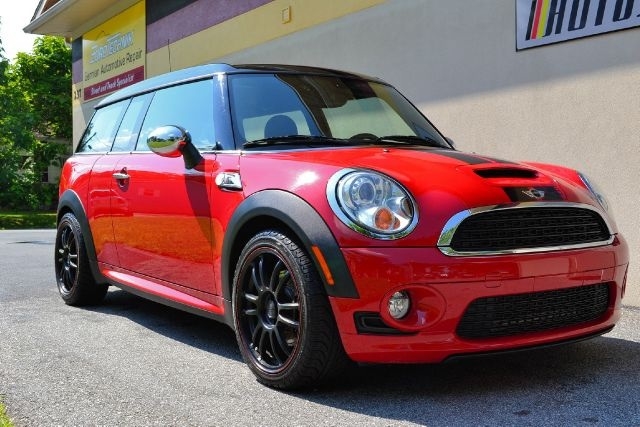
650 bombeeeeeee!!!!!No tutto proprio.. Con le clips, battitacco ecc! Tutto quello nella foto che ho postato all'inizio!Diciamo che mi sento già negli anta adesso.. Non hai idea del conto che è venuto fuori.. Spara!Ragazzi ho appena ordinato le minigonne.. Ho un colpo al cuore..Lambo è più sportiva/ zarra mentre la Ferrari è più elegante!In conce.. E sei hai la tessera hai anche il 30% ;)Ma vuoi cambiare i dischi per estetica o per sostanza?Comunque forse mi sono sbagliato che costano sulle 400 forse il prezzo è 550 azzzz :( Spero tanto di sbagliarmi! Dopo vado a sentire in BMW e vi dico..Ma esistono le ferodo per i 280?? Cmq cambia solo quelli anteriori..Questo è l'allestimento sport in teoria.. A me non piace.. L'unica cosa salvabile sono le minigonne..
Account
Navigation
Cerca
Configure browser push notifications
Chrome (Android)
- Tap the lock icon next to the address bar.
- Tap Permissions → Notifications.
- Adjust your preference.
Chrome (Desktop)
- Click the padlock icon in the address bar.
- Select Site settings.
- Find Notifications and adjust your preference.
Safari (iOS 16.4+)
- Ensure the site is installed via Add to Home Screen.
- Open Settings App → Notifications.
- Find your app name and adjust your preference.
Safari (macOS)
- Go to Safari → Preferences.
- Click the Websites tab.
- Select Notifications in the sidebar.
- Find this website and adjust your preference.
Edge (Android)
- Tap the lock icon next to the address bar.
- Tap Permissions.
- Find Notifications and adjust your preference.
Edge (Desktop)
- Click the padlock icon in the address bar.
- Click Permissions for this site.
- Find Notifications and adjust your preference.
Firefox (Android)
- Go to Settings → Site permissions.
- Tap Notifications.
- Find this site in the list and adjust your preference.
Firefox (Desktop)
- Open Firefox Settings.
- Search for Notifications.
- Find this site in the list and adjust your preference.