salvomini78
Utente forum
-
Iscritto
-
Ultima visita
-
 Grazieee
 -
-
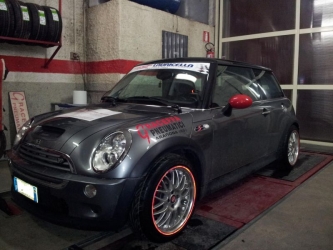
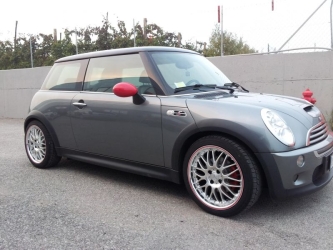 dal vivo rende di più, avevo provato a metterlo più grosso comprato per errore ma tolto subito.... ho trovato questo che sta molto bene sopratutto di notte.....!!! e' catarinfrangente....!!! si vedono i cerchi rossi!!! appena posso mette le foto nuove che ho modificato anche la parte centrale, togliendo il logo.... grazie cmq.... ciaoo
 -
sono della threeface
-
ci dai qualche notizia del prodotto che hai usato ciao...
-
Grazie a tutti.....
-
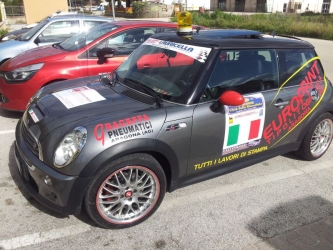
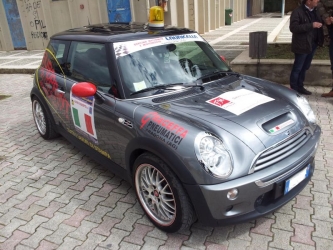
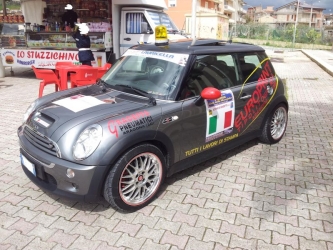
Salve a tutti sono Salvatore sono possessore di una mini cooper S 04, e da quando mi sono messo in testa di fare qualche modifica che vi seguo.... complimenti forum veramente interessante.... ciaooo