Vai al contenuto
View in the app

A better way to browse. Learn more.

mega MINI forum

A full-screen app on your home screen with push notifications, badges and more.

To install this app on iOS and iPadOS
  1. Tap the Share icon in Safari
  2. Scroll the menu and tap Add to Home Screen.
  3. Tap Add in the top-right corner.
To install this app on Android
  1. Tap the 3-dot menu (⋮) in the top-right corner of the browser.
  2. Tap Add to Home screen or Install app.
  3. Confirm by tapping Install.

Classifica

Contenuto Popolare

Mostra il contenuto con la massima reputazione di 26/04/2016 in tutte le aree

  1. 1 punto
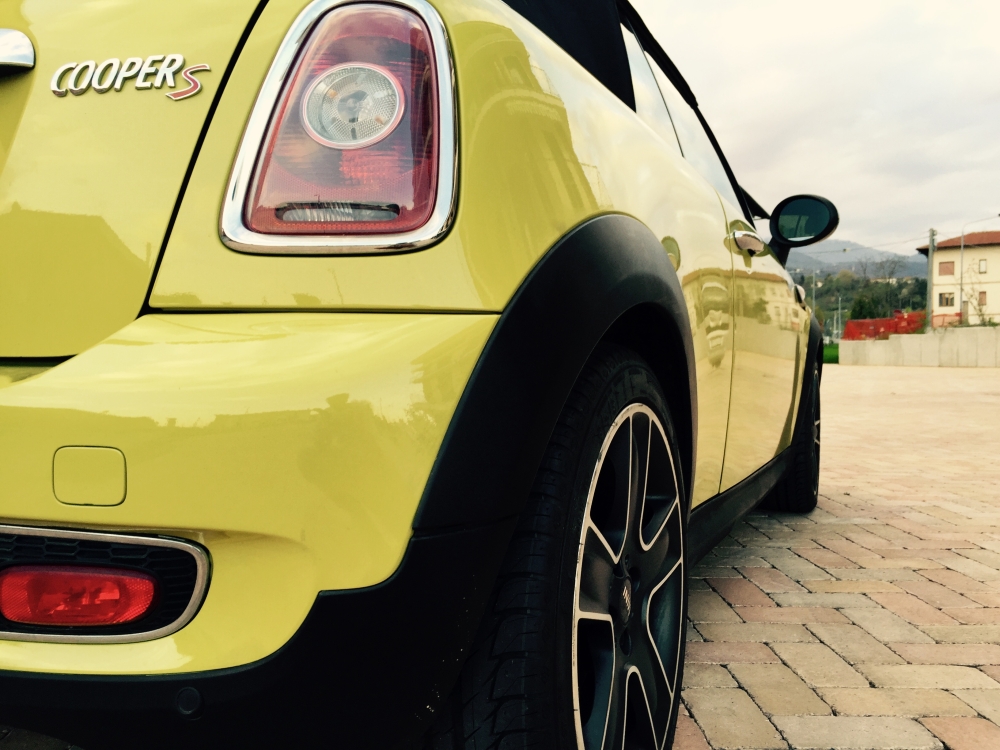
    Ciao a tutti ragazzi! Scusate se non mi sono presentato subito, non lo sapevo! Sono Gabriele ho 21 anni e vengo dalla provincia di Torino, ho acquistato da poco questa splendida Mini, e sono curioso di scoprire molte cose grazie a questo forum su questo spettacolare mondo MINI!
  2. 1 punto
    Benvenuta che mini hai avuto oltre alle clubby ?

Account

Navigation

Cerca

Cerca

Configure browser push notifications

Chrome (Android)
  1. Tap the lock icon next to the address bar.
  2. Tap Permissions → Notifications.
  3. Adjust your preference.
Chrome (Desktop)
  1. Click the padlock icon in the address bar.
  2. Select Site settings.
  3. Find Notifications and adjust your preference.