Classifica
-
Ultimo80
Utente forum1Punti19Numero contenuti -
Marcocoopers2
Utente forum1Punti7Numero contenuti


Contenuto Popolare
Mostra il contenuto con la massima reputazione di 06/03/2018 in tutte le aree
-
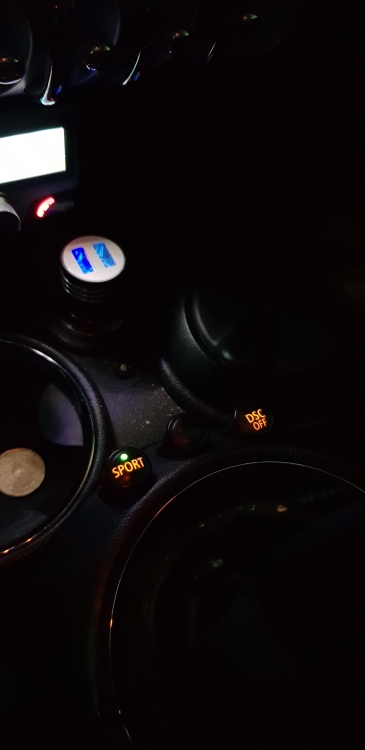
1 puntoStasera finalmente dopo alcuni mesi, grazie al supporto di @Ciamciamm che mi ha effettuato la codifica da remoto, ho finalmente terminato l'installazione del tasto sport in postmontaggio! Grazie ancora del tuo supporto! @Ciamciamm
 1 punto
 -
1 puntoRisolto, dopo una ventina di giorni passati a scervellarmi per installare correttamente il Dis V44 oggi pomeriggio sono riuscito a portare a termine la codifica del radiocomando chiave nella bc1. Non è di immediata comprensione il Dis, ma con un pò d'impegno si ci riesce.1 punto