Vai al contenuto
View in the app

A better way to browse. Learn more.

mega MINI forum

A full-screen app on your home screen with push notifications, badges and more.

To install this app on iOS and iPadOS
  1. Tap the Share icon in Safari
  2. Scroll the menu and tap Add to Home Screen.
  3. Tap Add in the top-right corner.
To install this app on Android
  1. Tap the 3-dot menu (⋮) in the top-right corner of the browser.
  2. Tap Add to Home screen or Install app.
  3. Confirm by tapping Install.

Classifica

Contenuto Popolare

Mostra il contenuto con la massima reputazione di 13/05/2021 in Risposte

  1. Domani monto quella della rsic6 che sicuramente darà un bell'effetto al cofano...
  2. Ho fatto 200 km in tranquillità aspetto ancora un po' per stressarla come si deve... in sport è bella rigida come sospensioni... è silenziosa
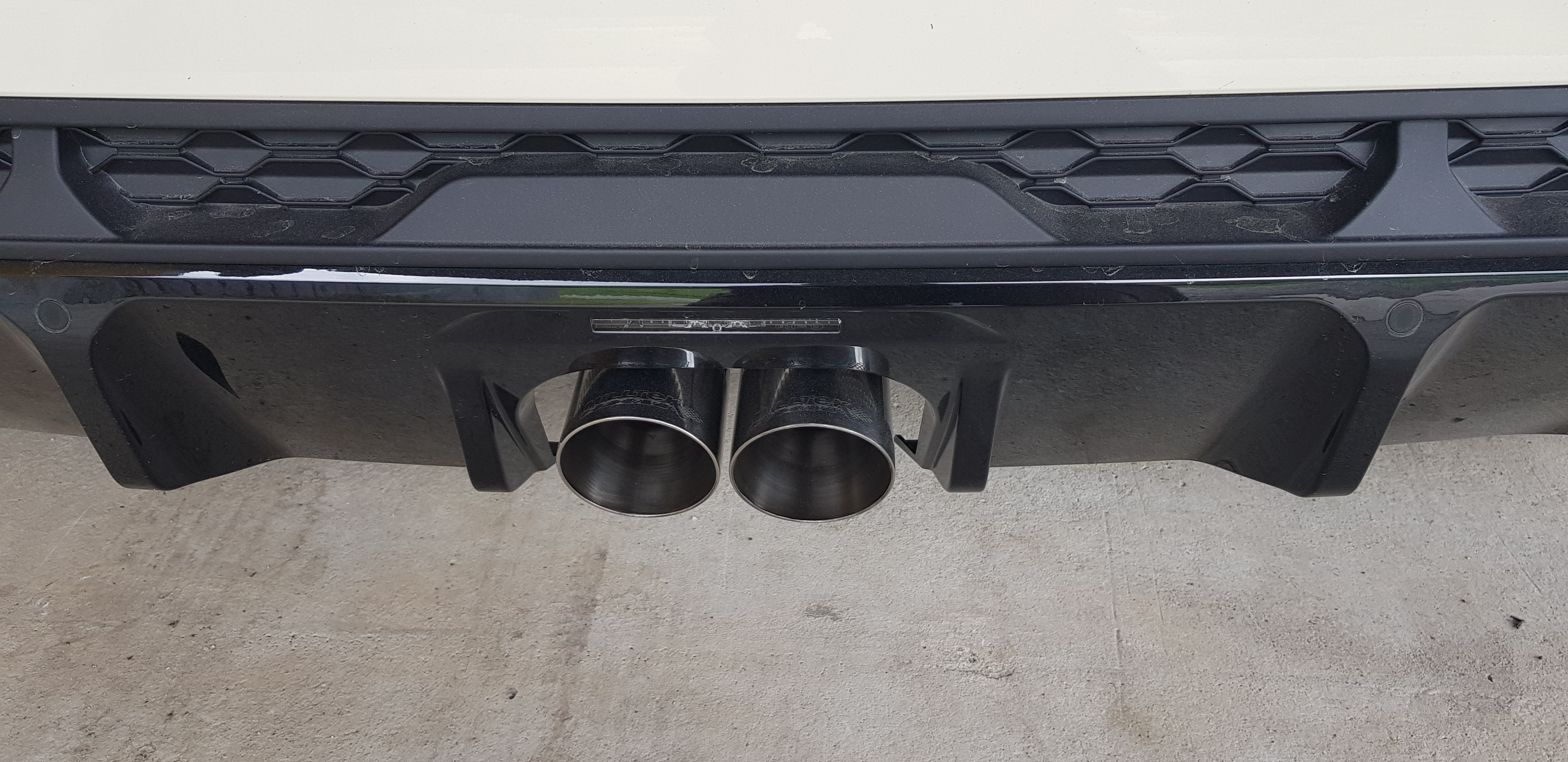
  3. Alla fine che hai messo, solo terminale o anche il centrale?
  4. Di poco ma è migliorata... vediamo tra qualche km
  5. Complimenti, super acquisto! non mi piacciono i cerchi, trovo i suoi originali splendidi. tetto scuro per spezzare un po’ e diventa super! Io lascerei altezza stock

Account

Navigation

Cerca

Cerca

Configure browser push notifications

Chrome (Android)
  1. Tap the lock icon next to the address bar.
  2. Tap Permissions → Notifications.
  3. Adjust your preference.
Chrome (Desktop)
  1. Click the padlock icon in the address bar.
  2. Select Site settings.
  3. Find Notifications and adjust your preference.