Vai al contenuto
View in the app

A better way to browse. Learn more.

mega MINI forum

A full-screen app on your home screen with push notifications, badges and more.

To install this app on iOS and iPadOS
  1. Tap the Share icon in Safari
  2. Scroll the menu and tap Add to Home Screen.
  3. Tap Add in the top-right corner.
To install this app on Android
  1. Tap the 3-dot menu (⋮) in the top-right corner of the browser.
  2. Tap Add to Home screen or Install app.
  3. Confirm by tapping Install.

Classifica

Contenuto Popolare

Mostra il contenuto con la massima reputazione di 04/08/2021 in tutte le aree

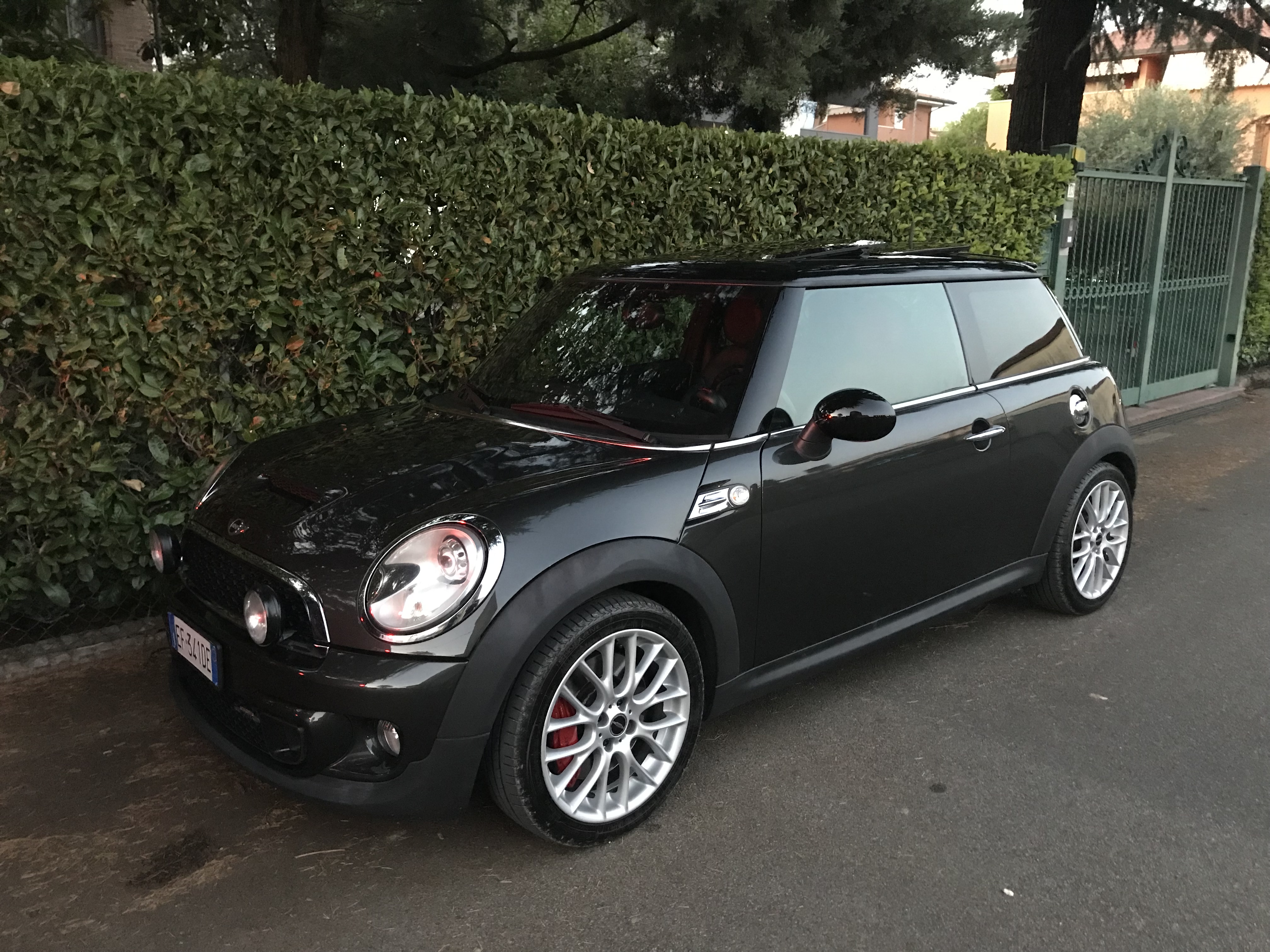
  1. Ciao gli ammo li avevo cambiati una volta nel 2018/19 non ricordo quando li avevo montato, avranno sui 40mila km, mi trovo molto bene, è migliorata un sacco di tenuta
  2. 1 punto
    Vi ringrazio per i consigli che mi avete dato ma ho deciso di seguire il cuore ed optare per una R56 JCW, sono intenzionato a prendere questa: https://www.autoscout24.it/annunci/mini-john-cooper-works-mini-1-6-16v-jcw-pepper-benzina-grigio-955681c4-58c4-3949-e053-0100007fba48?utm_source=ios-share&utm_medium=copy_link&utm_campaign=share Chilometraggio: 80.000 km Anno: 07/2010 voi cosa ne dite?
  3. Eh devo aspettare quando potrò portare più cose con un mezzo più adatto

Account

Navigation

Cerca

Cerca

Configure browser push notifications

Chrome (Android)
  1. Tap the lock icon next to the address bar.
  2. Tap Permissions → Notifications.
  3. Adjust your preference.
Chrome (Desktop)
  1. Click the padlock icon in the address bar.
  2. Select Site settings.
  3. Find Notifications and adjust your preference.