Gianmarco
Utente forum
-
Iscritto
-
Ultima visita
Tutti i contenuti di Gianmarco
-
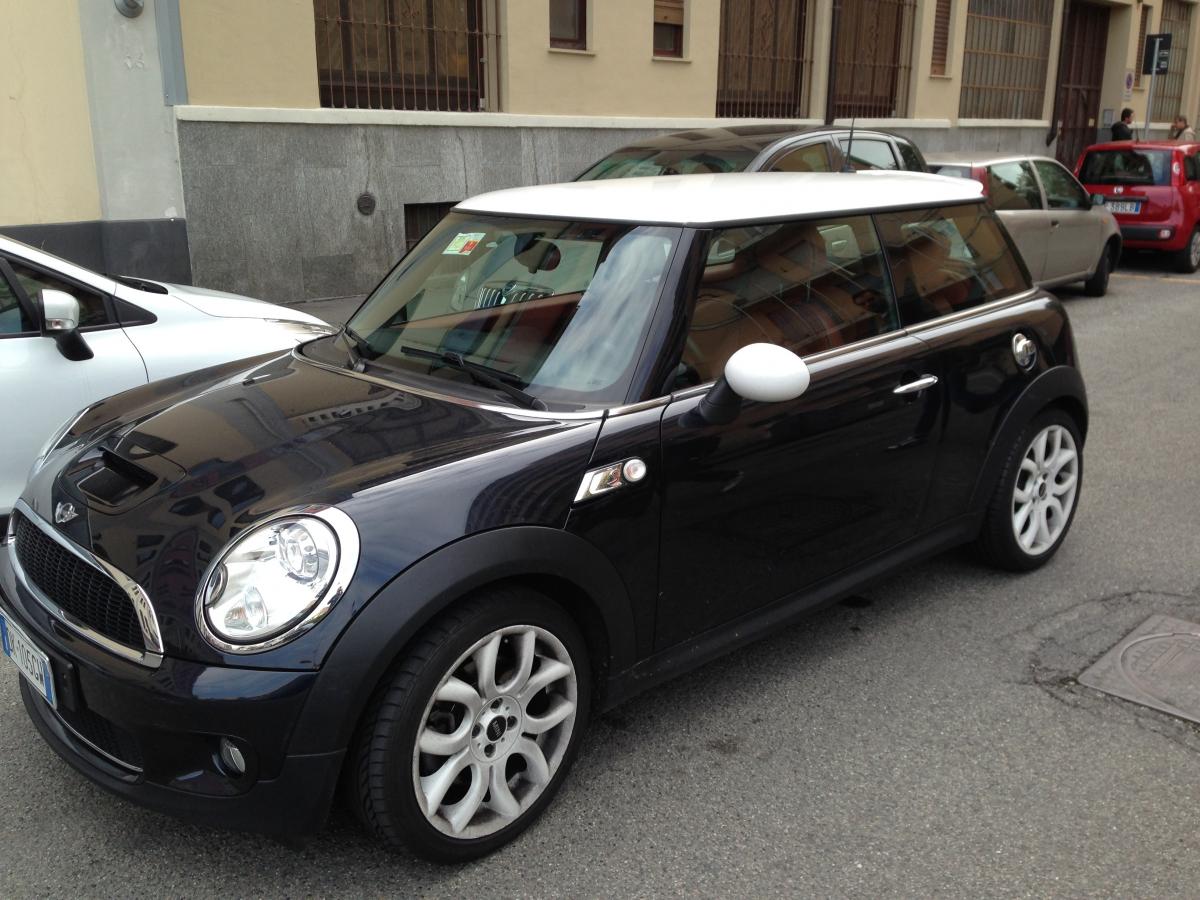
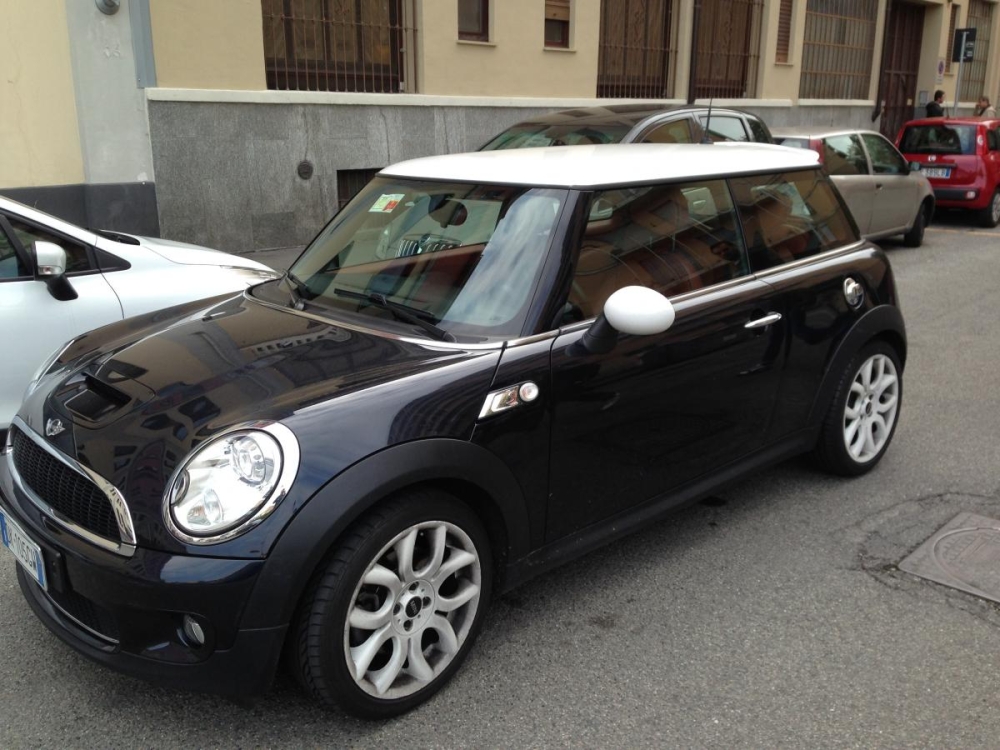
ciao a tutti! sulla mia mini cooper s mi sono accorto ora che il livello olio è sceso sotto il livello del minimo e tocca di poco l'asticella per il controllo dell'olio! è possibile che si sia rovinato il motore o altri componenti? domani provvederò al rabbocco!! e inoltre ogni quanto va fatto il cambio completo dell'olio? grazie a tutti per le risposte!!!Buongiorno a tutti! Mi sono appena iscritto al forum; settimana prossima mi arriva la prima Mini!! L'ho presa usata 31000km del 2007 a 10'000 che ne dite é un buon prezzo? Pack chili interni in pelle crome line interna e esterna tasto sport e assetto sportivo. L'ho provata é una bomba!!!!
Account
Navigation
Cerca
Configure browser push notifications
Chrome (Android)
- Tap the lock icon next to the address bar.
- Tap Permissions → Notifications.
- Adjust your preference.
Chrome (Desktop)
- Click the padlock icon in the address bar.
- Select Site settings.
- Find Notifications and adjust your preference.
Safari (iOS 16.4+)
- Ensure the site is installed via Add to Home Screen.
- Open Settings App → Notifications.
- Find your app name and adjust your preference.
Safari (macOS)
- Go to Safari → Preferences.
- Click the Websites tab.
- Select Notifications in the sidebar.
- Find this website and adjust your preference.
Edge (Android)
- Tap the lock icon next to the address bar.
- Tap Permissions.
- Find Notifications and adjust your preference.
Edge (Desktop)
- Click the padlock icon in the address bar.
- Click Permissions for this site.
- Find Notifications and adjust your preference.
Firefox (Android)
- Go to Settings → Site permissions.
- Tap Notifications.
- Find this site in the list and adjust your preference.
Firefox (Desktop)
- Open Firefox Settings.
- Search for Notifications.
- Find this site in the list and adjust your preference.