Vai al contenuto
View in the app

A better way to browse. Learn more.

mega MINI forum

A full-screen app on your home screen with push notifications, badges and more.

To install this app on iOS and iPadOS
  1. Tap the Share icon in Safari
  2. Scroll the menu and tap Add to Home Screen.
  3. Tap Add in the top-right corner.
To install this app on Android
  1. Tap the 3-dot menu (⋮) in the top-right corner of the browser.
  2. Tap Add to Home screen or Install app.
  3. Confirm by tapping Install.

Ska_niko

Utente forum
  • Iscritto

  • Ultima visita

Tutti i contenuti di Ska_niko

  1. Se stacco il connettore dal selettore, l'errore sparisce. Rimettendolo l'errore riappare. Quello che fa strano é che il selettore si illuminavano accendo i fari quindi credo di aver attaccato correttamente i cavi!
  2. Grazie della guida ma ho un problema.. ho installato il selettore, collegato i fili accendo la macchina e.. errore sistema di navigazione! Devo ancora farela codifica perché il vgate mi arriva la prossima settimana.. cosa può essere? La ghiera si illumina quindi immagino di aver collegato giusto l'alimentazione.. avró fatto danni?
  3. Ska_niko ha pubblicato una discussione in New megaMINI DRIVERS
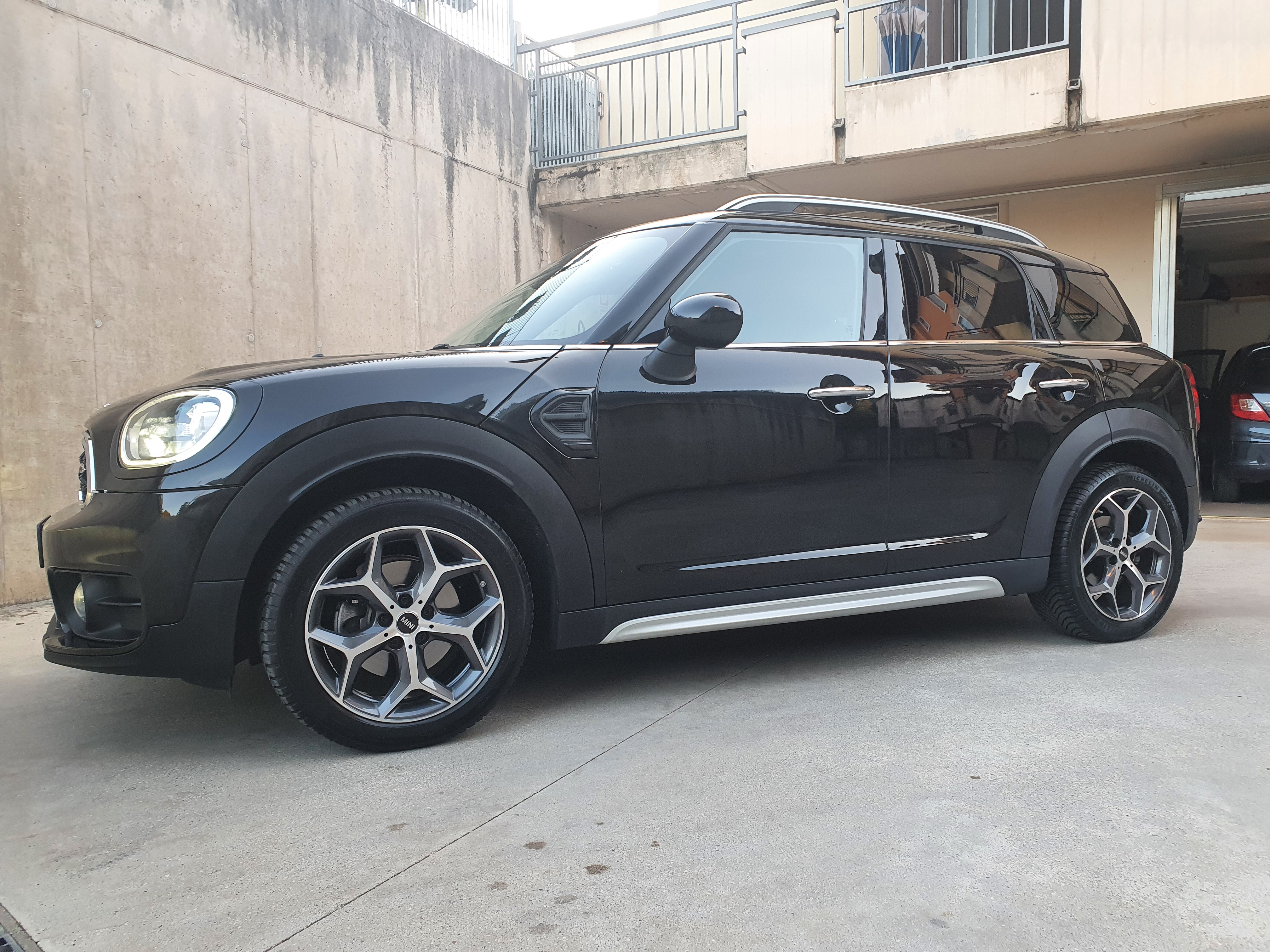
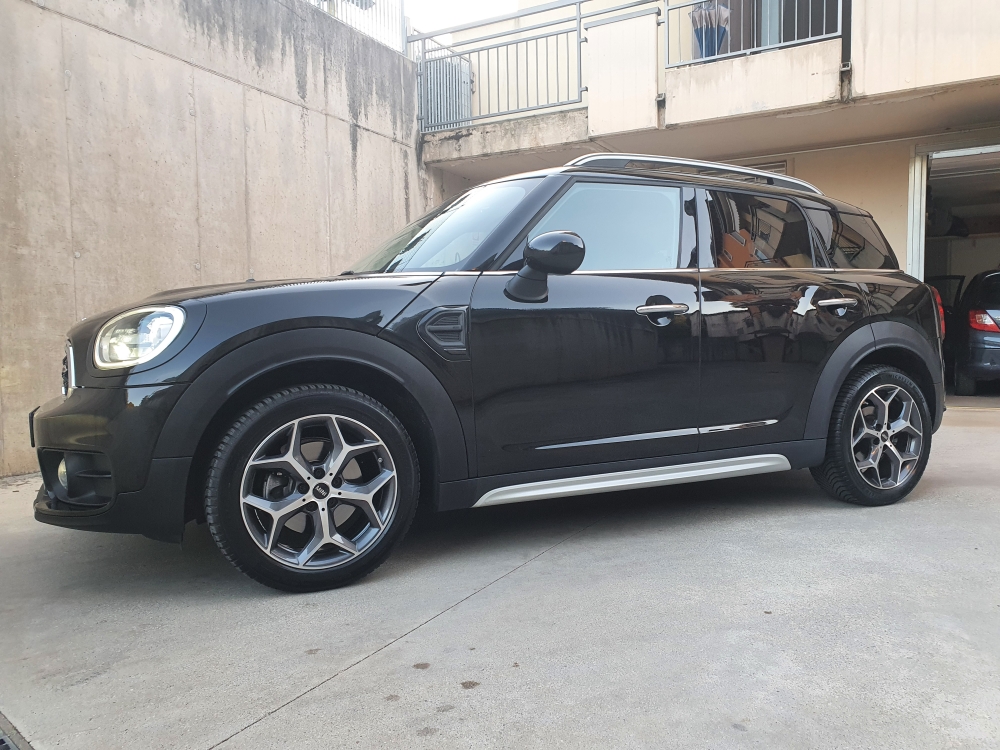
    Buongiorno Sono Nicola di Verona ed ho appena acquistato una countryman F60.. Spero di trovare notizie ed info utili su questo forum! Grazie!
Account

Navigation

Cerca

Cerca

Configure browser push notifications

Chrome (Android)
  1. Tap the lock icon next to the address bar.
  2. Tap Permissions → Notifications.
  3. Adjust your preference.
Chrome (Desktop)
  1. Click the padlock icon in the address bar.
  2. Select Site settings.
  3. Find Notifications and adjust your preference.