Vai al contenuto
View in the app

A better way to browse. Learn more.

mega MINI forum

A full-screen app on your home screen with push notifications, badges and more.

To install this app on iOS and iPadOS
  1. Tap the Share icon in Safari
  2. Scroll the menu and tap Add to Home Screen.
  3. Tap Add in the top-right corner.
To install this app on Android
  1. Tap the 3-dot menu (⋮) in the top-right corner of the browser.
  2. Tap Add to Home screen or Install app.
  3. Confirm by tapping Install.

Rlluca

Utente forum
  • Iscritto

  • Ultima visita

Tutti i contenuti di Rlluca

  1. Rlluca ha risposto a MF4 nella discussione Interior
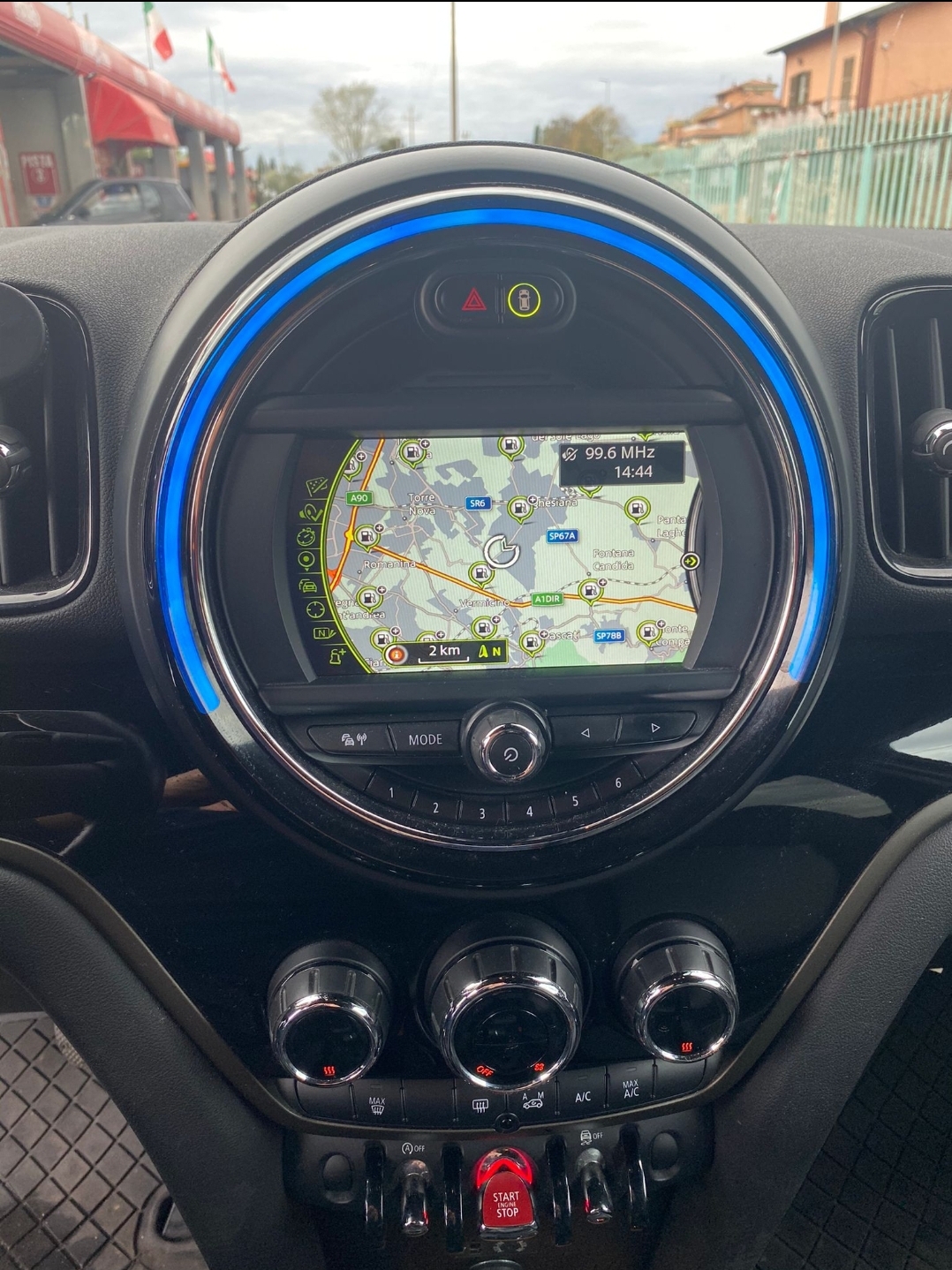
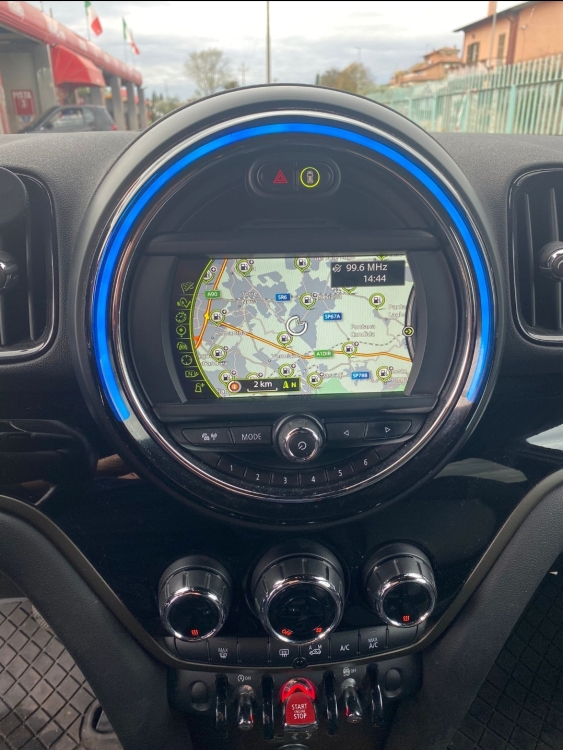
    Buongiorno ragazzi non so se sto seguendo la giusta strada ma ho bisogno di capire dove prendere modulo ovviamente aftermarket x retrocamera che faccia anche front camera x mini countryman f60 Allego il sistema attuale che cmq non so che modello sia . Purtroppo sono nuovo nel mondo mini e scusate le domande banali
  2. Rlluca ha pubblicato una discussione in New megaMINI DRIVERS
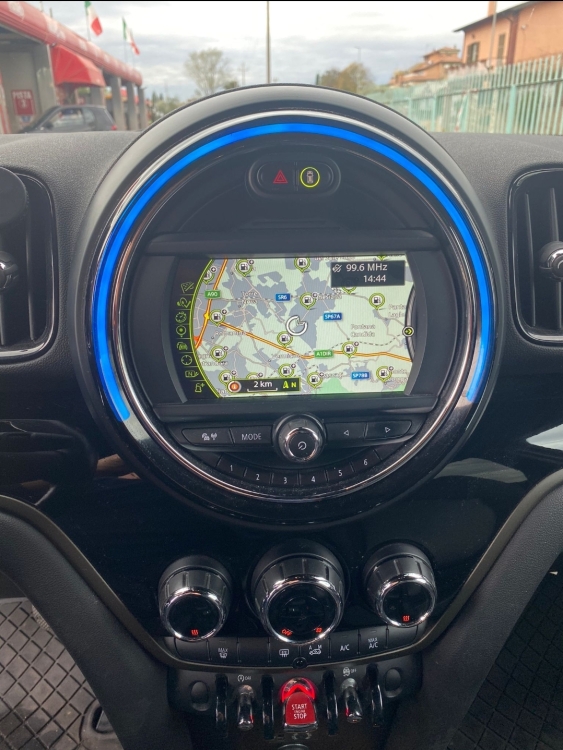
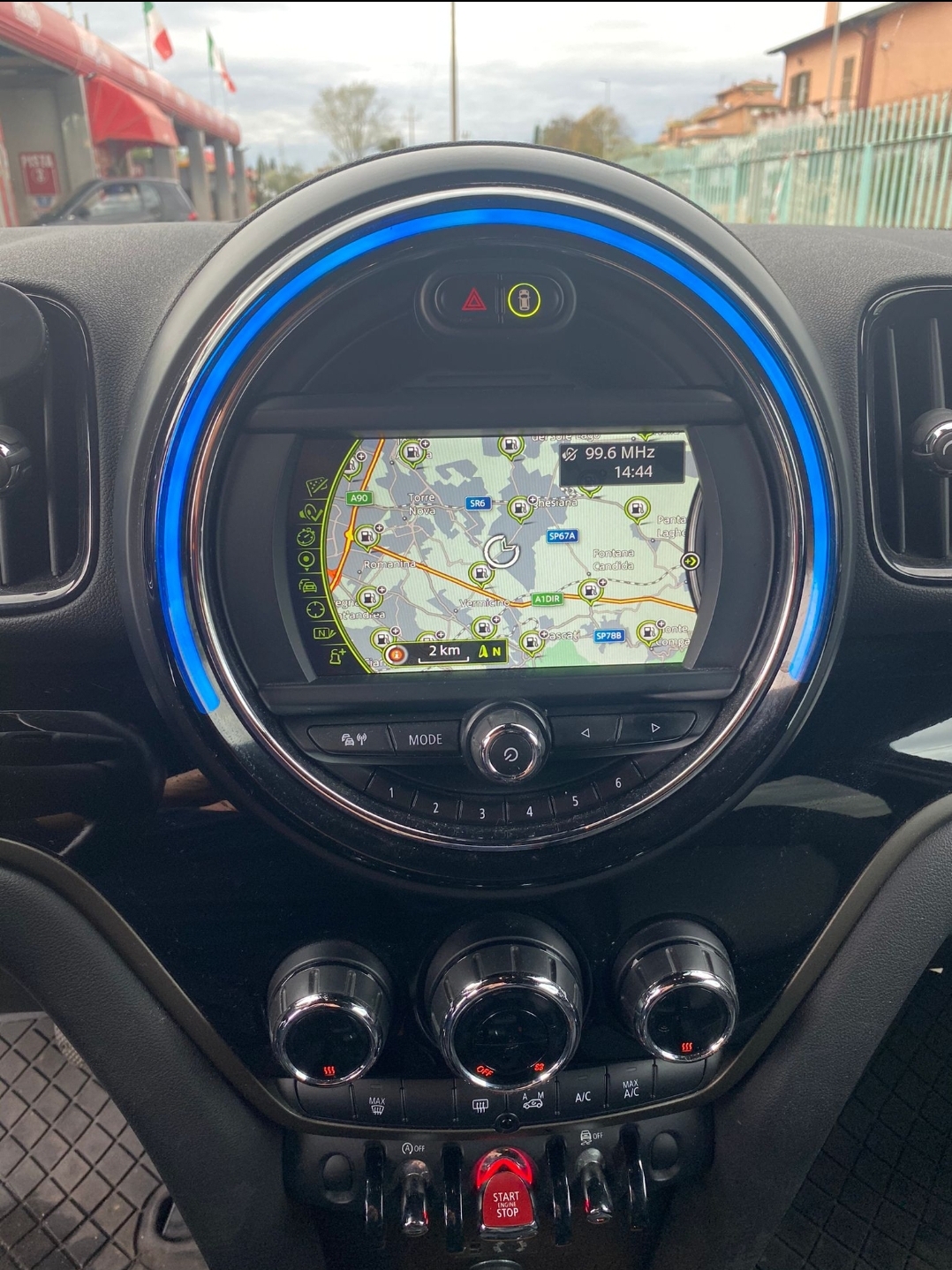
    Buongiorno settimana prossima vado a ritirare una countryman f60 2.0 150 d del 2017 con 91 mila km con ancora 2 anni di garanzia next Ho bisogno di alcune informazioni, Come ad esempio prendere un modulo aftermarket x retrocamera E' cmq capire che sistema monta allego foto
Account

Navigation

Cerca

Cerca

Configure browser push notifications

Chrome (Android)
  1. Tap the lock icon next to the address bar.
  2. Tap Permissions → Notifications.
  3. Adjust your preference.
Chrome (Desktop)
  1. Click the padlock icon in the address bar.
  2. Select Site settings.
  3. Find Notifications and adjust your preference.