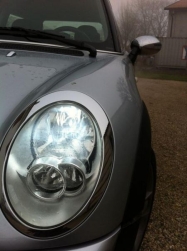
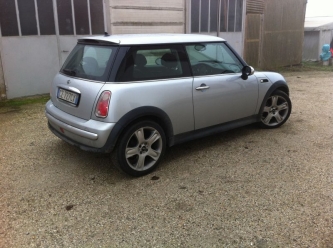
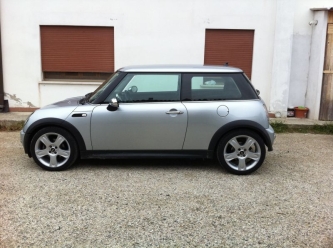
- 6° Raduno megaMINI
-
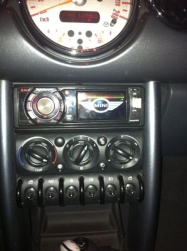
LOGO MINI SU AUTORADIO
-
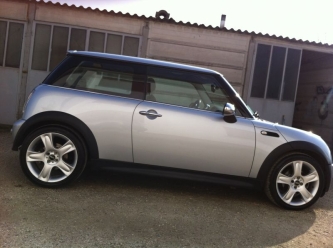
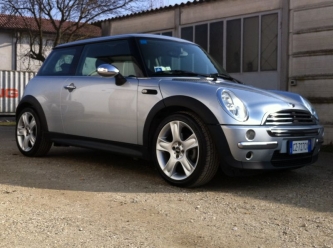
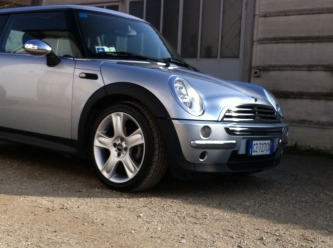
MY MINI
-
LOGO MINI SU AUTORADIO
GRAZIE, MEGLIO DELL'ORIGINALE SICURO, MA PECCATO PER IL LOGO CHE SCOMPAIA QUANDO ASCOLTO LA RADIO O UN CD...
-
Fischio strano a 1500 giri
Problema risolto... Alternatore andato e 650€ regalati....
-
Fischio strano a 1500 giri
Domani pomeriggio vado dal mio meccanico e vi aggiorno sul problema... Cmq anche oggi lo fa... Speriamo bene...
-
Fischio strano a 1500 giri
- Fischio strano a 1500 giri
Da questa mattina dopo aver lasciato la mia mini fuori al gelo, l'ho accesa e lasciata scafare per bene... Sono partito e sentivo un fischio strano a bassi giri... Una volta fermo il rumore continua anche al minimo... Ho una mini One d del 2006... Sapete dirmi cosa può essere?- Cinghia idriguida One d
problema risolto, cinghia difettosa...- Cinghia idriguida One d
Sono state sostituite le pulegge... Avevo pensato anch'io al discorso del tiraggio, ma me lo avrebbe fatto subito sto problema... Boh domani sera la porto e poi so di che morte morire...- Cinghia idriguida One d
IDROGUIDA... sorry....! - Fischio strano a 1500 giri
Account
Navigation
Cerca
Configure browser push notifications
Chrome (Android)
- Tap the lock icon next to the address bar.
- Tap Permissions → Notifications.
- Adjust your preference.
Chrome (Desktop)
- Click the padlock icon in the address bar.
- Select Site settings.
- Find Notifications and adjust your preference.
Safari (iOS 16.4+)
- Ensure the site is installed via Add to Home Screen.
- Open Settings App → Notifications.
- Find your app name and adjust your preference.
Safari (macOS)
- Go to Safari → Preferences.
- Click the Websites tab.
- Select Notifications in the sidebar.
- Find this website and adjust your preference.
Edge (Android)
- Tap the lock icon next to the address bar.
- Tap Permissions.
- Find Notifications and adjust your preference.
Edge (Desktop)
- Click the padlock icon in the address bar.
- Click Permissions for this site.
- Find Notifications and adjust your preference.
Firefox (Android)
- Go to Settings → Site permissions.
- Tap Notifications.
- Find this site in the list and adjust your preference.
Firefox (Desktop)
- Open Firefox Settings.
- Search for Notifications.
- Find this site in the list and adjust your preference.