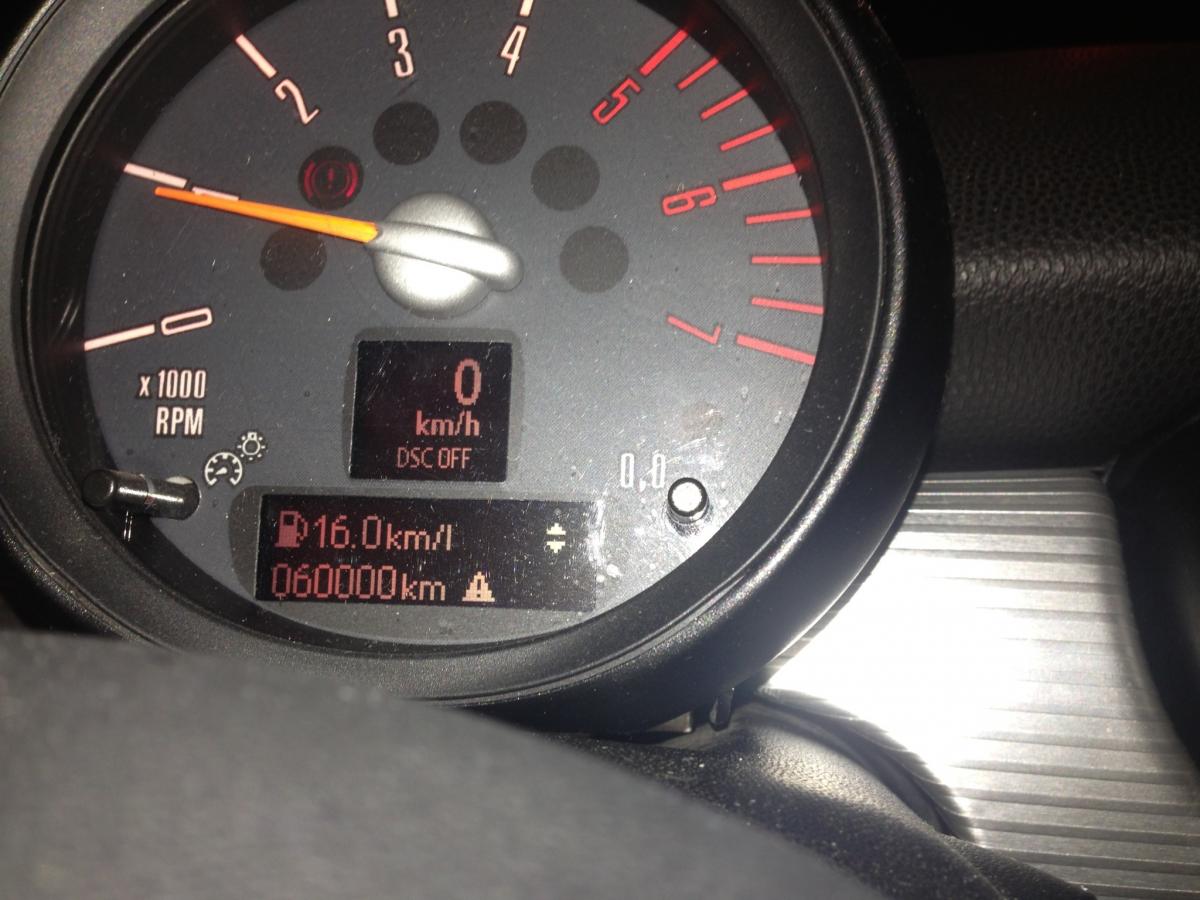
Albert clubman soho
Utente forum
-
Iscritto
-
Ultima visita
Tutti i contenuti di Albert clubman soho
-
Albert clubman soho ha commentato al immagine della galleria Albert clubman soho in MINI degli utenti
 A me piace un sacco.. Basterebbe solo valorizzarla con .... Completa tu Carmine :P
 -
Sera ragazzi :)
-
Purtroppo questo forum è poco frequentato da possessori di old.. Prova a sentire su fb o su internet ministi veneti
-
Auguri clubby
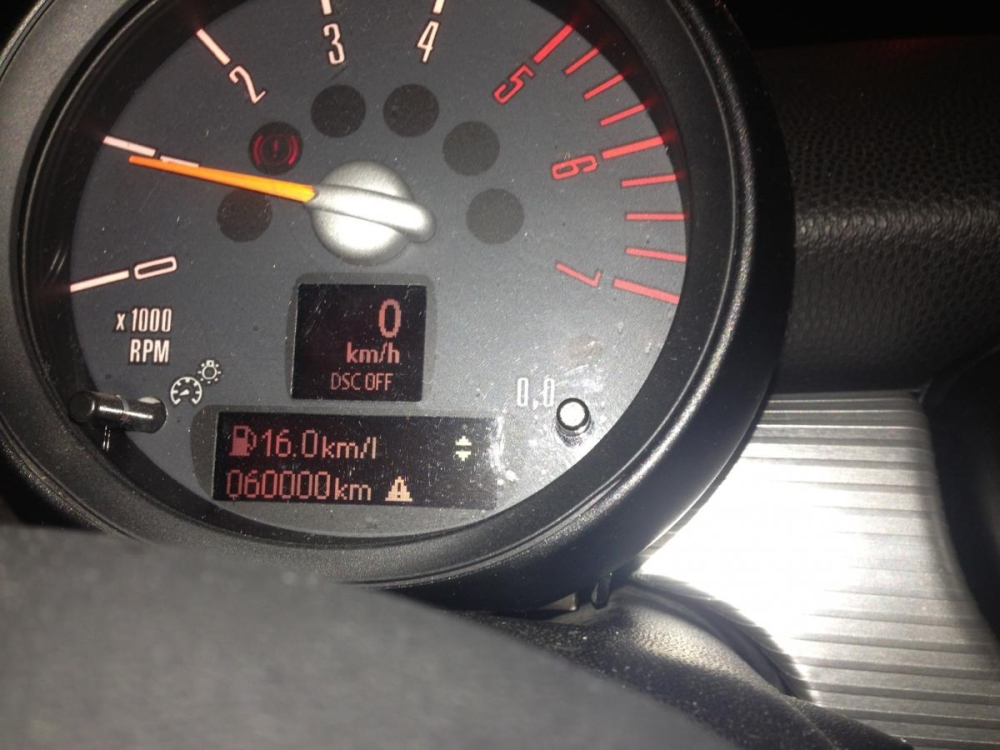 http://blogdieles.altervista.org/attenzione-se-il-ticket-del-parcheggio-scaduto-la-multa-illegale-leggete-questo/ Ciao frenky, confermi questa novità? Se fosse così come si fa a dimostrare l'orario in cui si è tornati per pagare la differenza?Ragazzi se volete farvi 2 risate e/o vedere quanta ignoranza ha certa gente entrate su fb in un gruppo dello speed day che hanno da poco formato.. Gente proprio ottusa. Provo tanta vergogna per loro NotteBuongiorno :)Buongiorno people :)http://www.labibbiadeltuning.it/?p=256Che sfiga..Dipende quanto fuori è! Posta una fotoAlbert clubman soho ha commentato al immagine della galleria Albert clubman soho in MINI degli utenti
 Fari chiari e cornici in tinta.. ;)
Account
Navigation
Cerca
Configure browser push notifications
Chrome (Android)
- Tap the lock icon next to the address bar.
- Tap Permissions → Notifications.
- Adjust your preference.
Chrome (Desktop)
- Click the padlock icon in the address bar.
- Select Site settings.
- Find Notifications and adjust your preference.
Safari (iOS 16.4+)
- Ensure the site is installed via Add to Home Screen.
- Open Settings App → Notifications.
- Find your app name and adjust your preference.
Safari (macOS)
- Go to Safari → Preferences.
- Click the Websites tab.
- Select Notifications in the sidebar.
- Find this website and adjust your preference.
Edge (Android)
- Tap the lock icon next to the address bar.
- Tap Permissions.
- Find Notifications and adjust your preference.
Edge (Desktop)
- Click the padlock icon in the address bar.
- Click Permissions for this site.
- Find Notifications and adjust your preference.
Firefox (Android)
- Go to Settings → Site permissions.
- Tap Notifications.
- Find this site in the list and adjust your preference.
Firefox (Desktop)
- Open Firefox Settings.
- Search for Notifications.
- Find this site in the list and adjust your preference.