Albert clubman soho
Utente forum
-
Iscritto
-
Ultima visita
Tutti i contenuti di Albert clubman soho
-
Bellissimi!! Però a me piacciono più nero lucido anche se non esistono.. E il coprimozzo cambialo ;)
-
Ahahahah non dirmi che sei tu!!!!! :D
-
È un motore difficile da potenziare.. Filtro, scarico e centralina.. 1000/1500€ per 10/15 cvAlbert clubman soho ha commentato al immagine della galleria Albert clubman soho in MINI degli utenti
 Neri tutta la vita!!! Comunque escono così tanto??? Auguri con le fdo caro :DIn 4 giorni ho fatto 500 km.. Forse è meglio che tenga la mia :DAlbert clubman soho ha commentato al immagine della galleria Albert clubman soho in MINI degli utenti
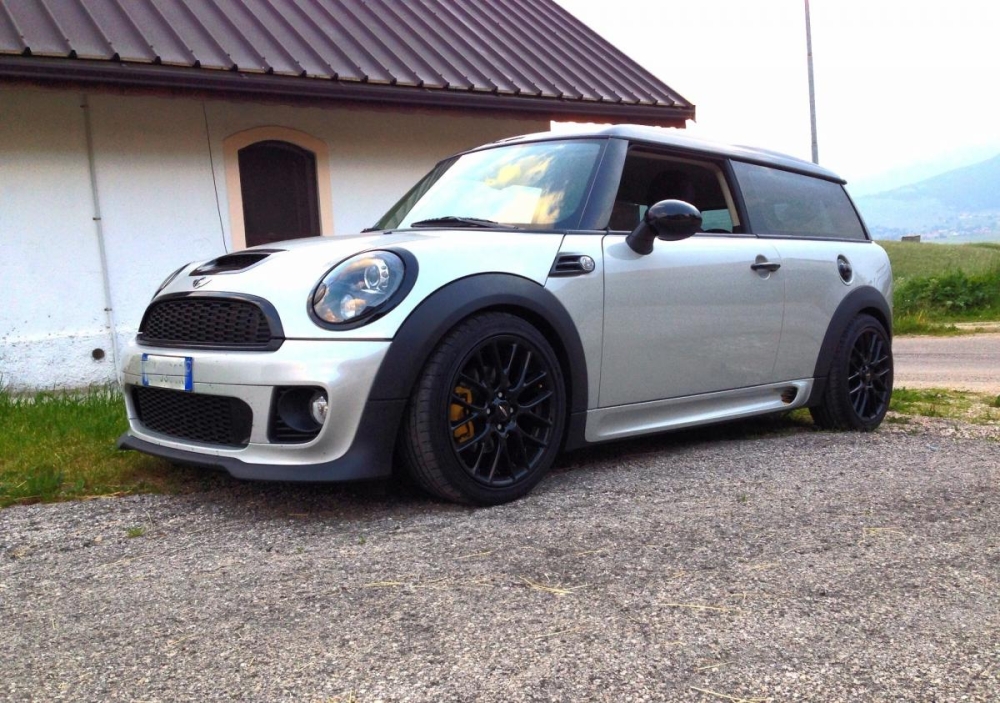
 Così non mi piacciono ma verniciati come hai in mente rendono a bomba secondo me! :DWhite silver non è aggressiva??? È il miglior compromesso tra eleganza e sportività ;)
 Con vero dispiacere non ci sarò.. Sarebbe stata un'occasione per conoscere i ragazzi del centro Italia ma purtroppo non posso venire! :(Di solito le luci arancio danno luminosità in base a quanta ne serve e lo rileva attraverso quel buco sotto il 7! Prova magari a pulire il contagiri :)
 http://bit.ly/11az3xbRagazzi io ho trovato un altro rivenditore in cui ci sono piu colori e anche più belliQuando ci si mettono la sfiga o la fortuna non c'è niente da fare..
Account
Navigation
Cerca
Configure browser push notifications
Chrome (Android)
- Tap the lock icon next to the address bar.
- Tap Permissions → Notifications.
- Adjust your preference.
Chrome (Desktop)
- Click the padlock icon in the address bar.
- Select Site settings.
- Find Notifications and adjust your preference.
Safari (iOS 16.4+)
- Ensure the site is installed via Add to Home Screen.
- Open Settings App → Notifications.
- Find your app name and adjust your preference.
Safari (macOS)
- Go to Safari → Preferences.
- Click the Websites tab.
- Select Notifications in the sidebar.
- Find this website and adjust your preference.
Edge (Android)
- Tap the lock icon next to the address bar.
- Tap Permissions.
- Find Notifications and adjust your preference.
Edge (Desktop)
- Click the padlock icon in the address bar.
- Click Permissions for this site.
- Find Notifications and adjust your preference.
Firefox (Android)
- Go to Settings → Site permissions.
- Tap Notifications.
- Find this site in the list and adjust your preference.
Firefox (Desktop)
- Open Firefox Settings.
- Search for Notifications.
- Find this site in the list and adjust your preference.