Classifica
-

MassiMINI89
Socio 20153Punti8.646Numero contenuti -
GattoDelleNevi
Socio 20163Punti6.623Numero contenuti -
Tony83
Socio 20173Punti709Numero contenuti -
StefanoR58
Utente forum3Punti12Numero contenuti




Contenuto Popolare
Mostra il contenuto con la massima reputazione di 08/06/2015 in Risposte
-
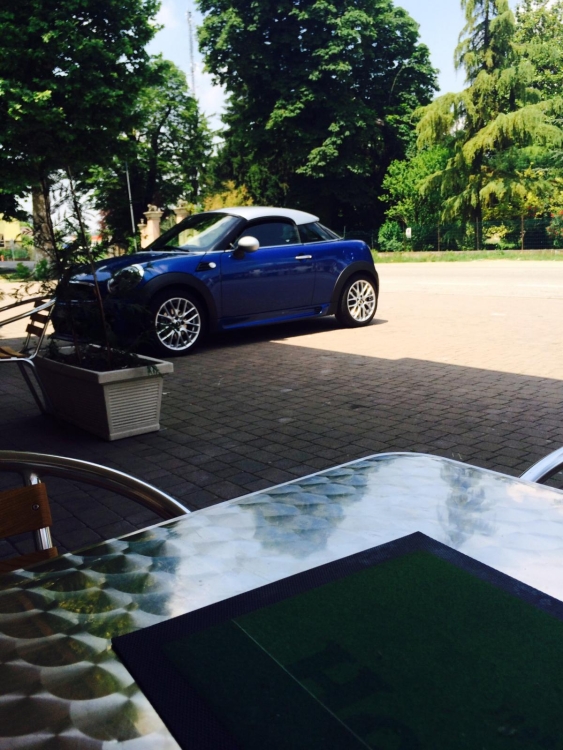
2 puntiCiao a tutti, sono stefano e finalmente ritorno in famiglia con la mia R58
 2 punti
 -
2 puntiSì, infatti....però, ho capito che è una funzione inutile per cui ho lasciato perdere ;)2 punti
-
2 puntiBuongiorno ragazzi! ahhahha questa la devo condividere @LucasCooper@GattoDelleNevi2 punti
-
1 punto
-
1 puntoSui percorsi urbani vanno bene solo le ibride che il motore lo tengono spento1 punto
-
1 punto17/18 li ho fatti da bologna a cesenatico sabato sera ma in quella cacchio di autostrada c'è pure il tutor velocità ..1 punto
-
1 puntoin ogni caso è sempre meglio un assetto completo che montare le sole molle, il punto è questo! avendone la possibilità ragazzi scegliete sempre il primo :)1 punto
-
1 punto
-
1 punto
-
1 punto
-
1 punto1 punto1 punto1 puntose ti si spegne fidati che qualche errore in centralina te lo lascia, quindi una diagnosi io la farei fare1 punto