Classifica
-
Mini Mal
Utente forum1Punti5Numero contenuti -

AdrenalinaBlu
Utente forum1Punti349Numero contenuti

Contenuto Popolare
Mostra il contenuto con la massima reputazione di 12/12/2015 in tutte le aree
-
1 puntoBuongiorno ragazzi, con i miei amici stavamo pensando di organizzare un raduno zona centro tra 2-3 settimane, qualcuno di voi zona centro vuole essere dei nostri? :D1 punto
-
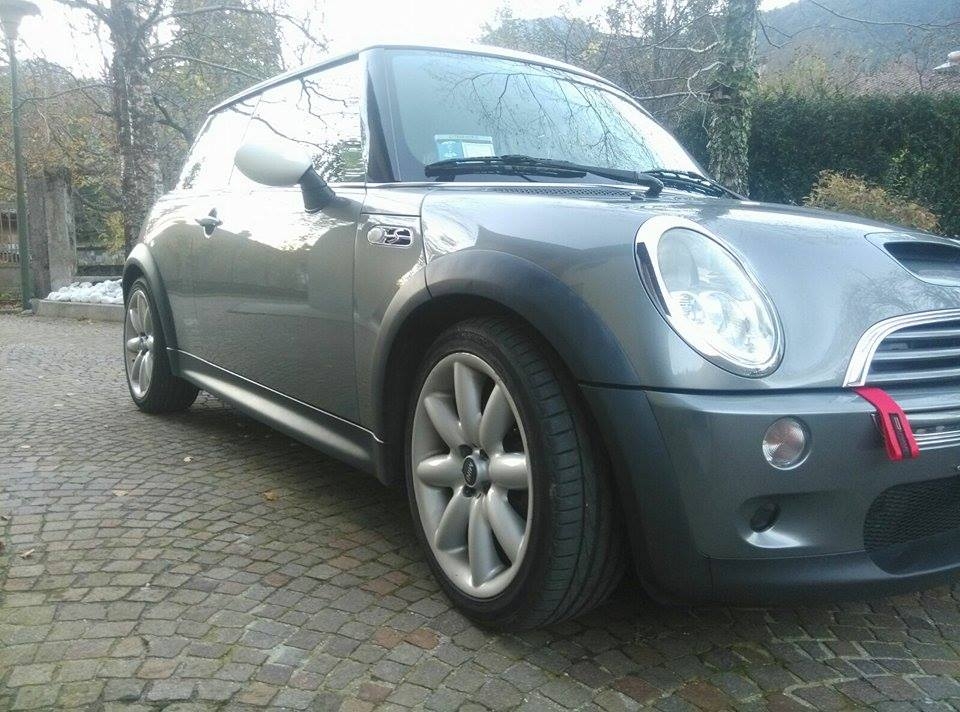
1 puntoBuona sera a tutti! Sono Andrea da Udine, da un anno proprietario di una Cooper S r53 pre restyling e pienamente soddisfatto della mia scelta! :) Mi sono iscritto in questo gruppo per condividere la mia passione e soprattutto per trovare una risposta a qualsiasi mia perplessità o problematica riguardante la macchina! Ciao, Andrea! :-)
 1 punto