Classifica
-

Matte 6464
Admin1Punti8.054Numero contenuti -
Electro
Utente forum1Punti7Numero contenuti

Contenuto Popolare
Mostra il contenuto con la massima reputazione di 30/10/2016 in tutte le aree
-
1 puntoRagazzi vi avverto ke è finalmente online il nostro NEGOZIO di gadget e magliette marchiate megaMINI........1 punto
-
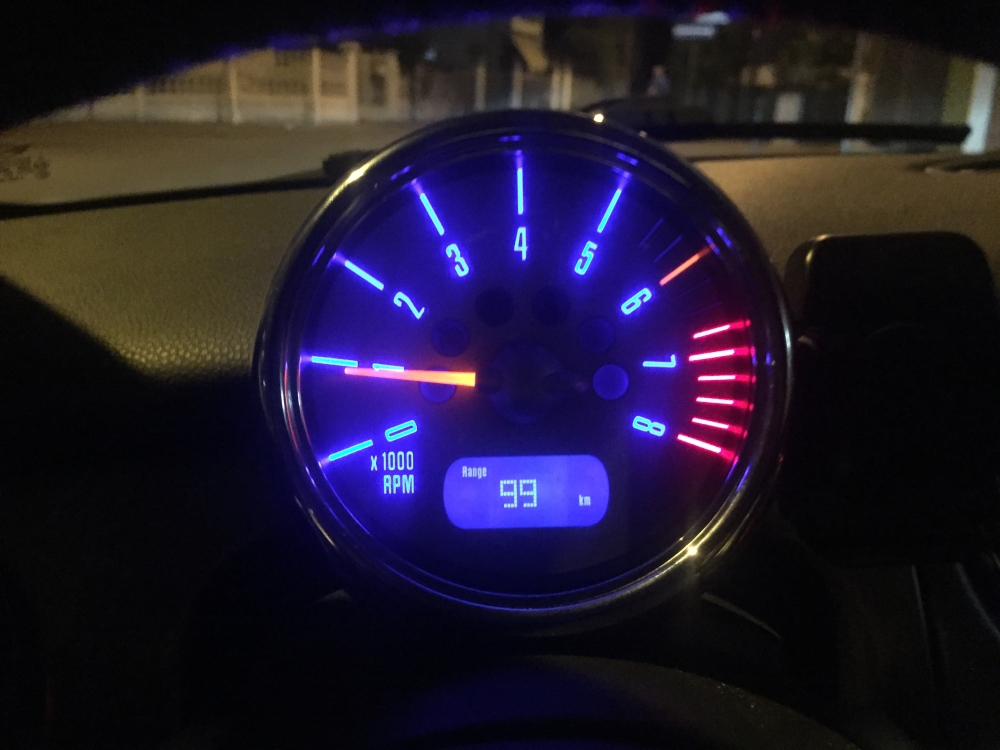
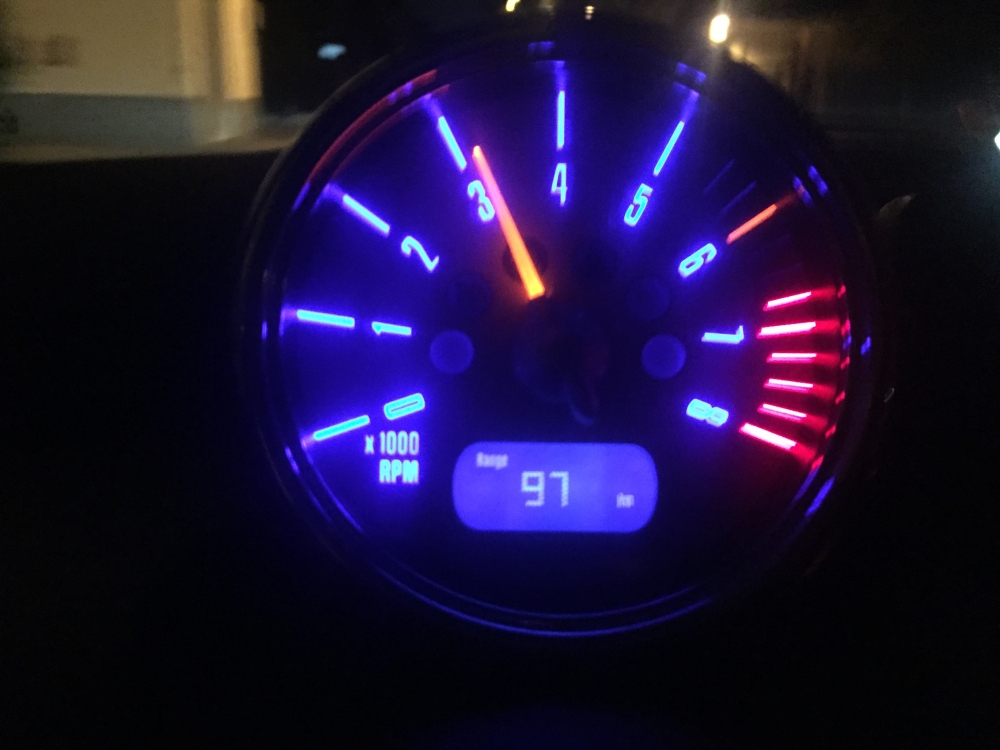
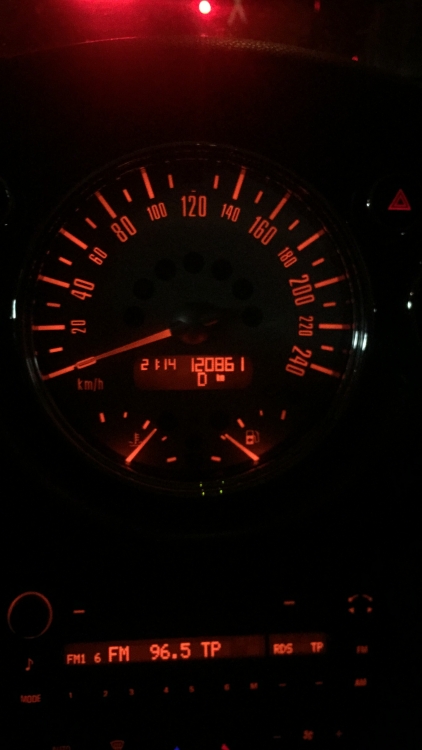
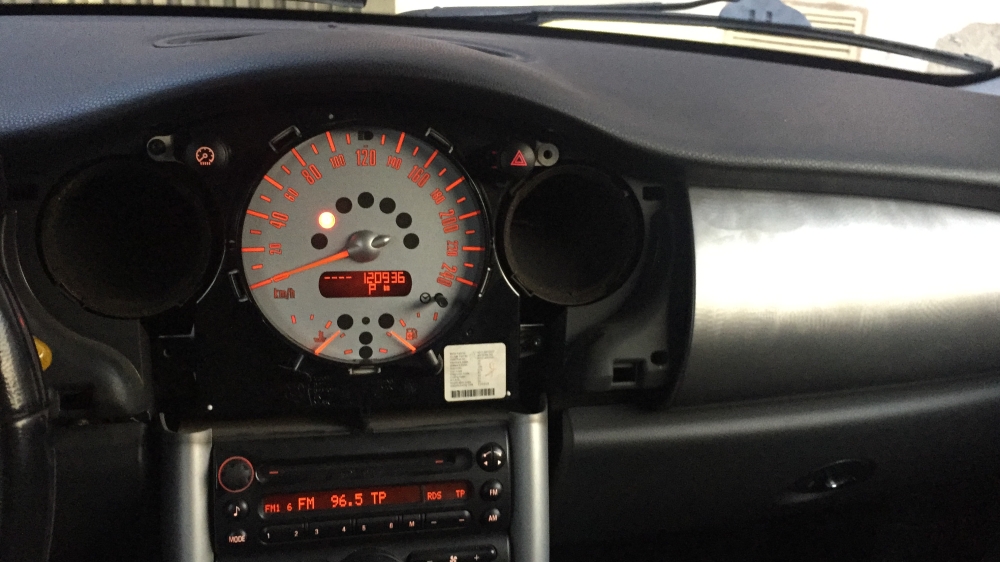
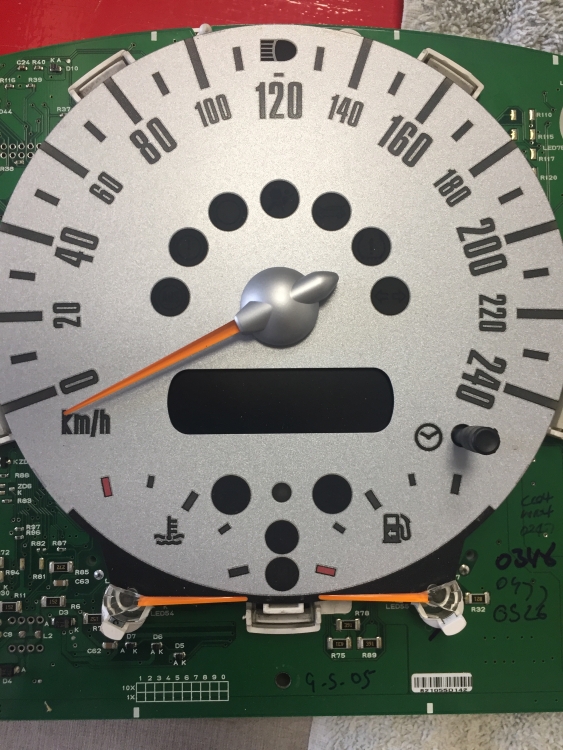
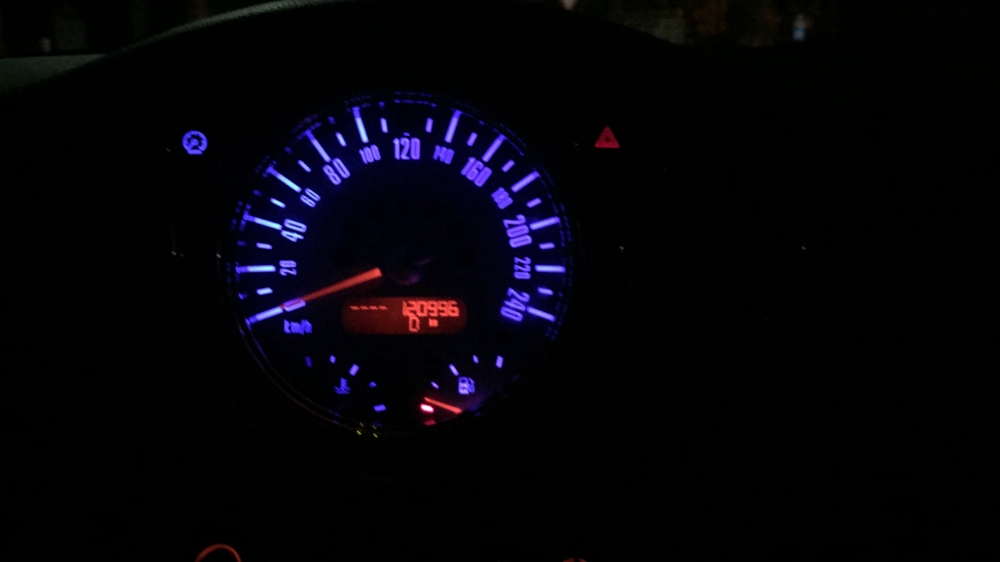
1 puntoCiao a tutti, mi sono messo a cambiare il colore del cruscotto della mia Cooper S che arancione su arancione è davvero vomitevole per ora ho fatto : contagiri contachilometri interruttori a leva led del cambio automatico Oltre ovviamente a tutti quelli delle luci interne che sono facilissimi da sostituire NON so se esiste una guida se volete la posso creare intanto che finisco il lavoro con radio e clina
 1 punto