
Vai al contenuto
View in the app

A better way to browse. Learn more.

mega MINI forum

A full-screen app on your home screen with push notifications, badges and more.

To install this app on iOS and iPadOS
  1. Tap the Share icon in Safari
  2. Scroll the menu and tap Add to Home Screen.
  3. Tap Add in the top-right corner.
To install this app on Android
  1. Tap the 3-dot menu (⋮) in the top-right corner of the browser.
  2. Tap Add to Home screen or Install app.
  3. Confirm by tapping Install.

Classifica

Contenuto Popolare

Mostra il contenuto con la massima reputazione di 14/09/2017 in tutte le aree

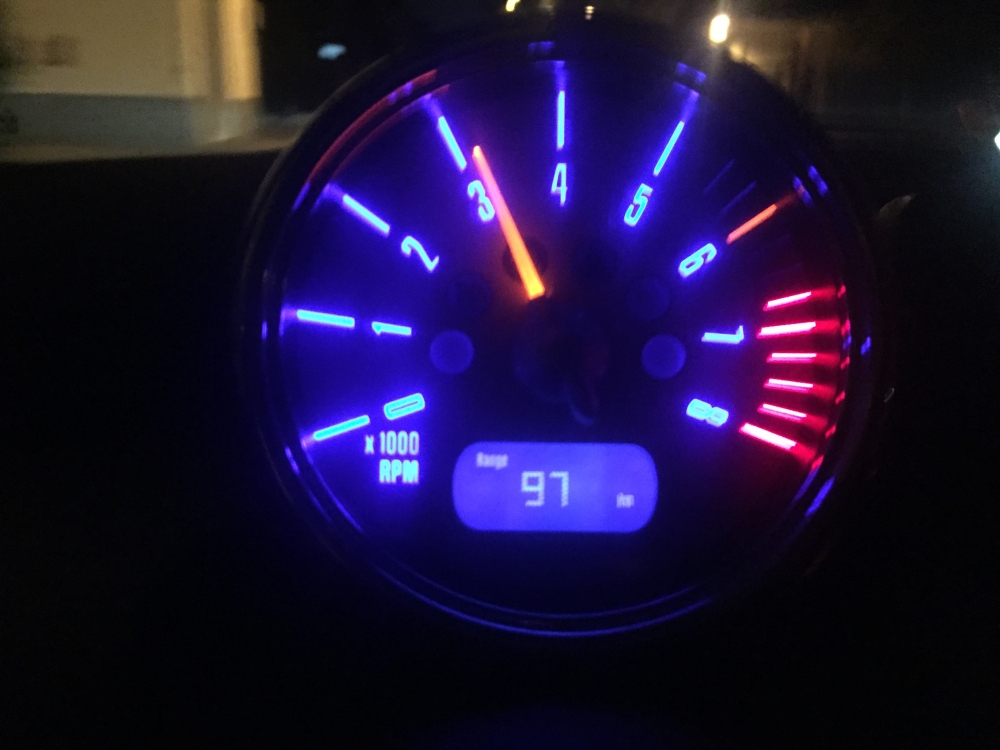
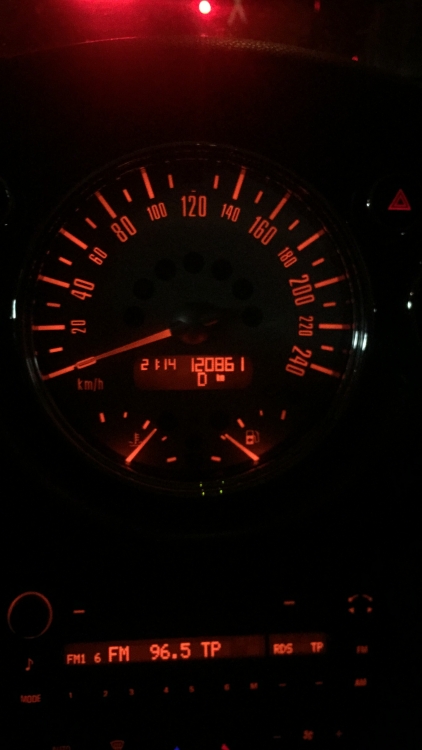
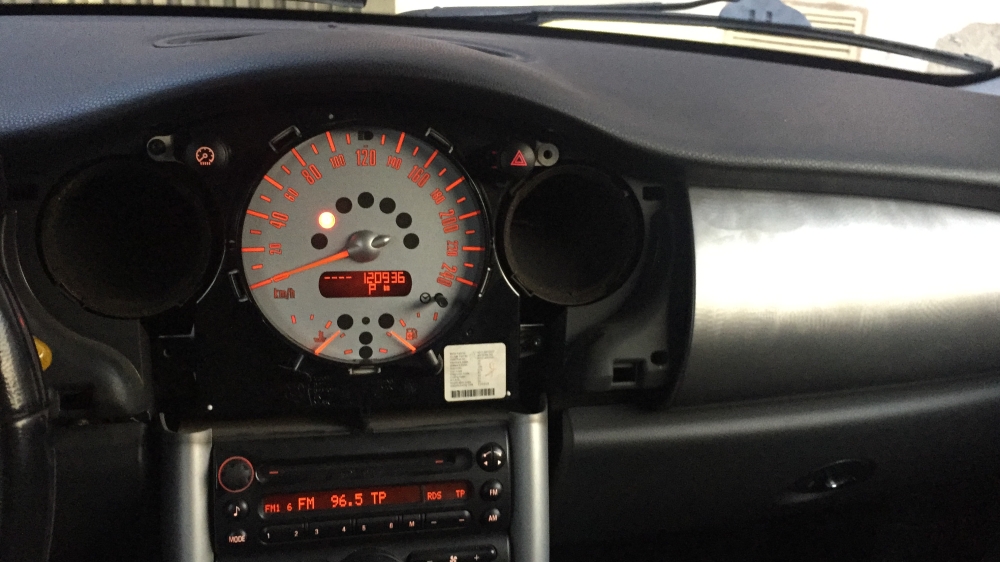
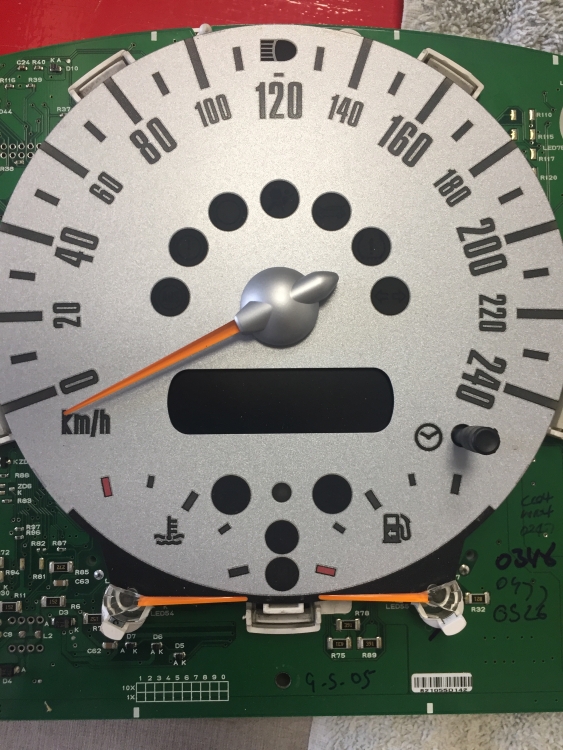
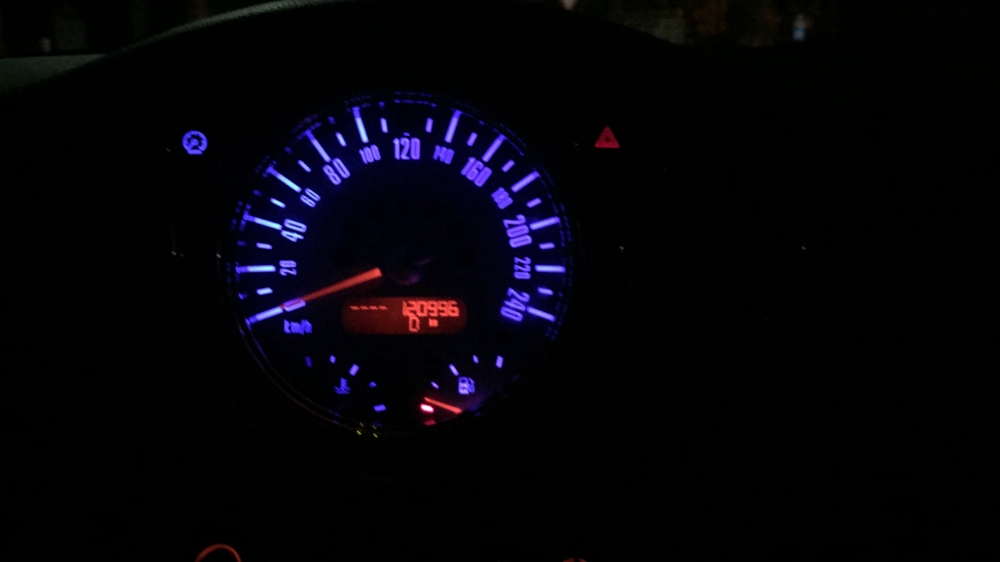
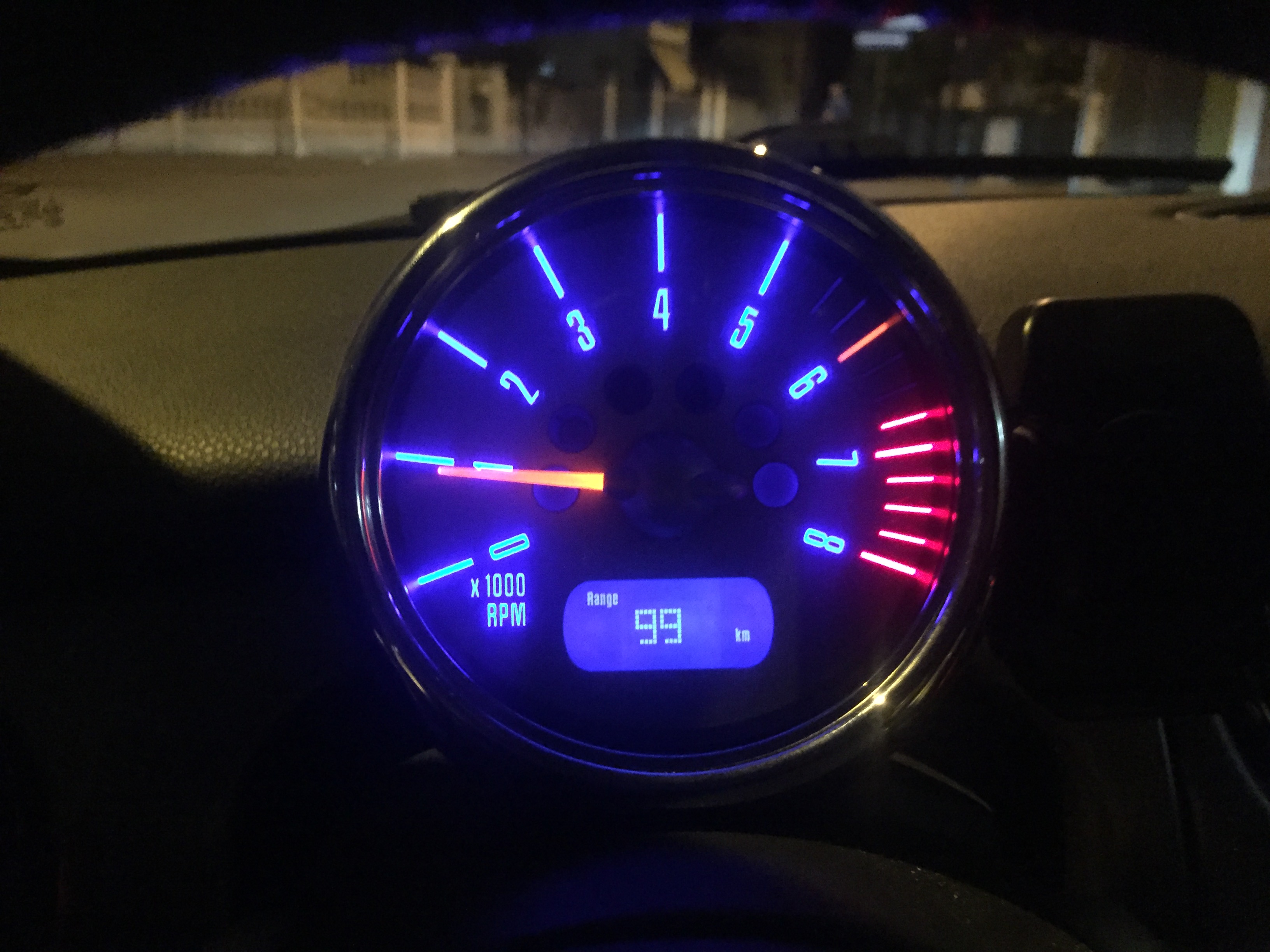
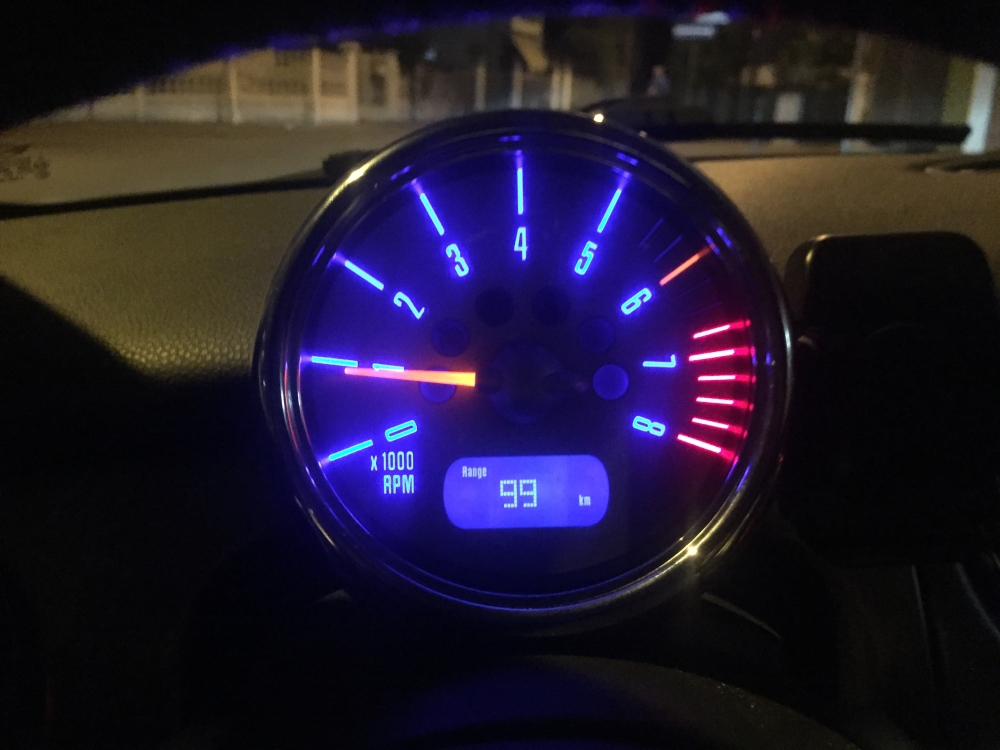
  1. Ciao a tutti, mi sono messo a cambiare il colore del cruscotto della mia Cooper S che arancione su arancione è davvero vomitevole per ora ho fatto : contagiri contachilometri interruttori a leva led del cambio automatico Oltre ovviamente a tutti quelli delle luci interne che sono facilissimi da sostituire NON so se esiste una guida se volete la posso creare intanto che finisco il lavoro con radio e clina
  2. Magari avessi benzina gratis. Semplicemente la uso poco e quando la uso la voglio usare bene. Se volevo un'auto che consumava poco non prendevo la mini PS: fossi figlio di un emiro altro che mini

Account

Navigation

Cerca

Cerca

Configure browser push notifications

Chrome (Android)
  1. Tap the lock icon next to the address bar.
  2. Tap Permissions → Notifications.
  3. Adjust your preference.
Chrome (Desktop)
  1. Click the padlock icon in the address bar.
  2. Select Site settings.
  3. Find Notifications and adjust your preference.