Classifica
-

wwleone
Moderatore1Punti18.125Numero contenuti -

LucasCooper
Socio 20151Punti3.925Numero contenuti -
Fred93
Utente forum1Punti2Numero contenuti -
PietroM1
Utente forum1Punti88Numero contenuti




Contenuto Popolare
Mostra il contenuto con la massima reputazione di 26/02/2021 in Risposte
-
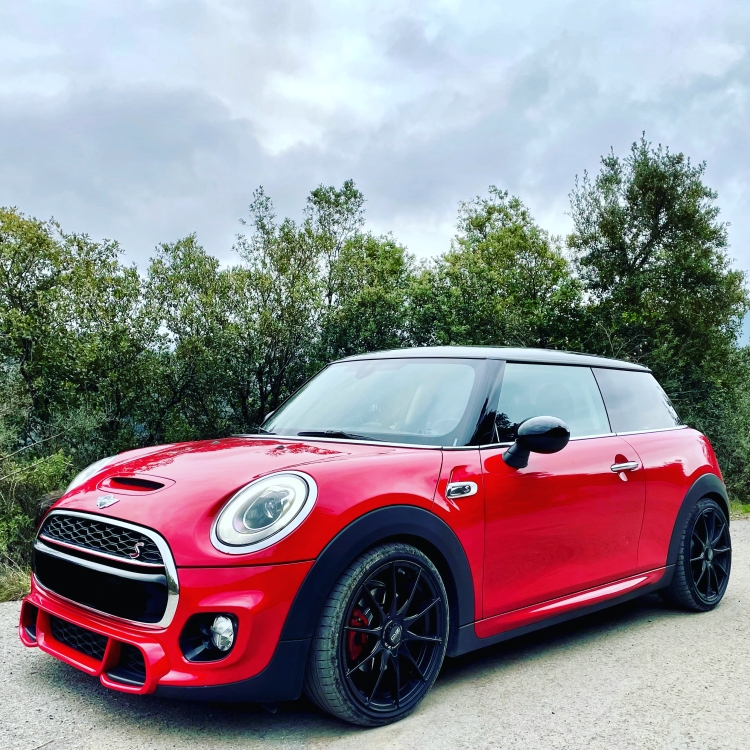
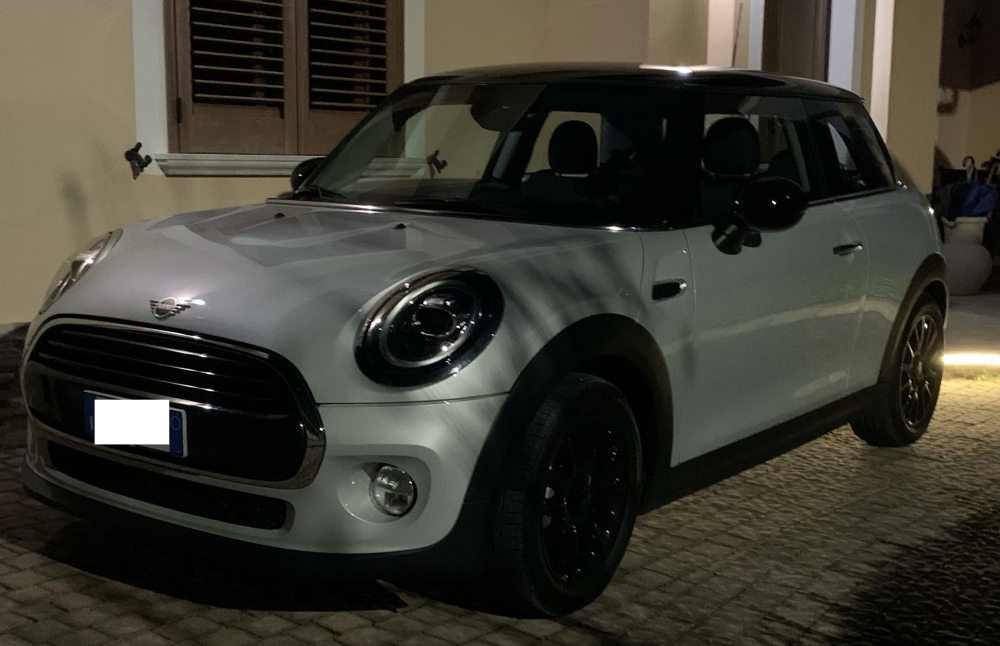
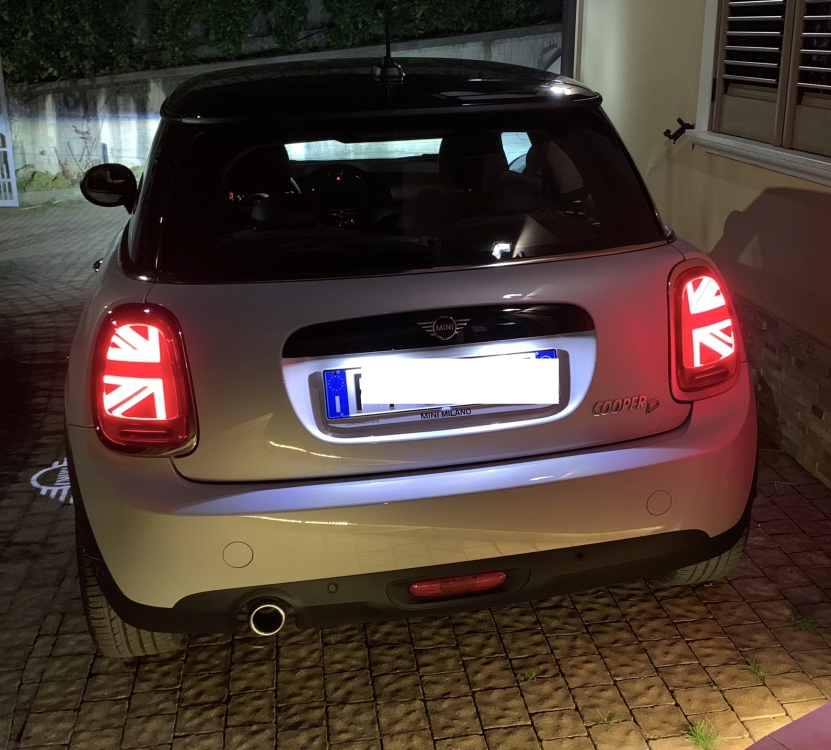
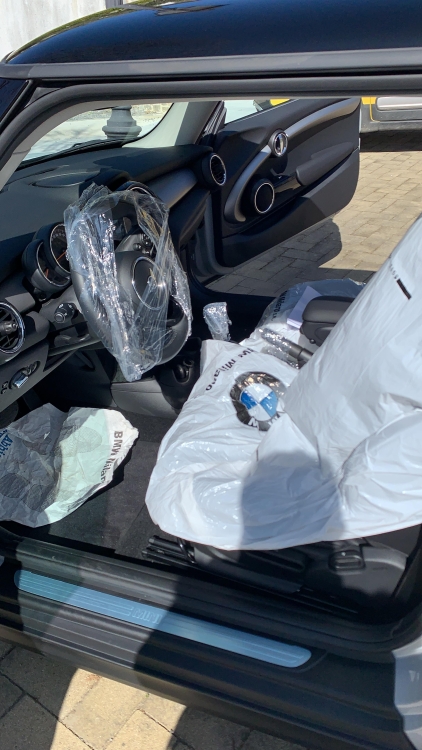
1 puntoBuonasera! Prima Mini per me e ho scelto Cooper SD 2017 all.JCW 170cv cambio manuale!
 1 punto
 -
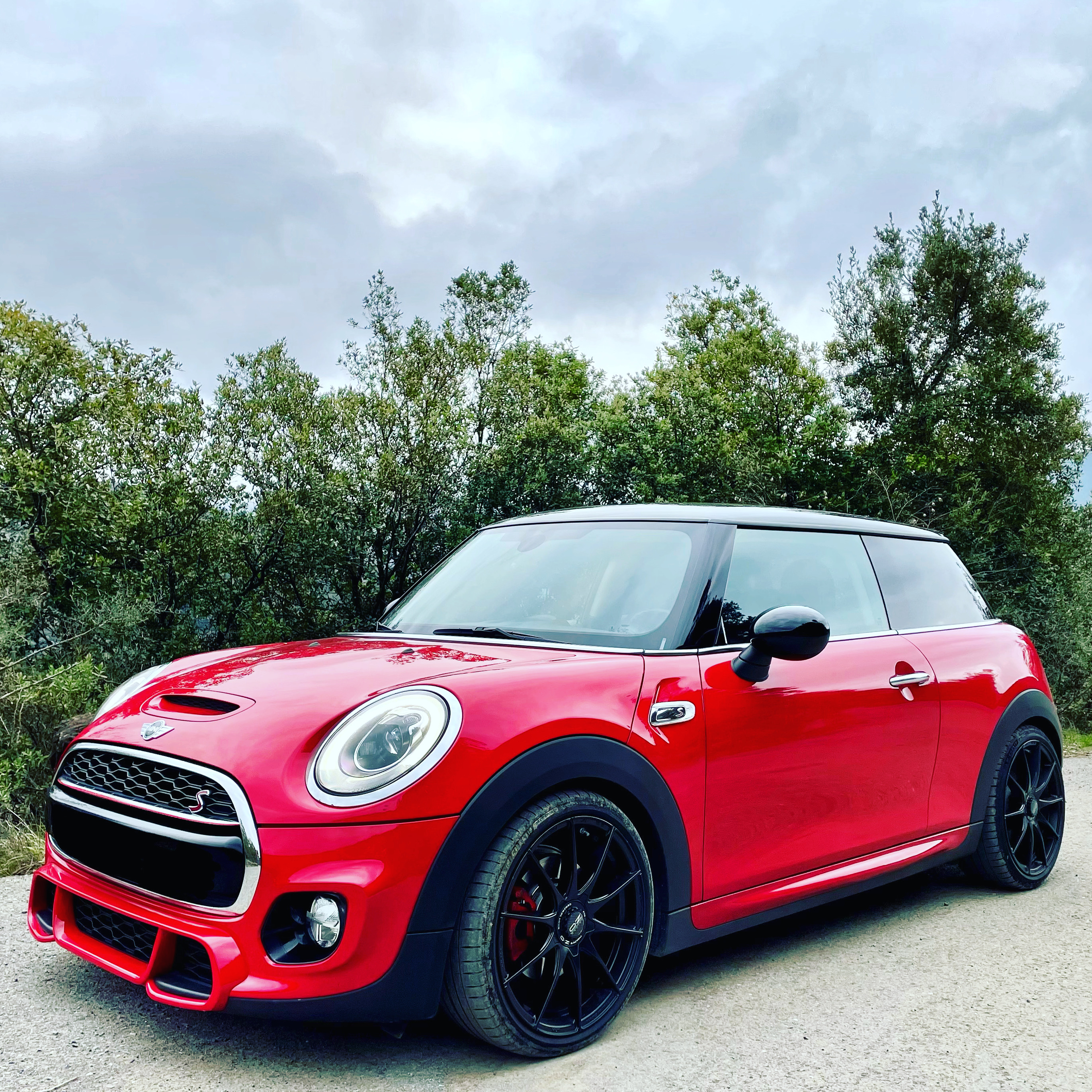
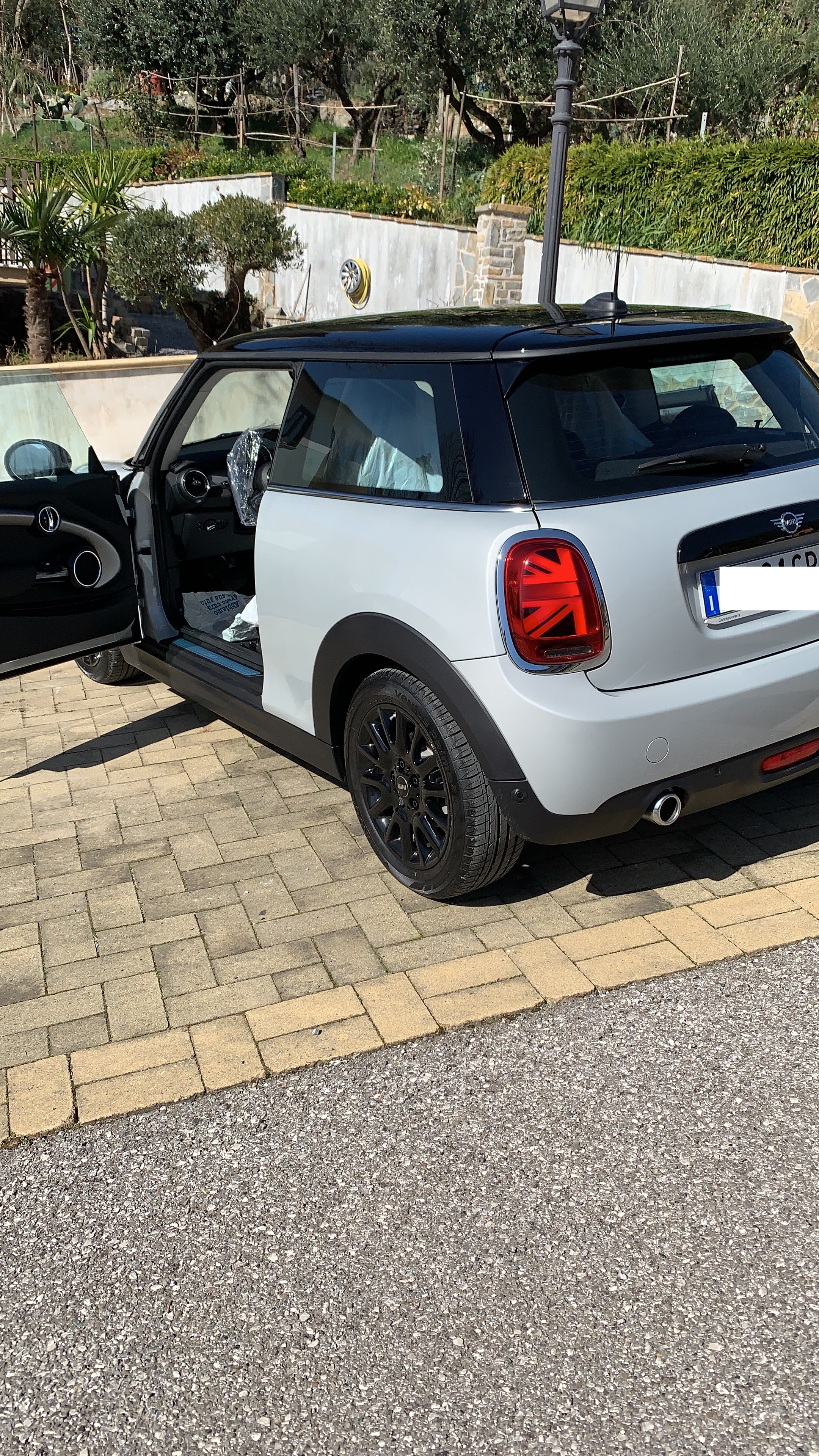
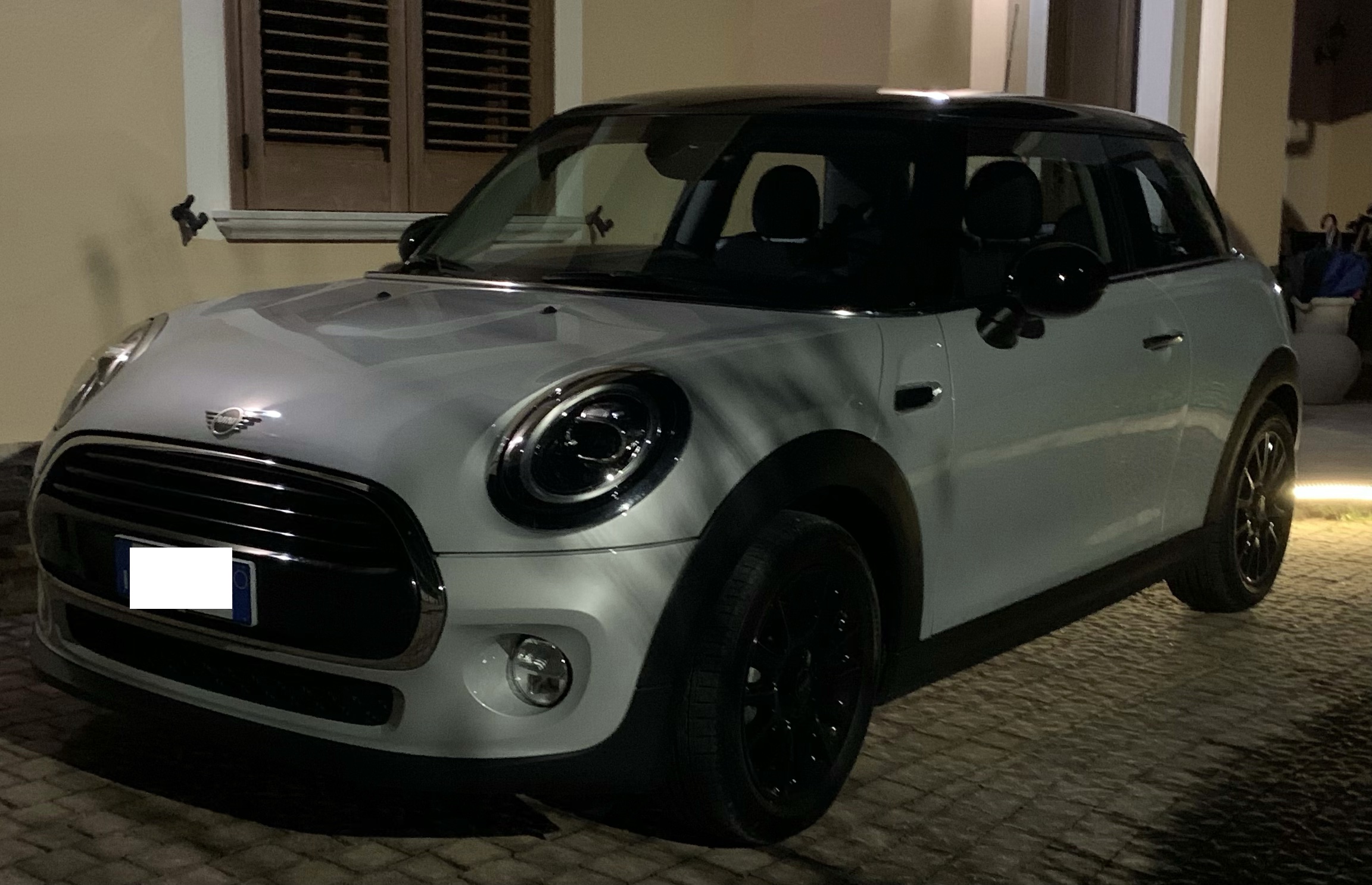
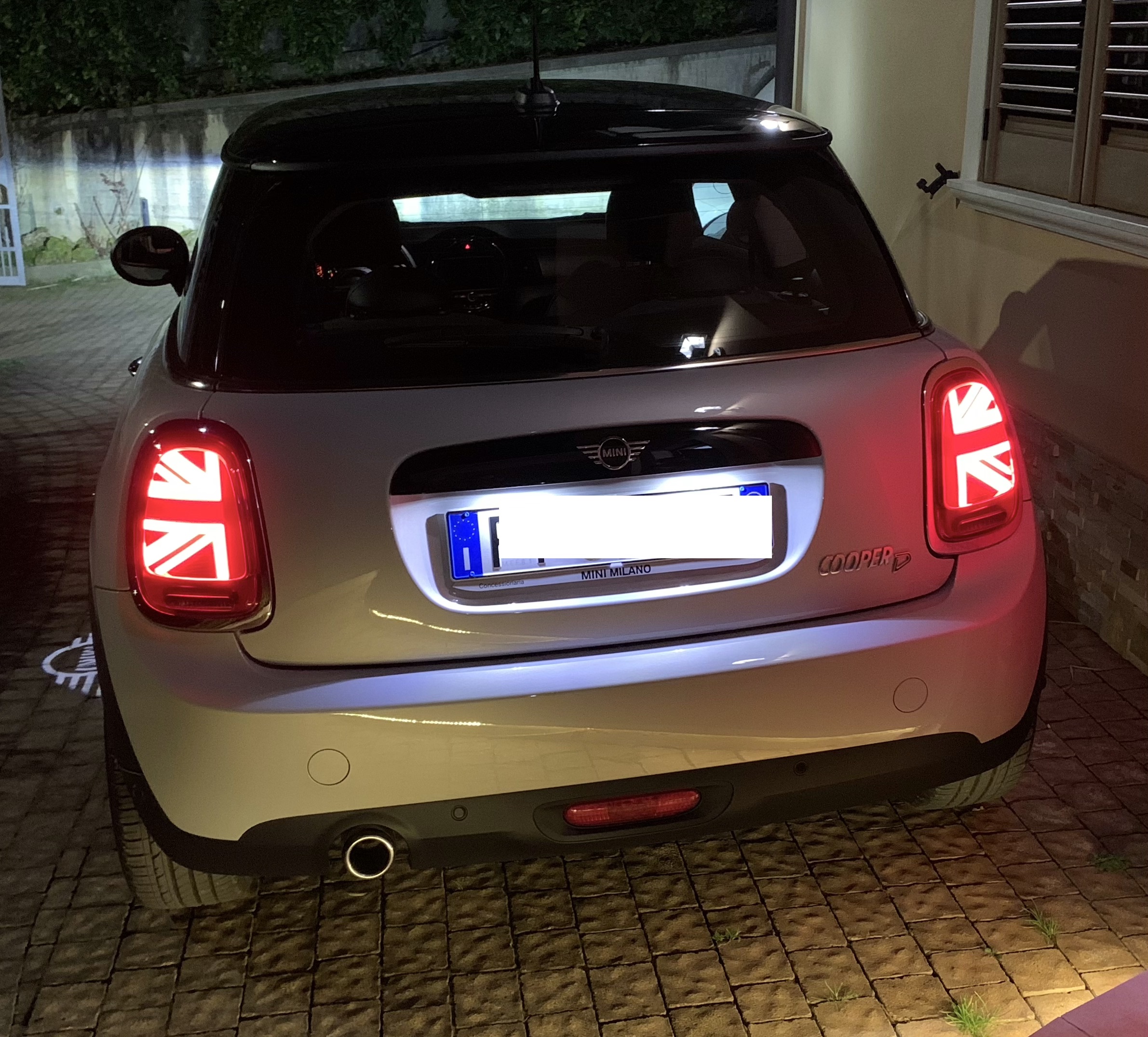
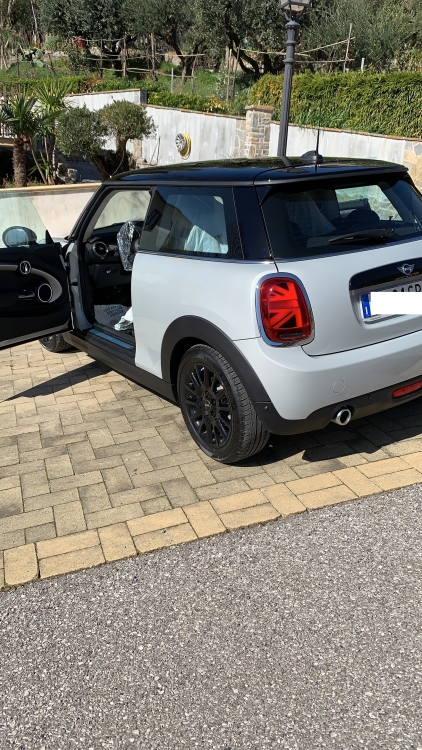
Ecco a voi qualche foto al volo ! Sarò onesto, al di sopra di qualsiasi mia aspettativa !!!!!! 2 foto le ho fatte durante la consegna, come potete notare 😂
 1 punto
 -
1 punto
-
Forse con qualche foto dei "problemi" sarebbe più semplice dare pareri. Grazie a @nikmini2010 che cmq ha provato a risponderti.1 punto
-
0 punti
-
Ciao, anche io sono in attesa come te scadenza della consegna a Febbraio, tu quando l'hai ordinata?0 punti