Albert clubman soho
Utente forum
-
Iscritto
-
Ultima visita
Tutti i contenuti di Albert clubman soho
-
Albert clubman soho ha commentato al immagine della galleria Albert clubman soho in MINI degli utenti
 Bella bella.. Peccato non vada avanti :P :P18 aprile qualcuno verrebbe a Modena?? :)Ma Cek prendere quella della r56 originale acquistabile come accessorio? È lunga il giusto ;)Dato che hai finito i dischi metti su l'impianto r56 sBuona Pasquaaaaa :)Albert clubman soho ha commentato al immagine della galleria Albert clubman soho in MINI degli utenti
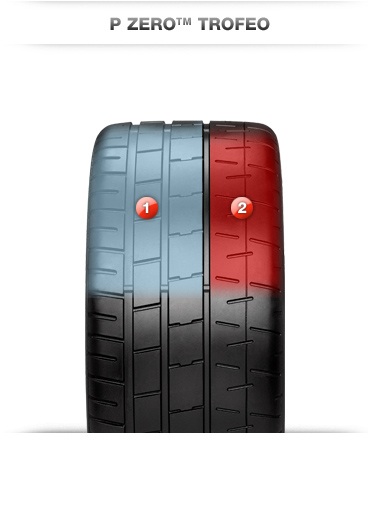
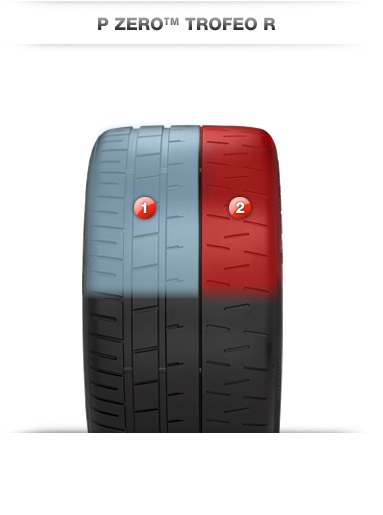
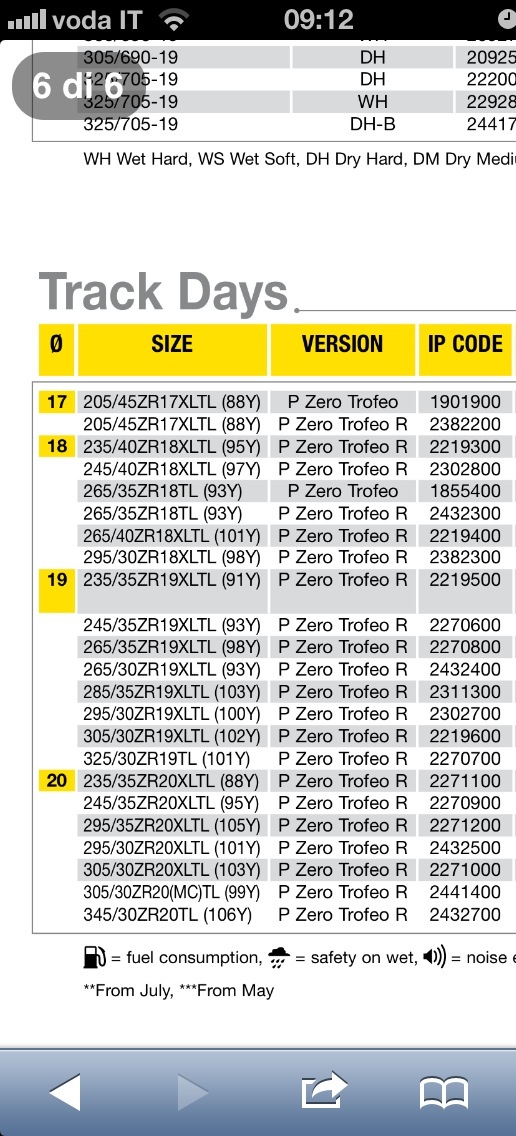
 YeahhhhhSi sembrano belle pericolose, soprattutto le R che hanno ancora meno intagli..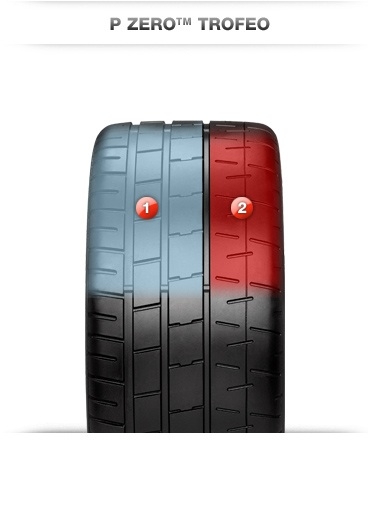
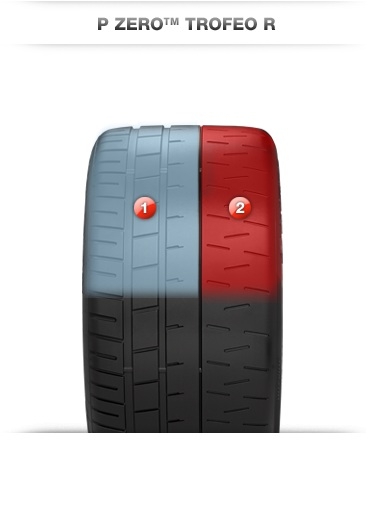 Matteo vogliamo infoooooo :DBuongiorno people :)http://www.subito.it/vi/115984597.htmNon penso proprio.. Oltretutto hanno attacchi diversi.. Ci sono delle pinze f56 in vendita su subito mi pareVa be ma non si possono paragonare slick e semi che discorsi :)Comunque i borbet con 205 45 montano tranquillamente e non è tirata la gommaI borbet sono canale 7,5 et38 contro canale 7 et48 dei challenge
Account
Navigation
Cerca
Configure browser push notifications
Chrome (Android)
- Tap the lock icon next to the address bar.
- Tap Permissions → Notifications.
- Adjust your preference.
Chrome (Desktop)
- Click the padlock icon in the address bar.
- Select Site settings.
- Find Notifications and adjust your preference.
Safari (iOS 16.4+)
- Ensure the site is installed via Add to Home Screen.
- Open Settings App → Notifications.
- Find your app name and adjust your preference.
Safari (macOS)
- Go to Safari → Preferences.
- Click the Websites tab.
- Select Notifications in the sidebar.
- Find this website and adjust your preference.
Edge (Android)
- Tap the lock icon next to the address bar.
- Tap Permissions.
- Find Notifications and adjust your preference.
Edge (Desktop)
- Click the padlock icon in the address bar.
- Click Permissions for this site.
- Find Notifications and adjust your preference.
Firefox (Android)
- Go to Settings → Site permissions.
- Tap Notifications.
- Find this site in the list and adjust your preference.
Firefox (Desktop)
- Open Firefox Settings.
- Search for Notifications.
- Find this site in the list and adjust your preference.