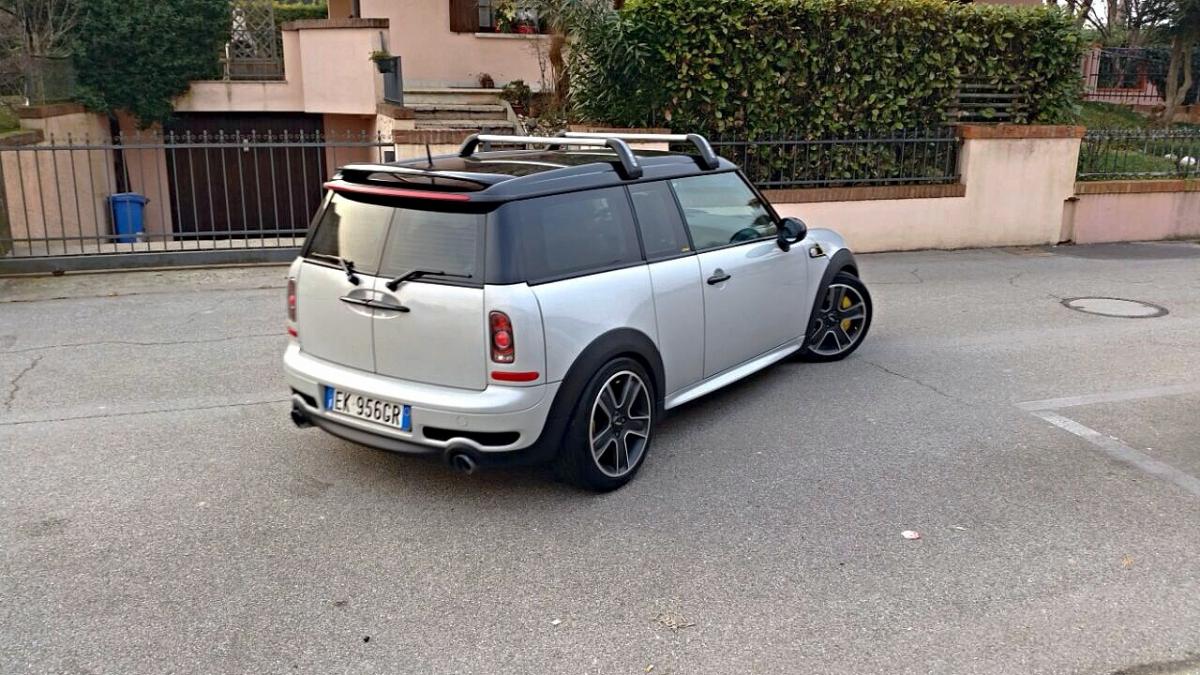
Albert clubman soho
Utente forum
-
Iscritto
-
Ultima visita
Tutti i contenuti di Albert clubman soho
-
Ma perché montate questi fari..Albert clubman soho ha commentato al immagine della galleria Albert clubman soho in MINI degli utenti
 Avanti con sto kit davy!! Facciamola girare l'economia ahahahahah :)Modulo aggiuntivo e modulo acceleratore (tipo sprint booster) sono cose diverseChe mini hai e da chi vai a mappare?Buondì boyssssAlbert clubman soho ha commentato al immagine della galleria Albert clubman soho in MINI degli utenti
 Un altro mondo! Quando una volta avevo guidato la mini di un amico con volante normale ci rimasi maleAlbert clubman soho ha commentato al immagine della galleria Albert clubman soho in MINI degli utenti
 Cerchi bruniti.. Neri sono troppo d'impatto con tetto biancoIo sto pensando di prendermi le catene da 30-40€ così posso montare le neova qualche giorno prima.. Sto valutando :) E sennò sto sugli spalti a bere spritz con luka :DAlbert clubman soho ha commentato al immagine della galleria Albert clubman soho in MINI degli utenti
Presa d'aria in tinta Carmine :)Buongiorno ragazzi :)C'è già una discussione in cui se ne parlaAlbert clubman soho ha commentato al immagine della galleria Albert clubman soho in MINI degli utenti
Cerchi bruniti.. Neri sono troppo d'impatto con tetto biancoIo sto pensando di prendermi le catene da 30-40€ così posso montare le neova qualche giorno prima.. Sto valutando :) E sennò sto sugli spalti a bere spritz con luka :DAlbert clubman soho ha commentato al immagine della galleria Albert clubman soho in MINI degli utenti
Presa d'aria in tinta Carmine :)Buongiorno ragazzi :)C'è già una discussione in cui se ne parlaAlbert clubman soho ha commentato al immagine della galleria Albert clubman soho in MINI degli utenti Minigonne + spoiler chili e sei al top!
Account
Navigation
Cerca
Configure browser push notifications
Chrome (Android)
- Tap the lock icon next to the address bar.
- Tap Permissions → Notifications.
- Adjust your preference.
Chrome (Desktop)
- Click the padlock icon in the address bar.
- Select Site settings.
- Find Notifications and adjust your preference.
Safari (iOS 16.4+)
- Ensure the site is installed via Add to Home Screen.
- Open Settings App → Notifications.
- Find your app name and adjust your preference.
Safari (macOS)
- Go to Safari → Preferences.
- Click the Websites tab.
- Select Notifications in the sidebar.
- Find this website and adjust your preference.
Edge (Android)
- Tap the lock icon next to the address bar.
- Tap Permissions.
- Find Notifications and adjust your preference.
Edge (Desktop)
- Click the padlock icon in the address bar.
- Click Permissions for this site.
- Find Notifications and adjust your preference.
Firefox (Android)
- Go to Settings → Site permissions.
- Tap Notifications.
- Find this site in the list and adjust your preference.
Firefox (Desktop)
- Open Firefox Settings.
- Search for Notifications.
- Find this site in the list and adjust your preference.