jcwjubilee75
Utente forum
-
Iscritto
-
Ultima visita
Tutti i contenuti di jcwjubilee75
-
Benvenuto e trattala bene la nuova cooperina!
-
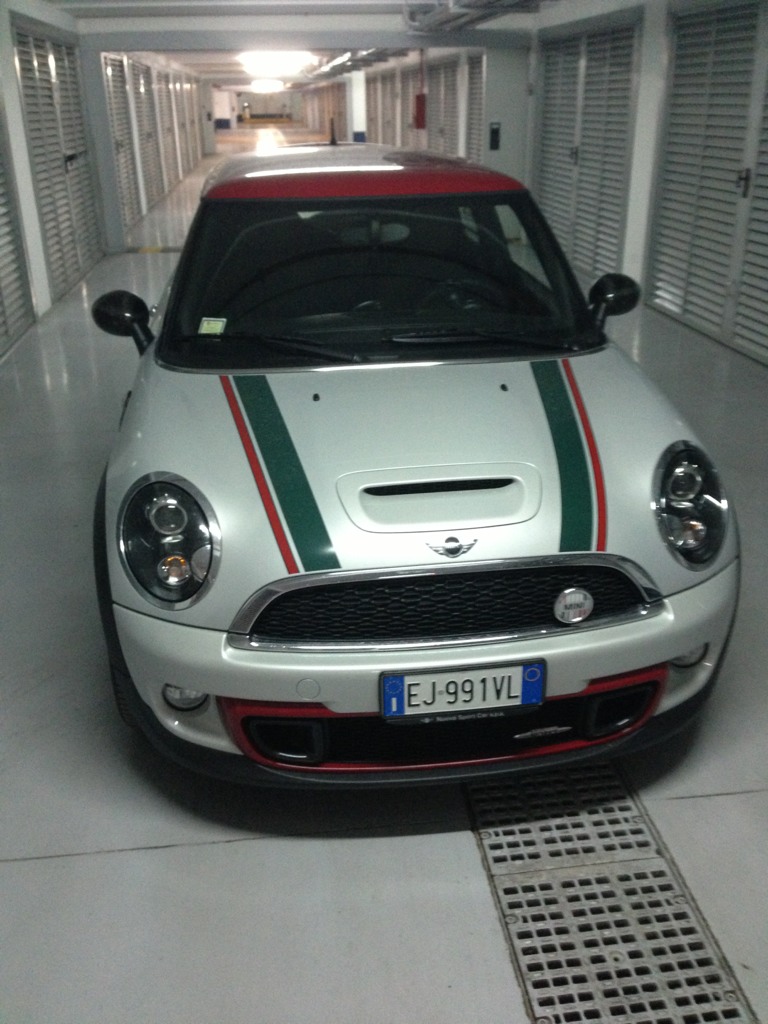
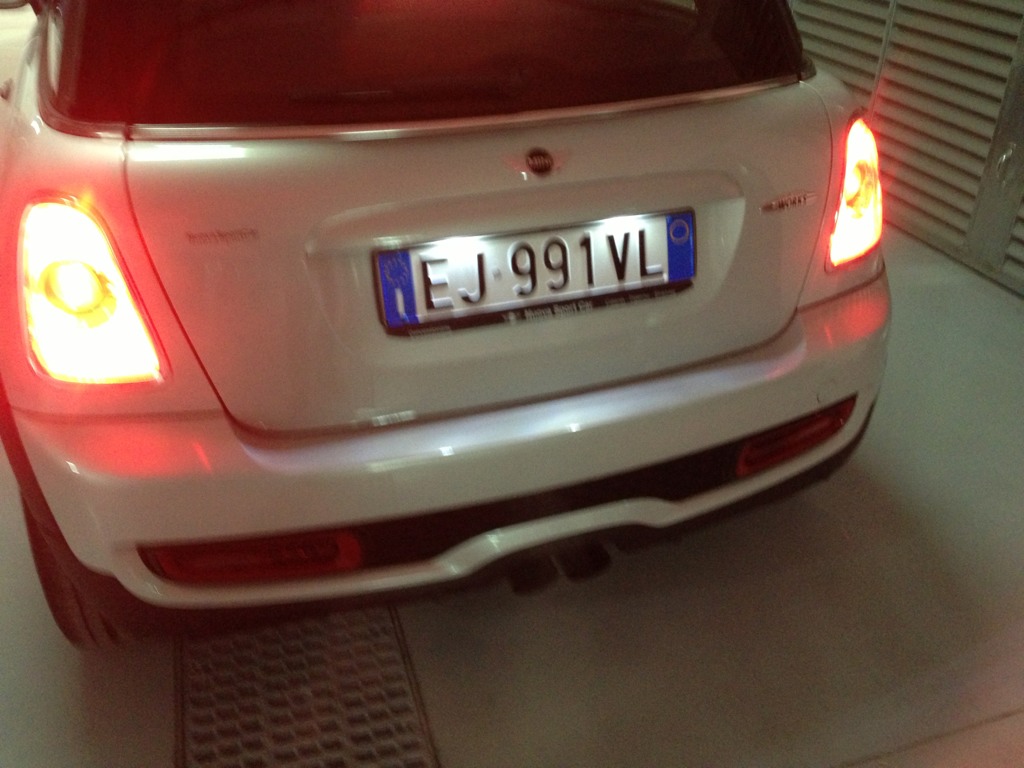
Quindi rear in Bocciato? Non vorrei pero cambiare lo spoiler ,anche se mi piace il jwc,ma adesso vorrei mantenere quello S che ho in tinta rossa.Altra cosa che dimenticato, i listelli grglia anteriore li lascio cromati o li metto neri?Ragazzi ho aperto questo topic x discutere con voi sulla verniciatura del kit che mi arrivera' fra una settimana circa. Voi conoscete il mio paraurti anteriore stock con contorno della griglia bassa in rosso. I miei dubbi sono se fare tutto white silver ant/post oppure inserire del rosso nell anteriore in stile GP 2 e diffusore posteriore liscio, nero o in carbonio(e piu avanti estrattori gp 2),poi valutare anche il ritorno alle calotte rosse nell eventualita' facessi le prese d'aria GP. Chiedo consigli...
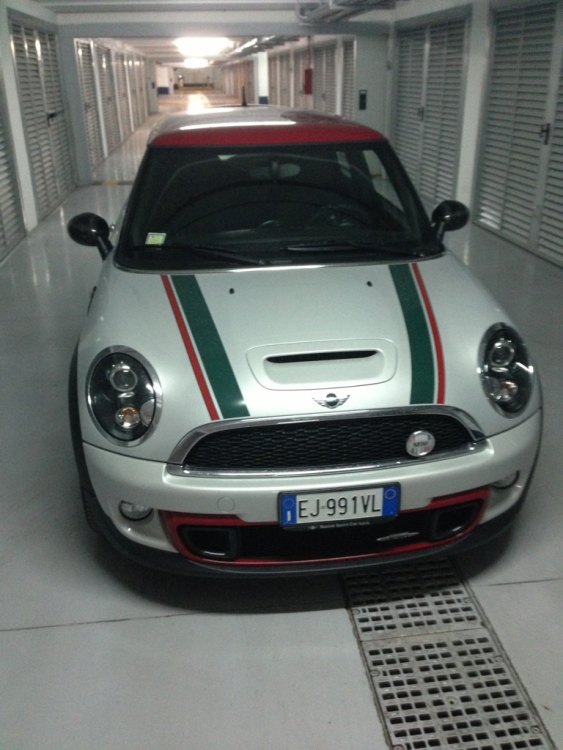

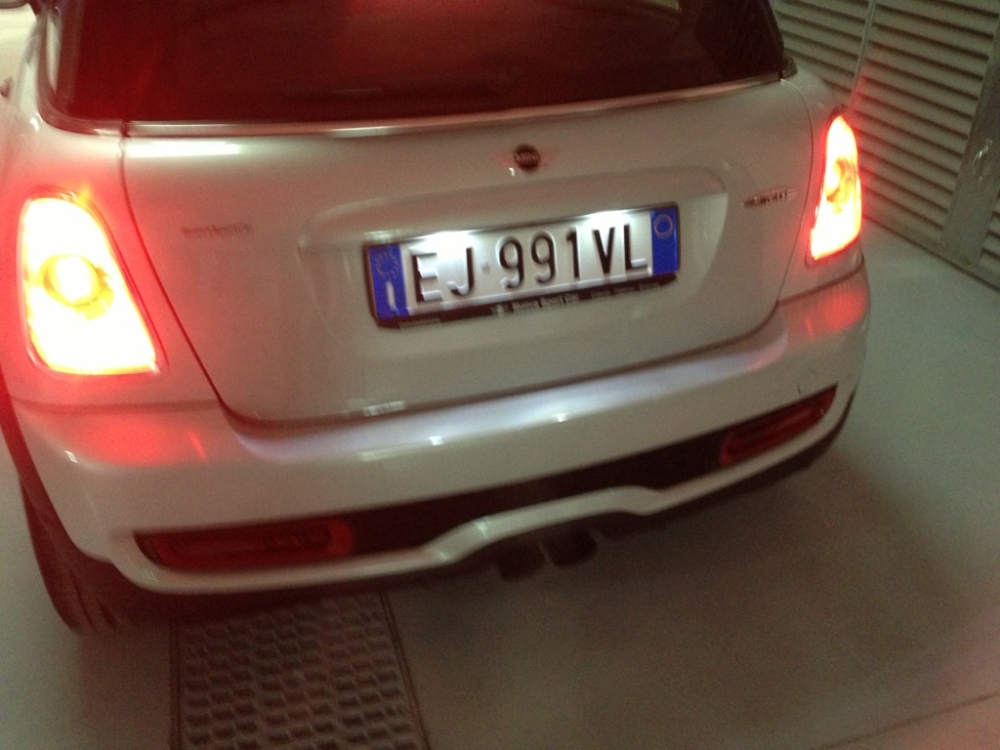 Vogliamo vedere il tuo macchinino!!Sono tutte ottime gomme fin quando nn si portano al limite...
Account
Navigation
Cerca
Configure browser push notifications
Chrome (Android)
- Tap the lock icon next to the address bar.
- Tap Permissions → Notifications.
- Adjust your preference.
Chrome (Desktop)
- Click the padlock icon in the address bar.
- Select Site settings.
- Find Notifications and adjust your preference.
Safari (iOS 16.4+)
- Ensure the site is installed via Add to Home Screen.
- Open Settings App → Notifications.
- Find your app name and adjust your preference.
Safari (macOS)
- Go to Safari → Preferences.
- Click the Websites tab.
- Select Notifications in the sidebar.
- Find this website and adjust your preference.
Edge (Android)
- Tap the lock icon next to the address bar.
- Tap Permissions.
- Find Notifications and adjust your preference.
Edge (Desktop)
- Click the padlock icon in the address bar.
- Click Permissions for this site.
- Find Notifications and adjust your preference.
Firefox (Android)
- Go to Settings → Site permissions.
- Tap Notifications.
- Find this site in the list and adjust your preference.
Firefox (Desktop)
- Open Firefox Settings.
- Search for Notifications.
- Find this site in the list and adjust your preference.