Classifica




Contenuto Popolare
Mostra il contenuto con la massima reputazione di 24/11/2014 in tutte le aree
-
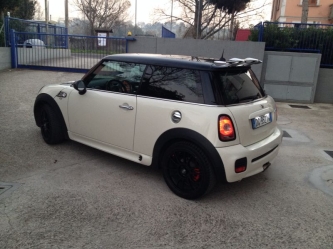
1 puntoNoto che questa ha un'aletta sul passaruota posteriore che io non ho.1 punto
-
1 puntoDa regolamento il primo post va fatto nella sezione delle presentazioni, e fin qui ci siamo. Ma deve essere di presentazione, non una richiesta di info, che va fatta nelle sezioni apposite.1 punto
-
1 punto1 punto1 puntotendicighia, andrebbe sostituito quando si usano cinghie rodotte1 punto1 puntoaggiungi qualche foto dell'intervento...se qualcuno avesse bisogno mi ricordo bene i passaggi :) :)1 punto1 punto1 punto1 punto1 punto

Dall'album: MINI
Mini cooper s r56 Kit estetico mini jcw Varie parti interni carbonio jcw Volante alcantara Assetto bilstein b14 Kit freni maggiorato1 punto1 punto