Classifica
-
Kite
Utente forum1Punti3Numero contenuti -
Fabrizietto
Socio 20191Punti2.475Numero contenuti -
Ciuller
Socio 20221Punti4.307Numero contenuti -

wwleone
Moderatore1Punti18.125Numero contenuti



Contenuto Popolare
Mostra il contenuto con la massima reputazione di 05/09/2017 in tutte le aree
-
1 puntoSi sembra quella . Dopo vado giù in box a controllare se la perdita deriva da ciò che hai detto tu. Ti mando foto . Molte grazie [emoji4] Inviato dal mio iPhone utilizzando Tapatalk1 punto
-
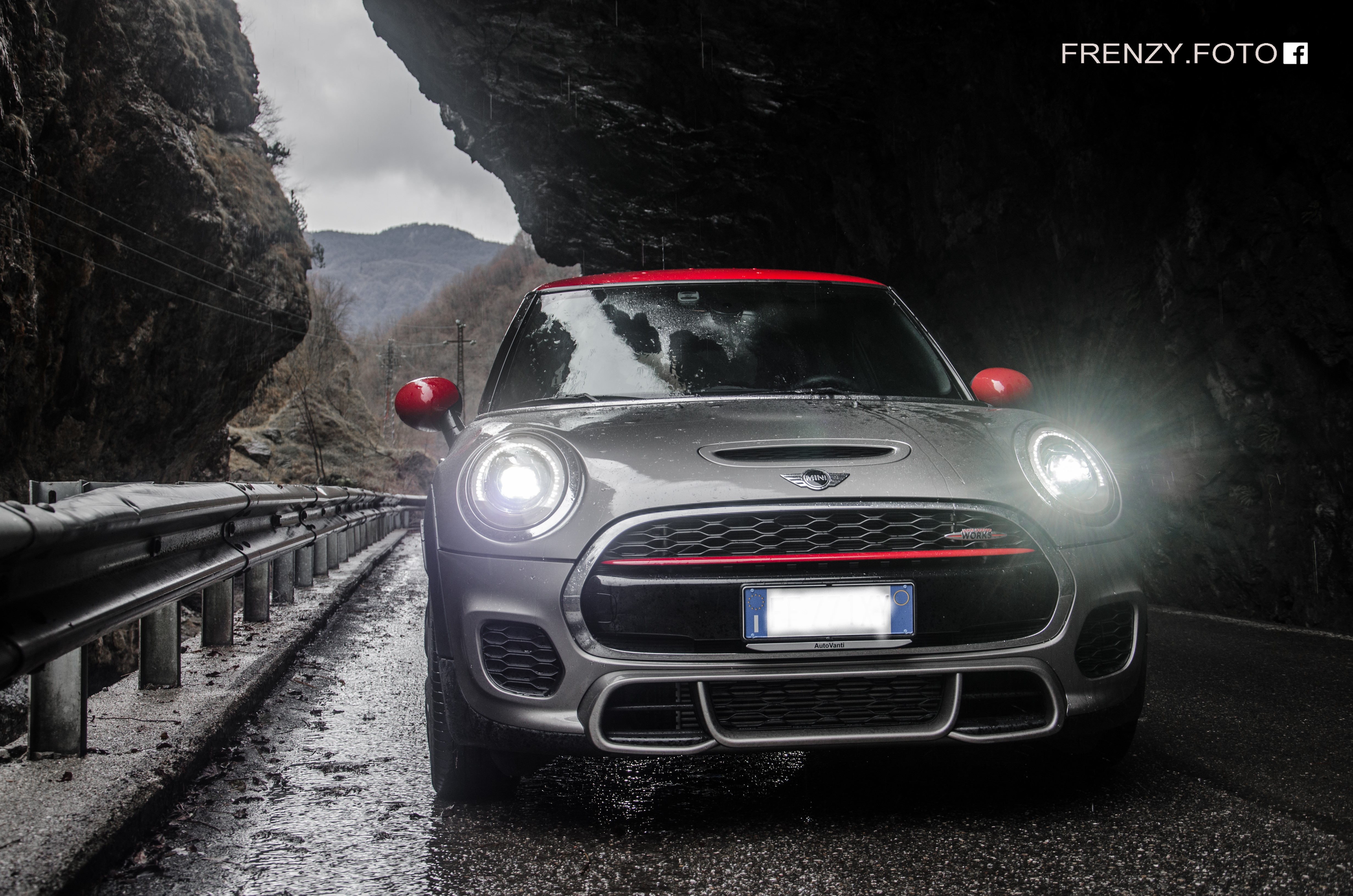
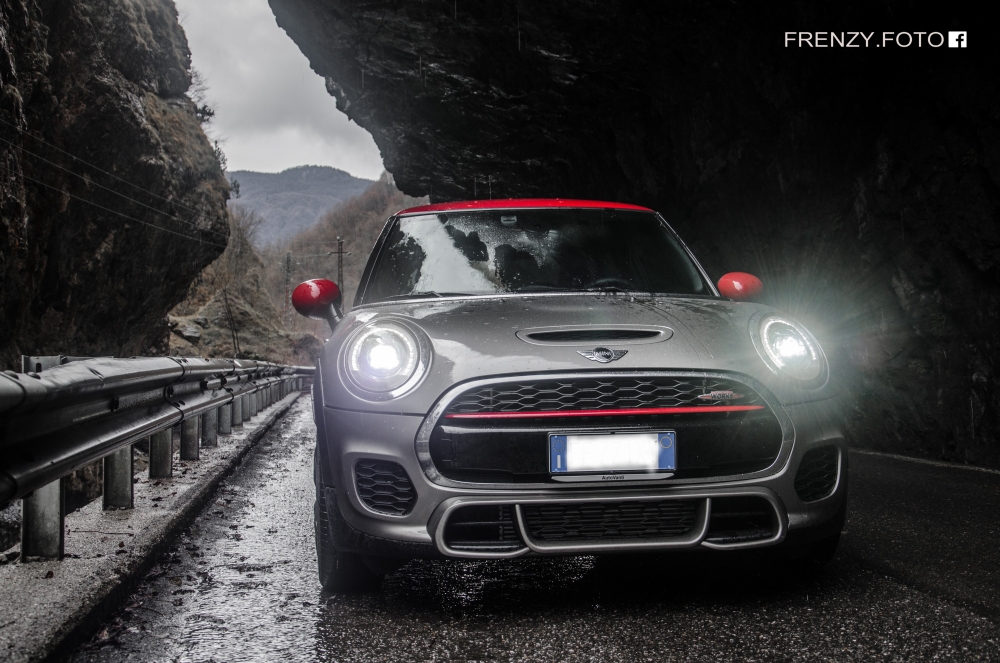
1 puntoCiao a tutti e complimenti per il sito davvero ben fatto e utile per reperire preziose informazioni! Da quasi un anno sono proprietario della mia prima Mini: una F56 JCW che uso prevalentemente in città.
 1 punto
 -
1 punto
-
1 punto
-
1 puntoCiao benvenuto a te & alla tua MINI Peccato tutti quei cavalli relegati ad un recinto come la città..1 punto