Vai al contenuto
View in the app

A better way to browse. Learn more.

mega MINI forum

A full-screen app on your home screen with push notifications, badges and more.

To install this app on iOS and iPadOS
  1. Tap the Share icon in Safari
  2. Scroll the menu and tap Add to Home Screen.
  3. Tap Add in the top-right corner.
To install this app on Android
  1. Tap the 3-dot menu (⋮) in the top-right corner of the browser.
  2. Tap Add to Home screen or Install app.
  3. Confirm by tapping Install.

Classifica

Contenuto Popolare

Mostra il contenuto con la massima reputazione di 06/11/2017 in tutte le aree

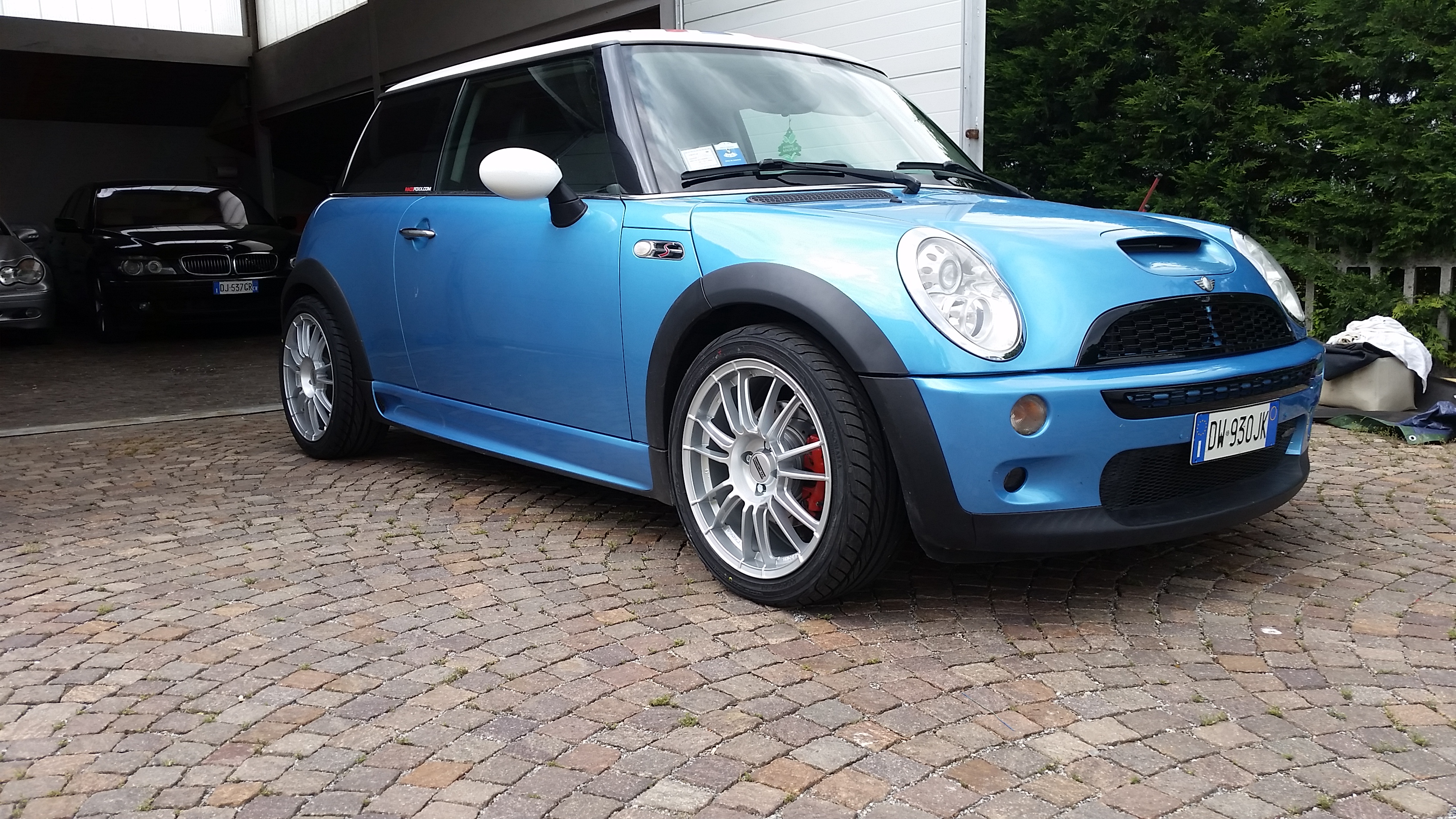
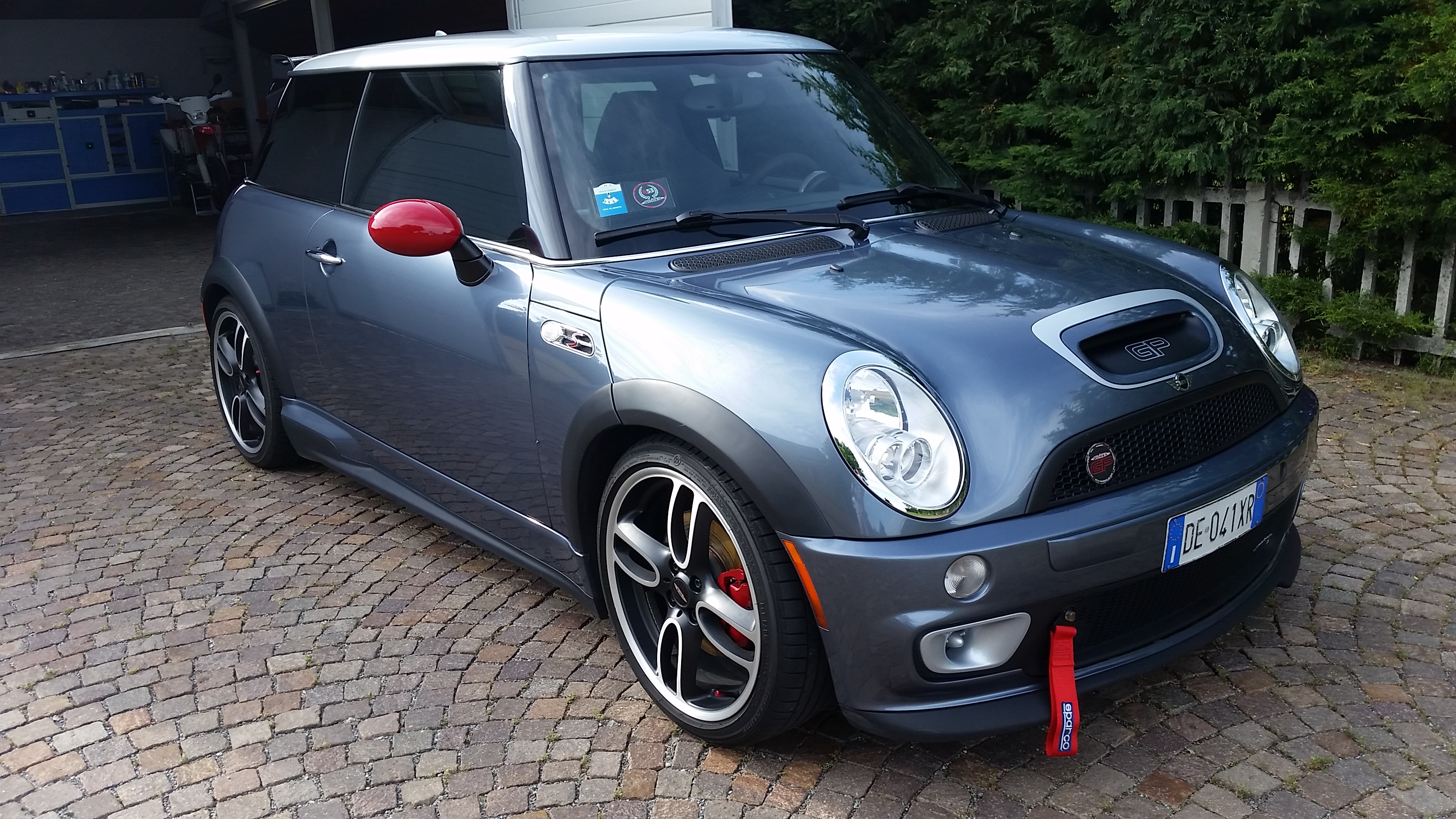
  1. Ciao a tutti ministi ! Vi presento le sorelle ! ahahaha
  2. 1 punto
    Ed io ci sono apposta per farteli notare....
  3. 1 punto
    Benvenuto nel forum!
  4. 1 punto
    Ciao, sono felicissimo possessore do una mini Cooper D terza serie, acquistata con 3400km come 2a auto ma diventata praticamente la più usata ....un’auto fantastica!!! La Guido da quasi 3anni ma non mi stanca mai, l’unica cosa che vorrei é più potenza ma per questo ci sono le S e la JWC..... magari cabriolet
  5. 1 punto
    Ciao benvenuto a te & alla tua MINI.
  6. 1 punto
    Ciao benvenuto a te & alla tua MINI

Account

Navigation

Cerca

Cerca

Configure browser push notifications

Chrome (Android)
  1. Tap the lock icon next to the address bar.
  2. Tap Permissions → Notifications.
  3. Adjust your preference.
Chrome (Desktop)
  1. Click the padlock icon in the address bar.
  2. Select Site settings.
  3. Find Notifications and adjust your preference.