Vai al contenuto
View in the app

A better way to browse. Learn more.

mega MINI forum

A full-screen app on your home screen with push notifications, badges and more.

To install this app on iOS and iPadOS
  1. Tap the Share icon in Safari
  2. Scroll the menu and tap Add to Home Screen.
  3. Tap Add in the top-right corner.
To install this app on Android
  1. Tap the 3-dot menu (⋮) in the top-right corner of the browser.
  2. Tap Add to Home screen or Install app.
  3. Confirm by tapping Install.

Classifica

Contenuto Popolare

Mostra il contenuto con la massima reputazione di 27/01/2018 in tutte le aree

  1. 1 punto
    Ciao @superaga , ti ho riunito la discussione della presentazione.
  2. 1 punto
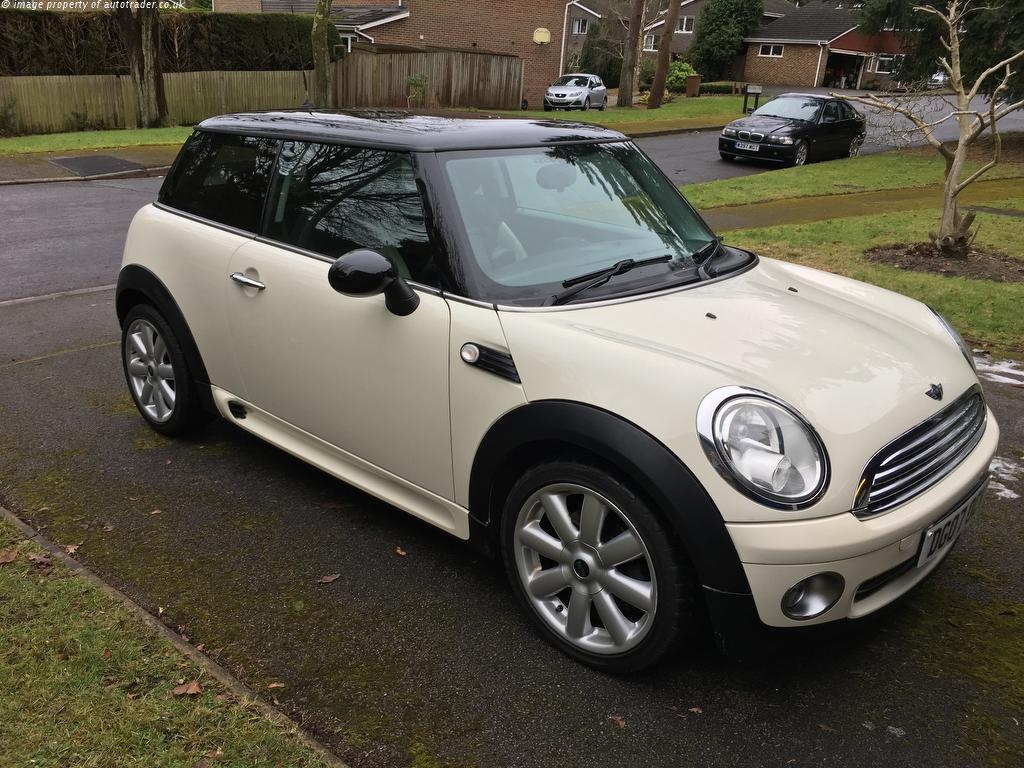
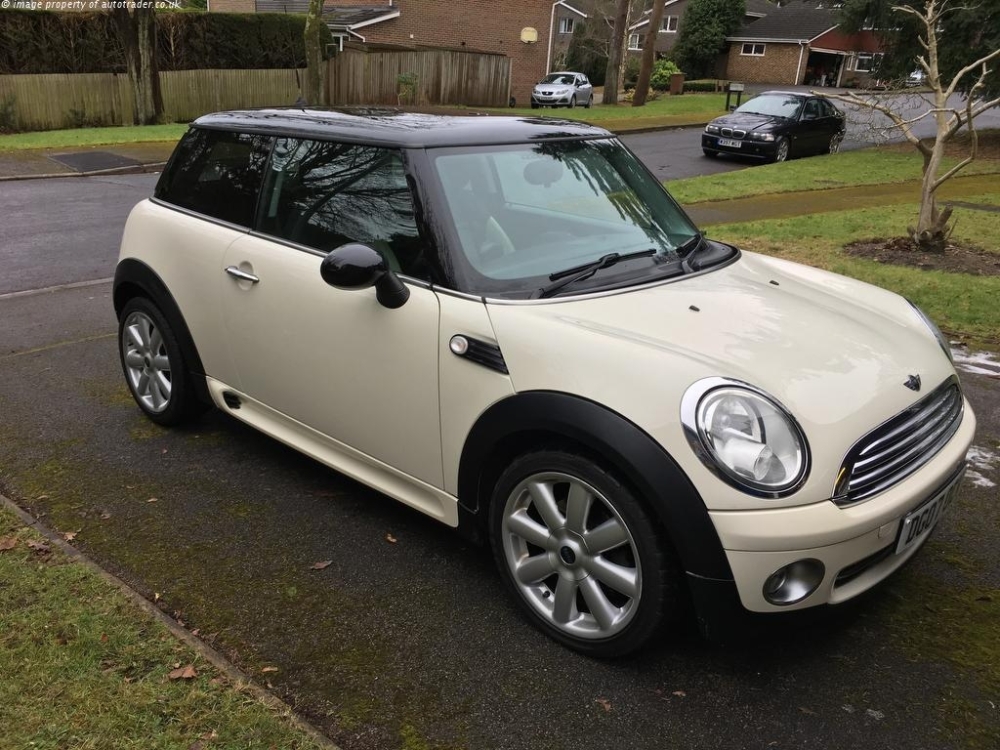
    Buongiorno a tutti! Mi sono iscritto al forum ormai parecchio tempo fa perche' ero in cerca di una MINI Cooper o Cooper S. Poi per questioni legate al lavoro mi sono dovuto spostare in UK. All'inizio ero senza macchina, poi dopo un po' ne ho presa una giusto per iniziare. Finalmente da l'altro ieri sono un MINI DRIVER! Auto del 2007 tenuta benissimo (mi ci e' voluto parecchio per trovarla...), allestimento John Cooper Works. circa 100000 km. sempre tagliandata BMW. Eccola qui! <3 AGA
  3. Allora, forse, sensore rotto ?!?!

Account

Navigation

Cerca

Cerca

Configure browser push notifications

Chrome (Android)
  1. Tap the lock icon next to the address bar.
  2. Tap Permissions → Notifications.
  3. Adjust your preference.
Chrome (Desktop)
  1. Click the padlock icon in the address bar.
  2. Select Site settings.
  3. Find Notifications and adjust your preference.