Classifica
-
MF4
Socio 20241Punti2.529Numero contenuti -

wwleone
Moderatore1Punti18.125Numero contenuti -
Twin power turbo
Utente forum1Punti585Numero contenuti



Contenuto Popolare
Mostra il contenuto con la massima reputazione di 26/06/2018 in Risposte
-
Rinnovo i ringraziamenti per questa discussione. ?1 punto
-
1 puntoGrazie del supporto Amon spero che risolvino anche da me.Sicuramente sará la stessa cosa.Ti aggiorno appena mi ridanno l'auto.1 punto
-
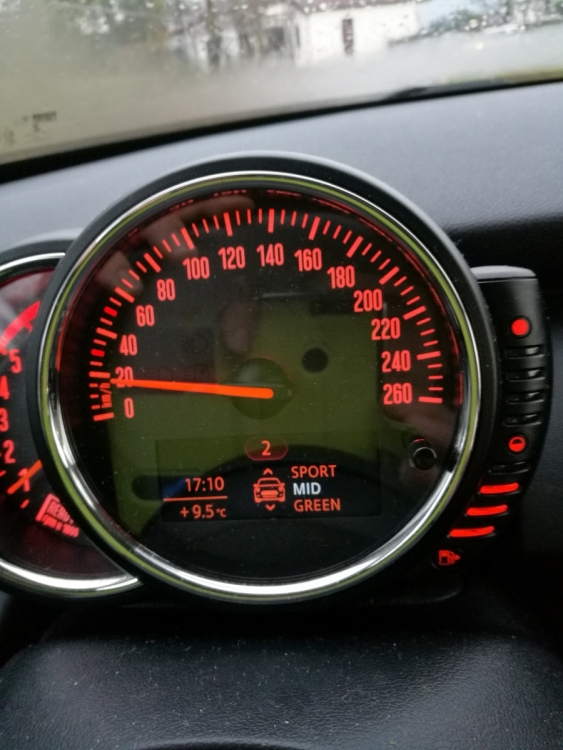
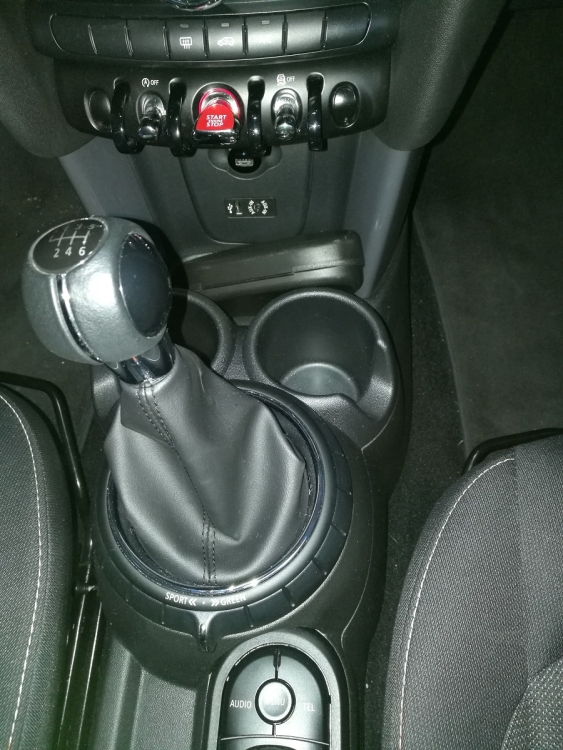
CODIFICA E PROVA FINALE Una volta risistemato l'ultimo pannello di plastica, si procede alla codifica del driving modes. A tal proposito va inserita un nuovo codice nella cartella FA ovvero il codice 4VA che corrisponde all'opzione Mini Driving Modes. Fatto ciò si procede alla codifica del modulo BDC ed alla prova finale! TUTTO OK!!!!!
 1 punto