Vai al contenuto
View in the app

A better way to browse. Learn more.

mega MINI forum

A full-screen app on your home screen with push notifications, badges and more.

To install this app on iOS and iPadOS
  1. Tap the Share icon in Safari
  2. Scroll the menu and tap Add to Home Screen.
  3. Tap Add in the top-right corner.
To install this app on Android
  1. Tap the 3-dot menu (⋮) in the top-right corner of the browser.
  2. Tap Add to Home screen or Install app.
  3. Confirm by tapping Install.

Classifica

Contenuto Popolare

Mostra il contenuto con la massima reputazione di 10/11/2019 in tutte le aree

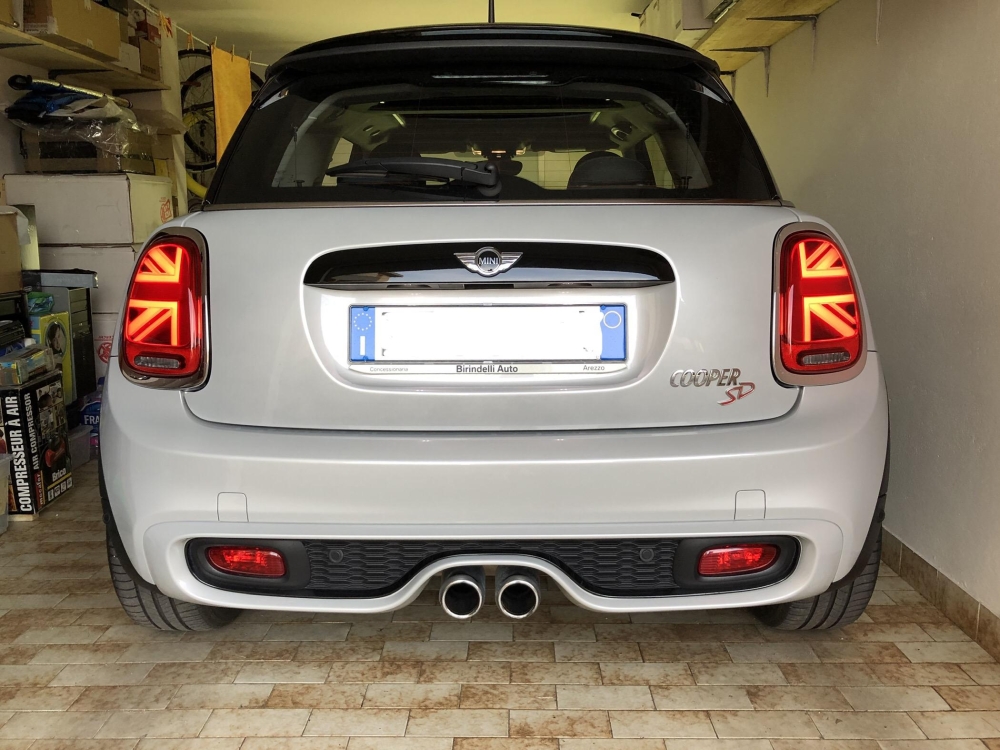
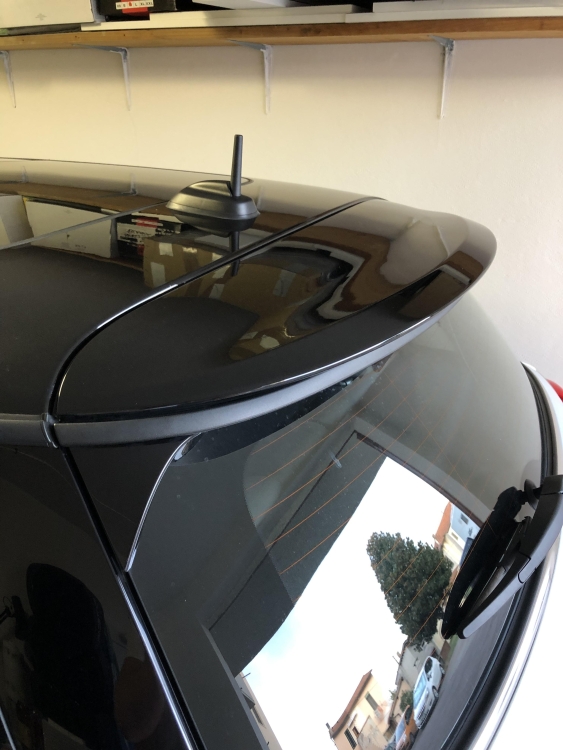
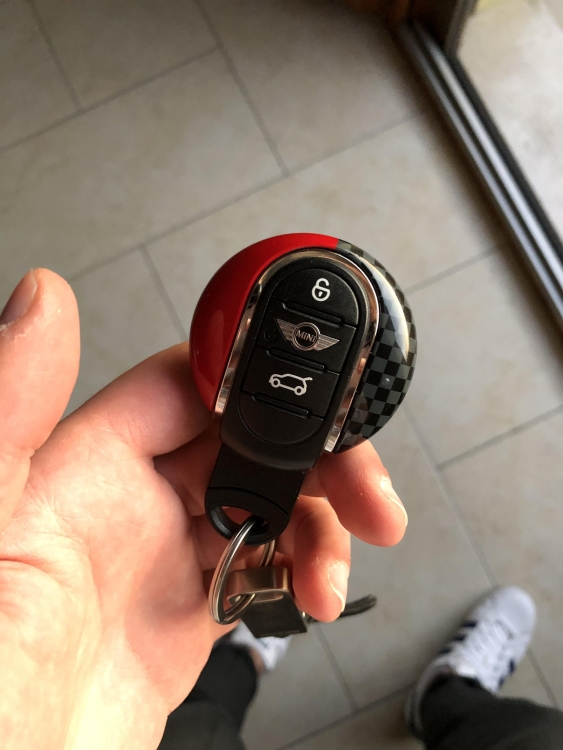
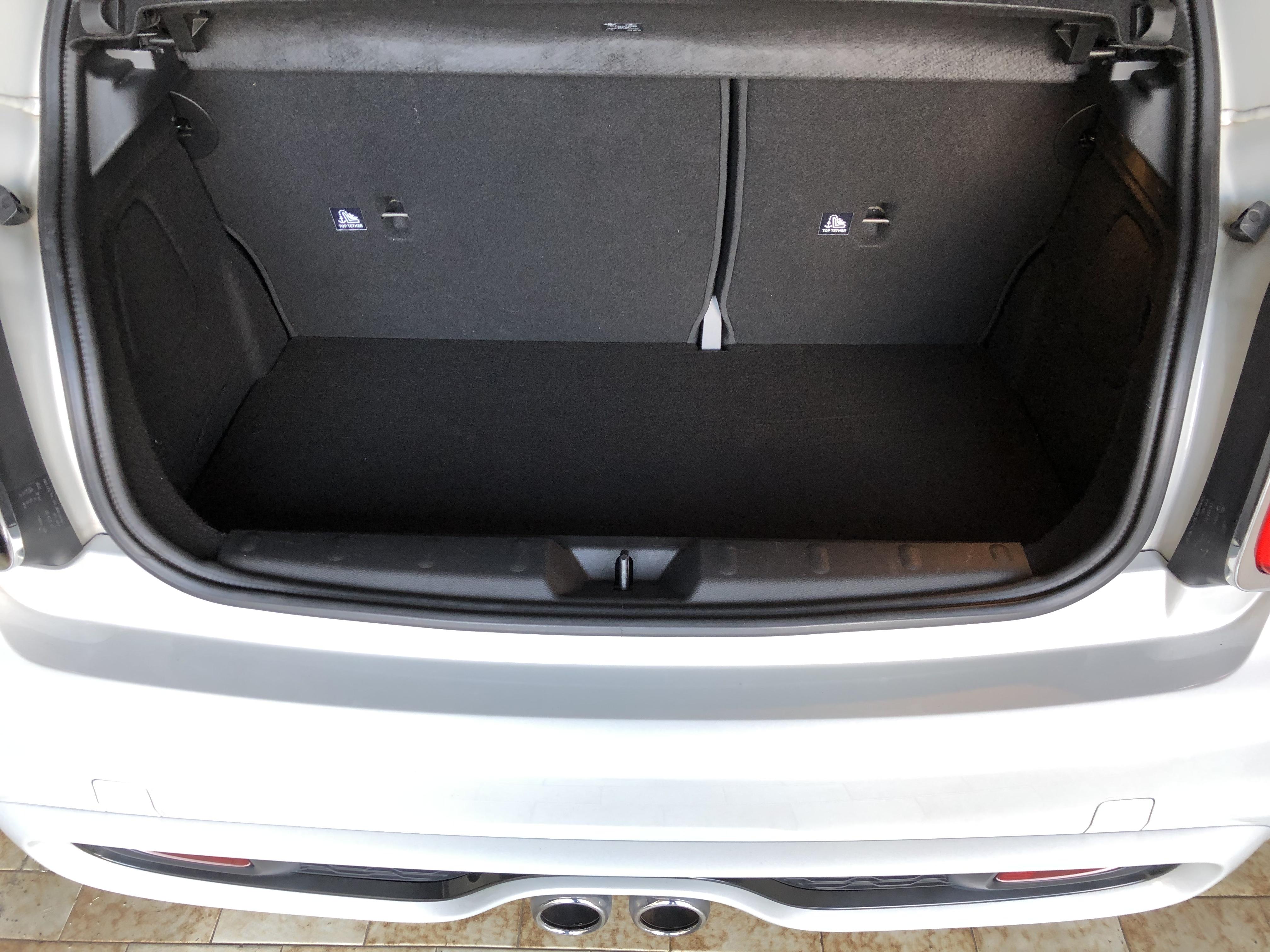
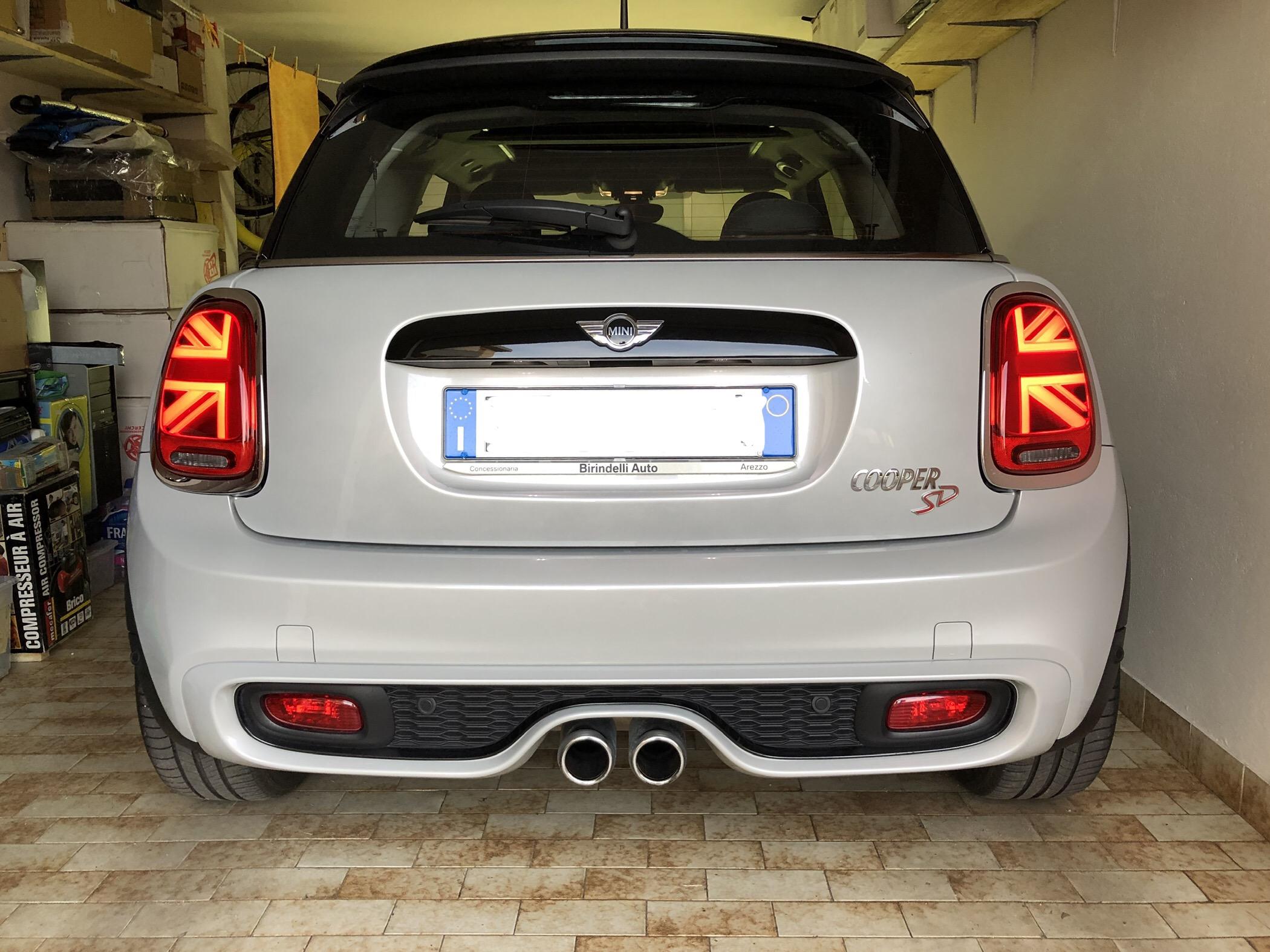
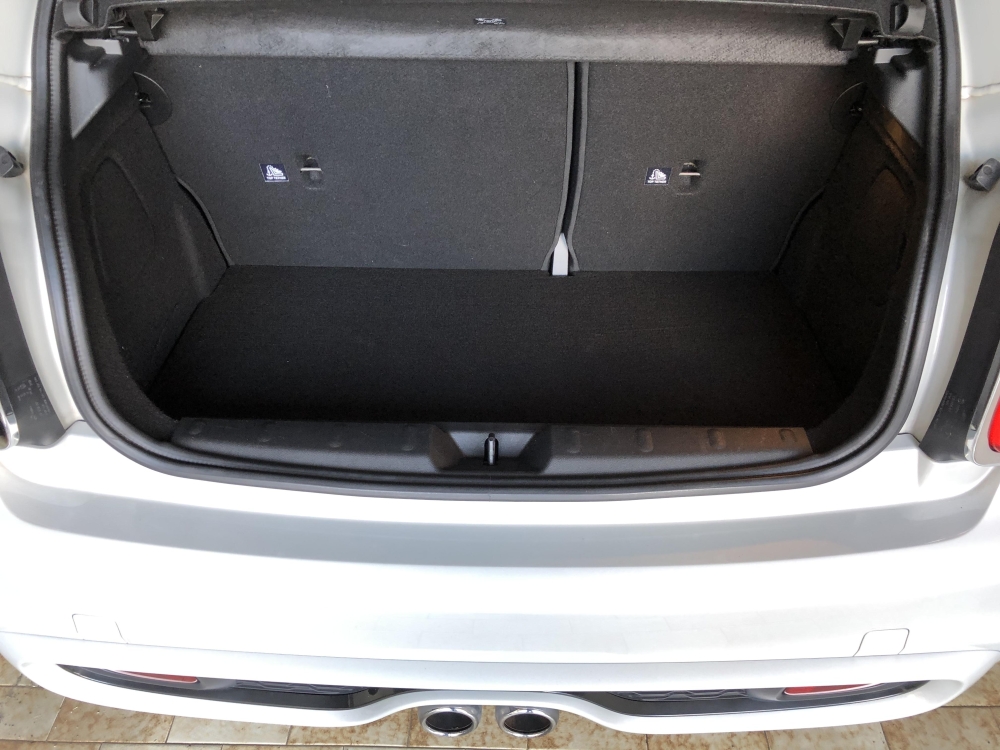
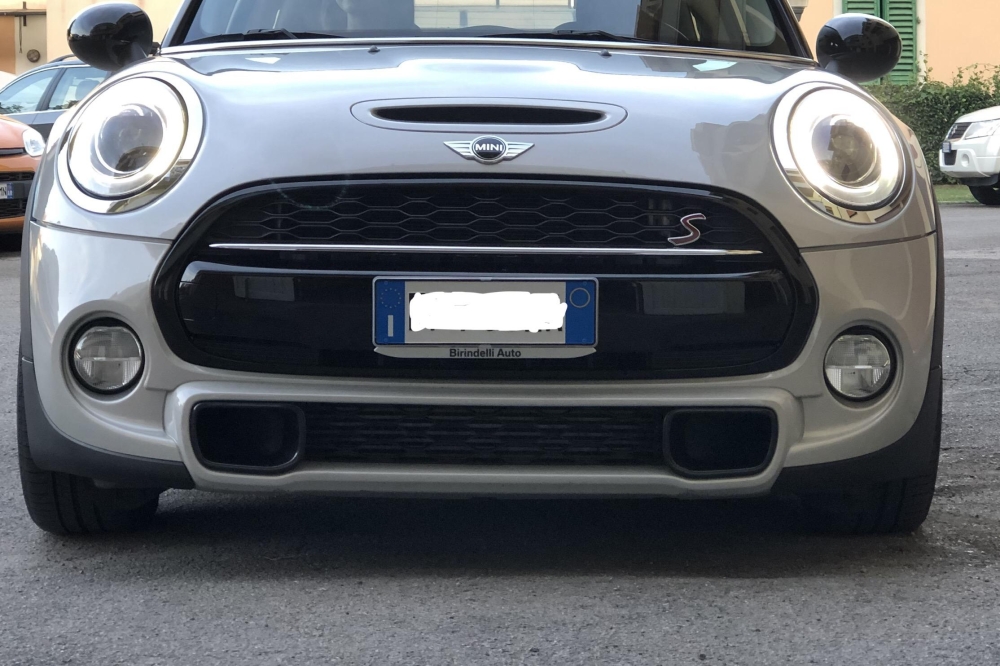
  1. Riposto alcune foto per come é configurata la macchina attualmente, nei post precedenti ho già descritto i vari up A breve nuovi upgrade. Sono a 56.000 km (50.000 al momento dell’acquisto, circa 3 mesi fa) e la macchina va davvero bene per il mio utilizzo. Era in progetto di mettere i cerchi da 17, ma l’omologazione mi é stata fissata il 5 Marzo 2020, non riuscendo a trovare nessun tipo di scorciatoia mi toccherà attendere.
Account

Navigation

Cerca

Cerca

Configure browser push notifications

Chrome (Android)
  1. Tap the lock icon next to the address bar.
  2. Tap Permissions → Notifications.
  3. Adjust your preference.
Chrome (Desktop)
  1. Click the padlock icon in the address bar.
  2. Select Site settings.
  3. Find Notifications and adjust your preference.