Classifica
-

LucasCooper
Socio 20152Punti3.925Numero contenuti -
VR46
Socio 20232Punti746Numero contenuti -
Boxerfabio
Socio 20261Punti837Numero contenuti -

Julius
Utente forum1Punti1.908Numero contenuti




Contenuto Popolare
Mostra il contenuto con la massima reputazione di 08/12/2020 in Risposte
-
1 punto
-
1 punto
-
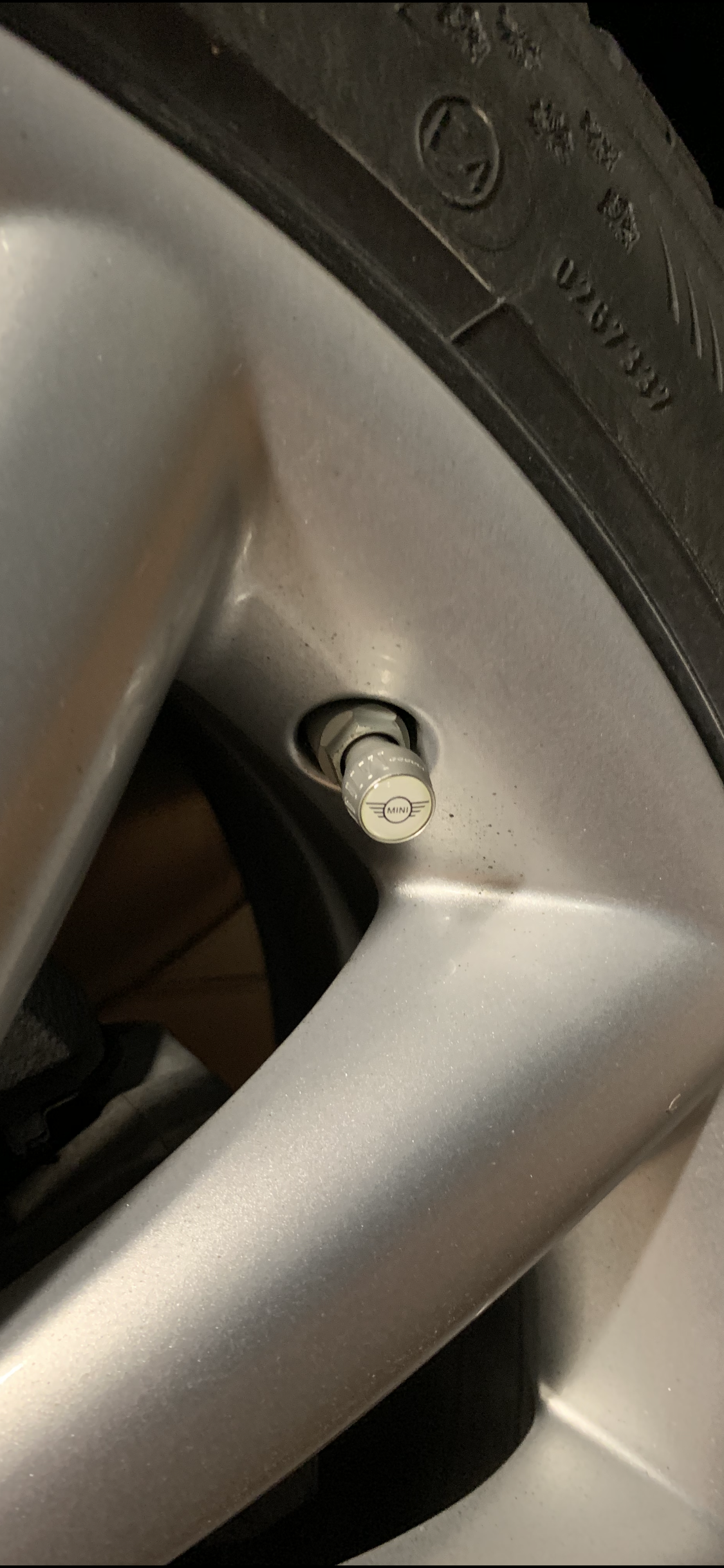
1 puntoOggi vi presento un’upgrade semplicissimo...istigato da un noto forumista 😂 Tappini in alluminio Mini 😅
 1 punto
 -
1 punto
-
1 puntoSembra di avere lo schermo dello smartphone bambato!!!! Ahahhahhahahahahah Scherzi a parte, lo trovo di ottimo gusto!! 😉1 punto
-
1 puntoè vero 😁, peccato averle sostituite entrambe lo scorso anno e averle usate poco e niente. sì molto, ma sono di parte perchè Dicembre mi piace per il Natale e il mio compleanno (già presi i regali per la mini 🤣 )1 punto