Classifica





Contenuto Popolare
Mostra il contenuto con la massima reputazione di 02/06/2023 in Risposte
-
1 puntoDevi vedere se ci sono i tappi con la predisposizione e poi la prendi https://www.leebmann24.de/bmw-ersatzteile/view/btdetail/?series=f60&typ=yy31&og=07&hg=51&bt=51_6097 https://www.hubauer-shop.de/en/MINI/mi-cou/yw51-f60-b38c/yw51-51-vehicle/yw51-516097-dachhim/1 punto
-
1 punto@centaurus ho messo la tua richiesta qui (trattandosi dello stesso argomento).1 punto
-
1 puntoCi vorrebbe la sabbiatrice per farle uscire proprio nuove,ma immagino che riuscirai a fare meglio1 punto
-
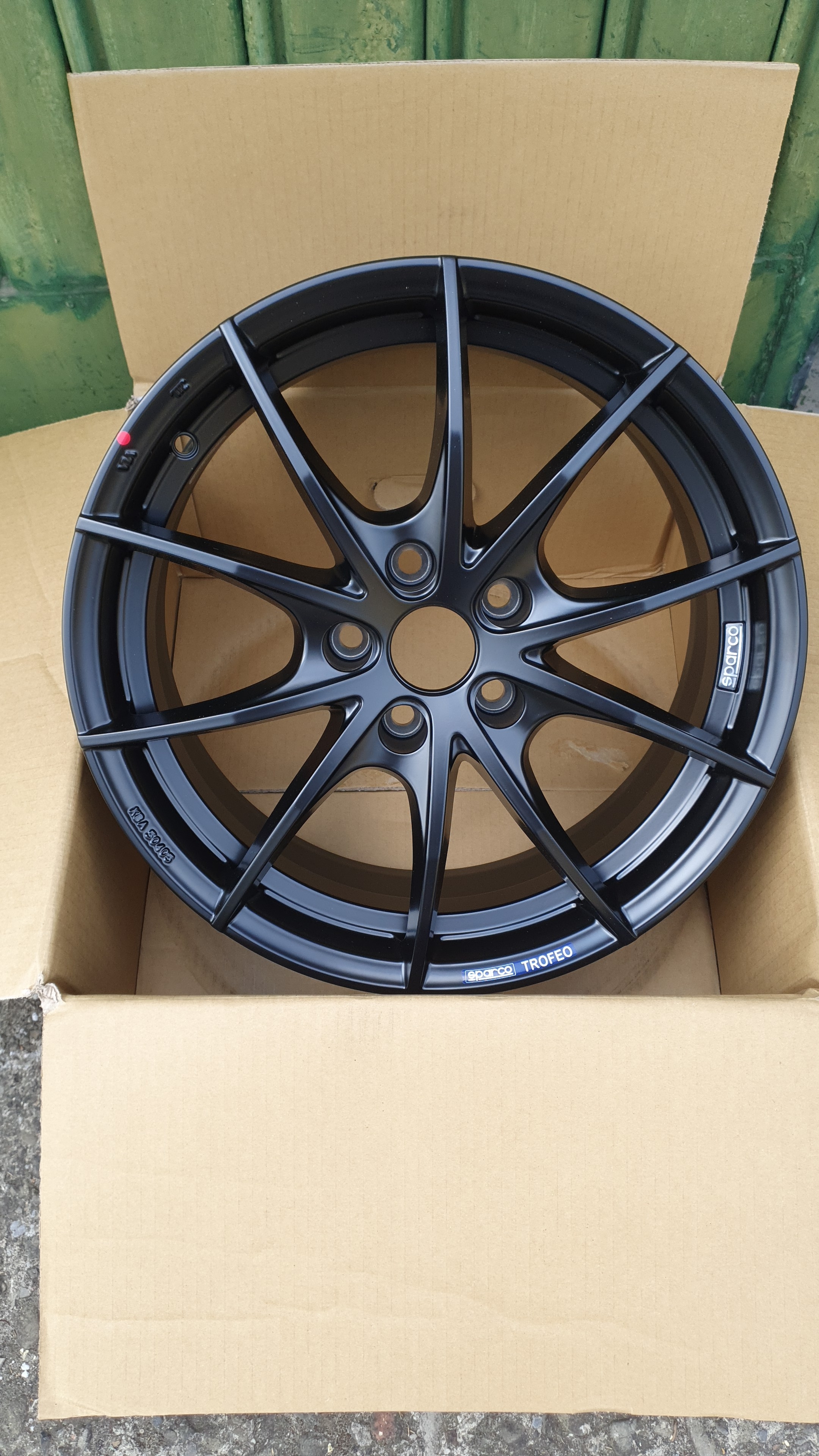
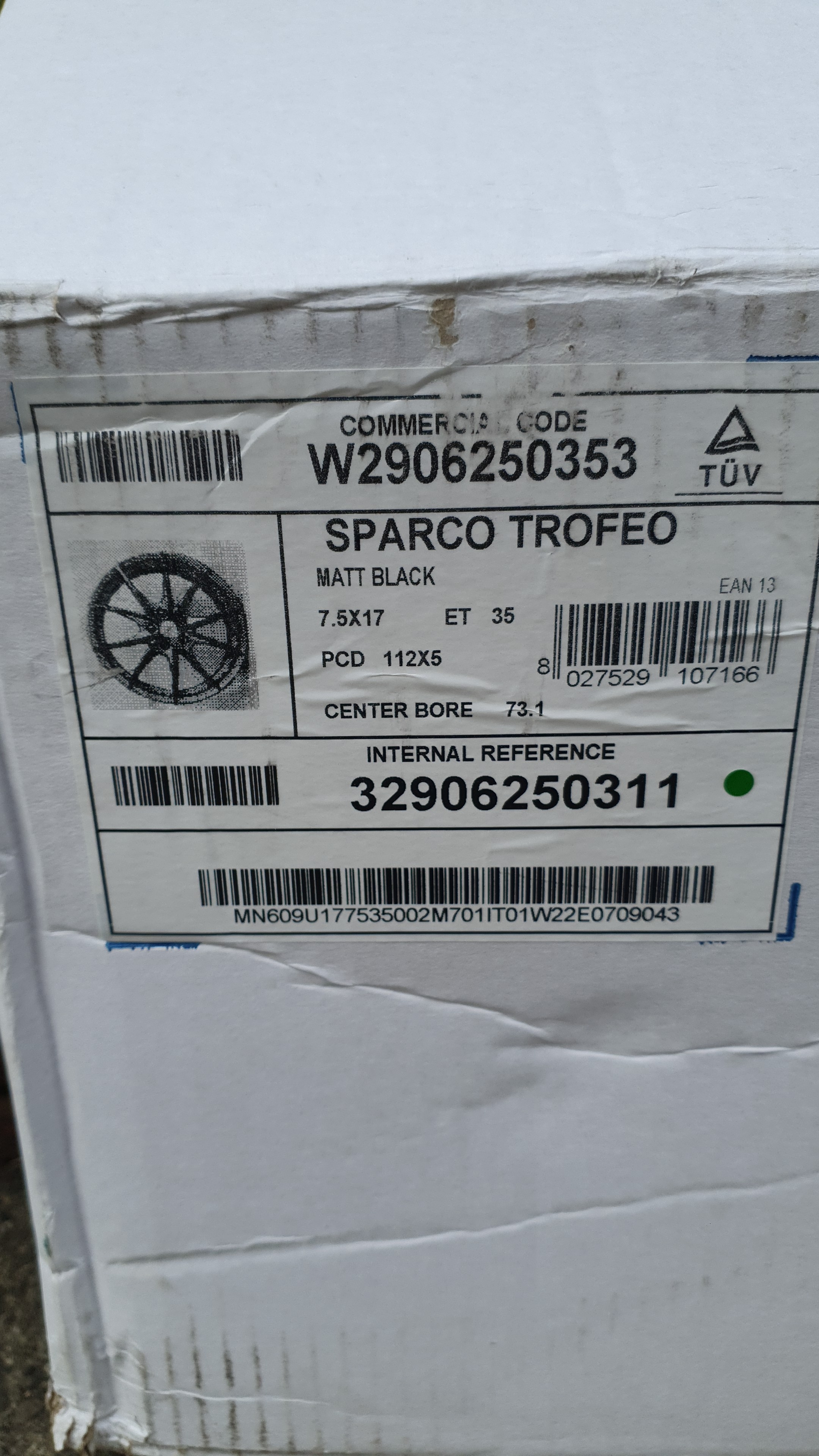
1 puntoArrivato nuovo upgrade per la futura stagione invernale (gomme già esistenti). A mio figlio non piacevano proprio per niente quelli originali da 17" Quindi ecco arrivati gli SPARCO Trofeo 5 5×112 7.5×17 ET35
 1 punto
 -
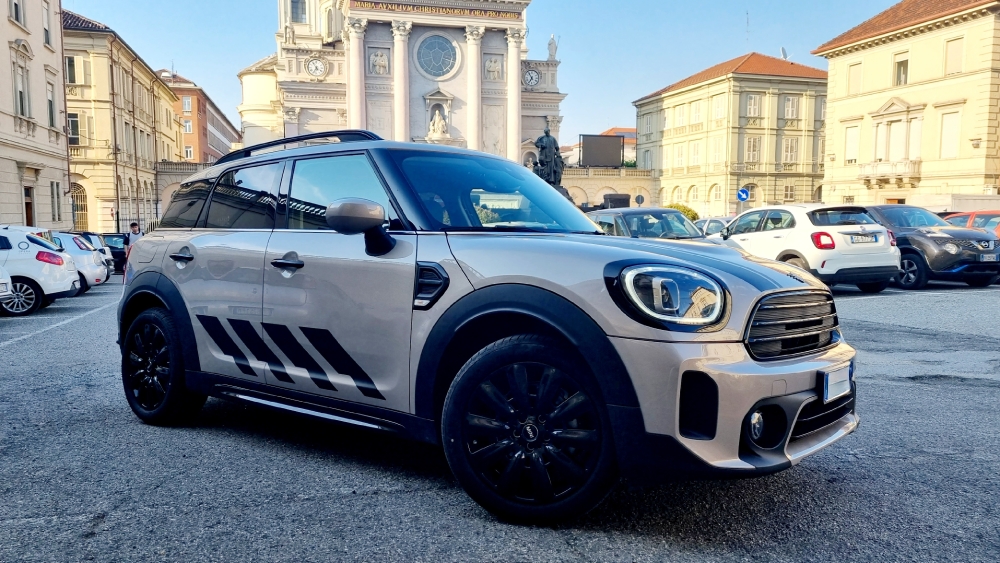
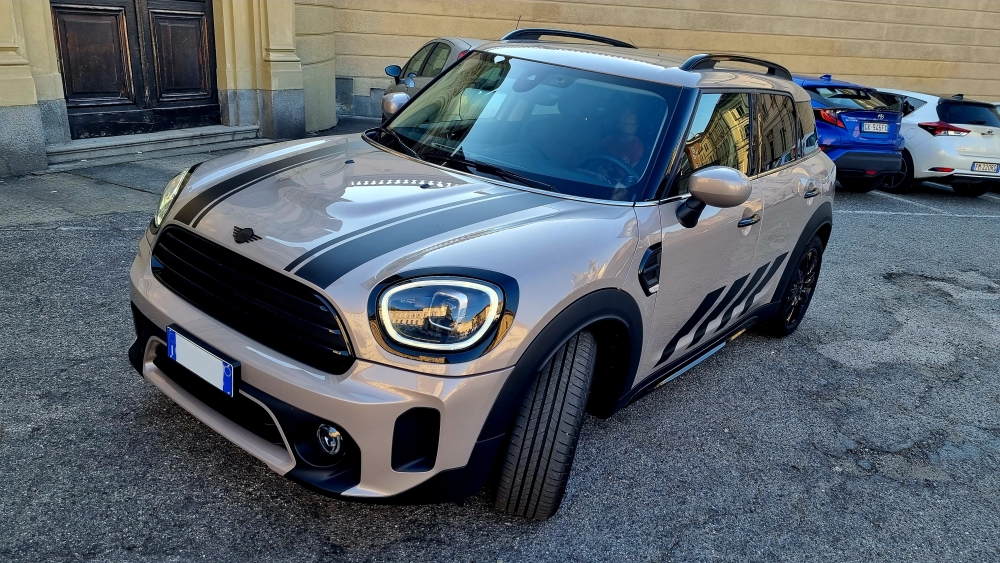
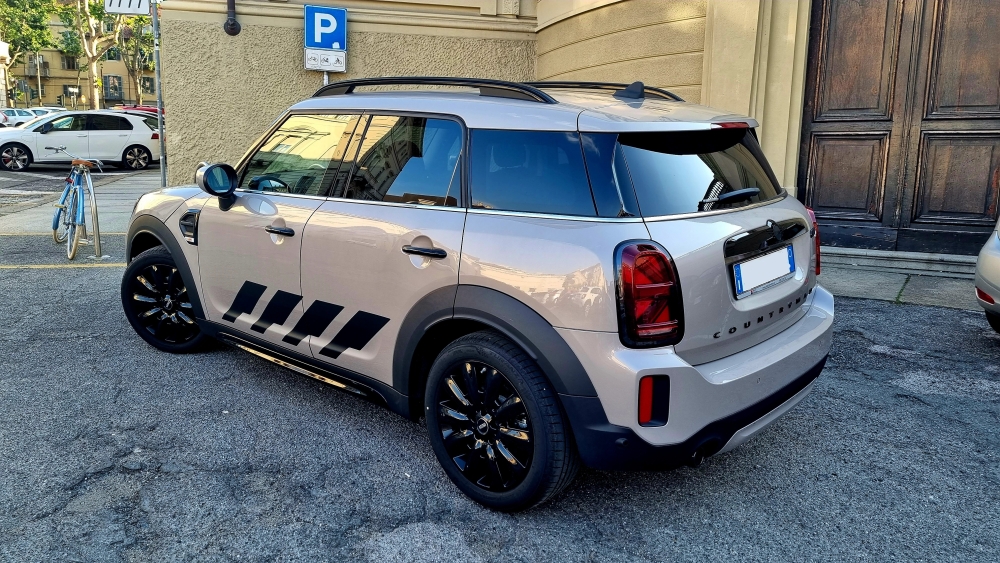
1 puntoPiccolo cambio di look.. aggiunte le bonnet stripes e le grafiche laterali della Untamed edition. Come vi sembra ?
 1 punto
 -
1 punto