Classifica
-
ciaoroma
Utente forum1Punti70Numero contenuti -

marcello4895
Moderatore1Punti5.137Numero contenuti -

Vam
Moderatore1Punti14.903Numero contenuti -

Fabry Geims Din
Utente forum1Punti6.780Numero contenuti




Contenuto Popolare
Mostra il contenuto con la massima reputazione di 20/02/2026 in tutte le aree
-
1 punto
-
1 punto
-
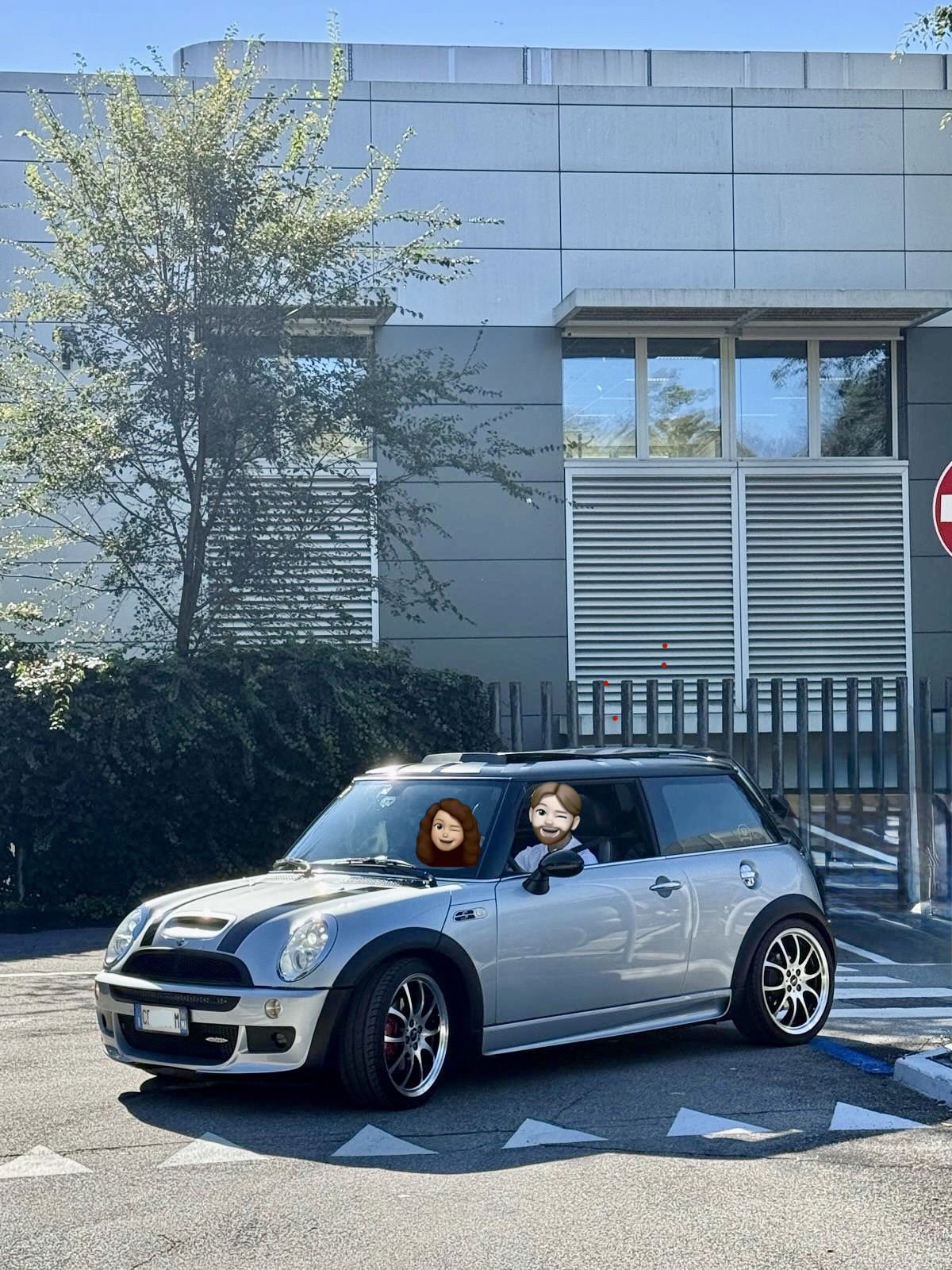
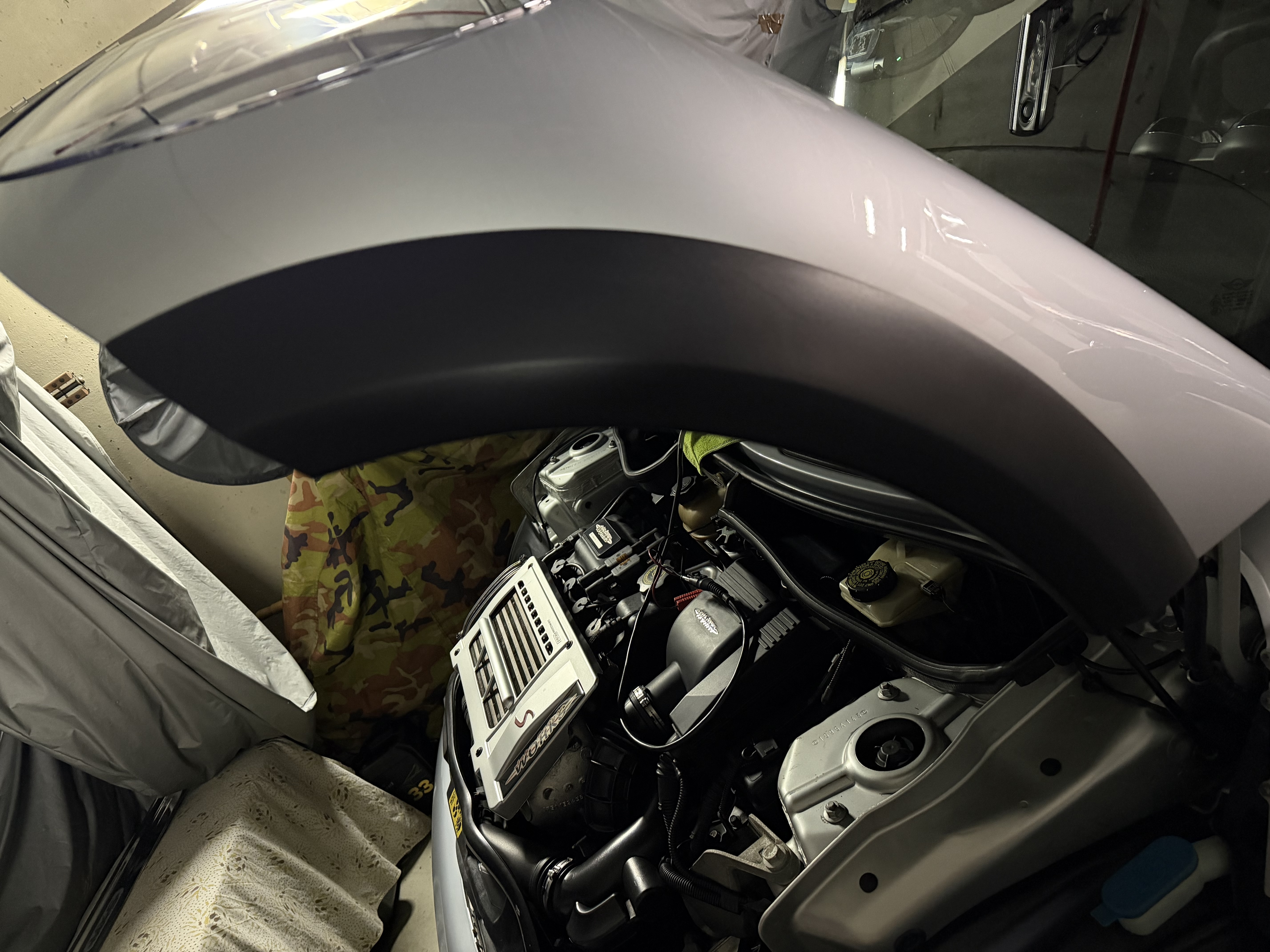
1 puntoDirettamente dall’ultimo Raduno… ed una foto di Detailing sul passaruota anteriore… 😉

 1 punto
 -
@marcello4895 questo weekend preparo un video fatto meglio sulla questione del modulo led interno allo specchietto e lo pubblico a breve anche qui 😊 Spoiler: purtroppo non c'è rimedio al degrado/vulcanizzazione della membrana col logo se non cambiare il modulo stesso... ad oggi 79€ al ricambi MINI ufficiale. Grazie per avermi evidenziato questo topic.1 punto
-
0 punti