



Cooper D
Utente forum
-
Iscritto
-
Ultima visita
Tutti i contenuti di Cooper D
-
-
-
-
-
-
MINI driver clabat

-
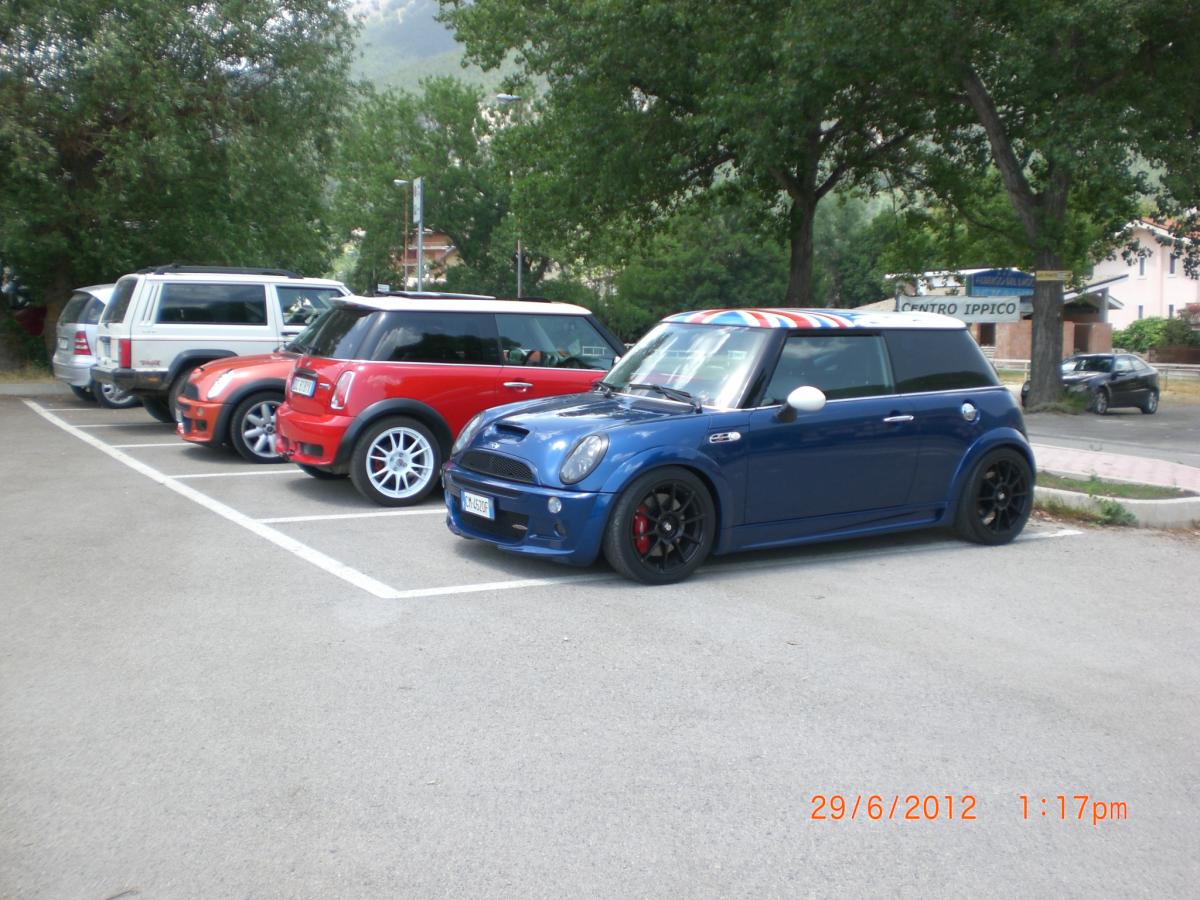
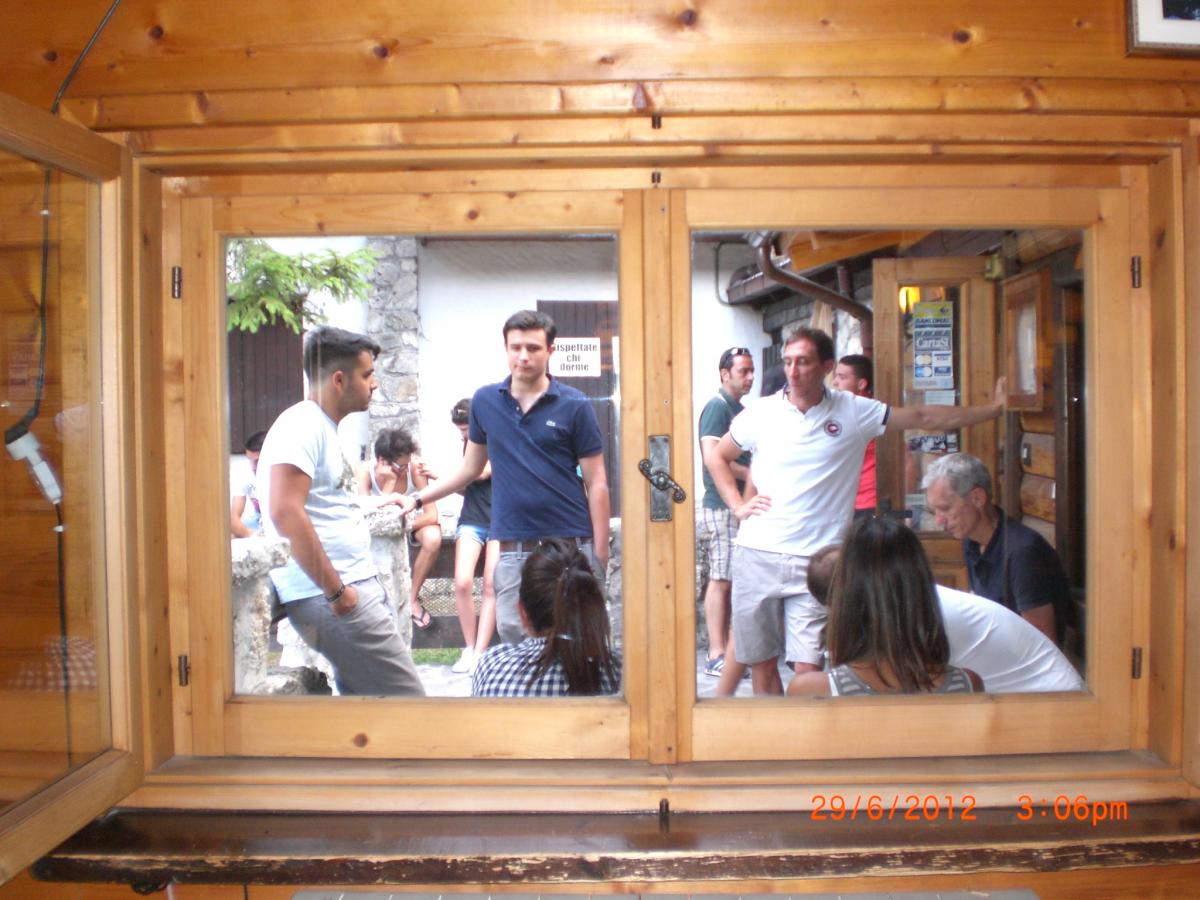
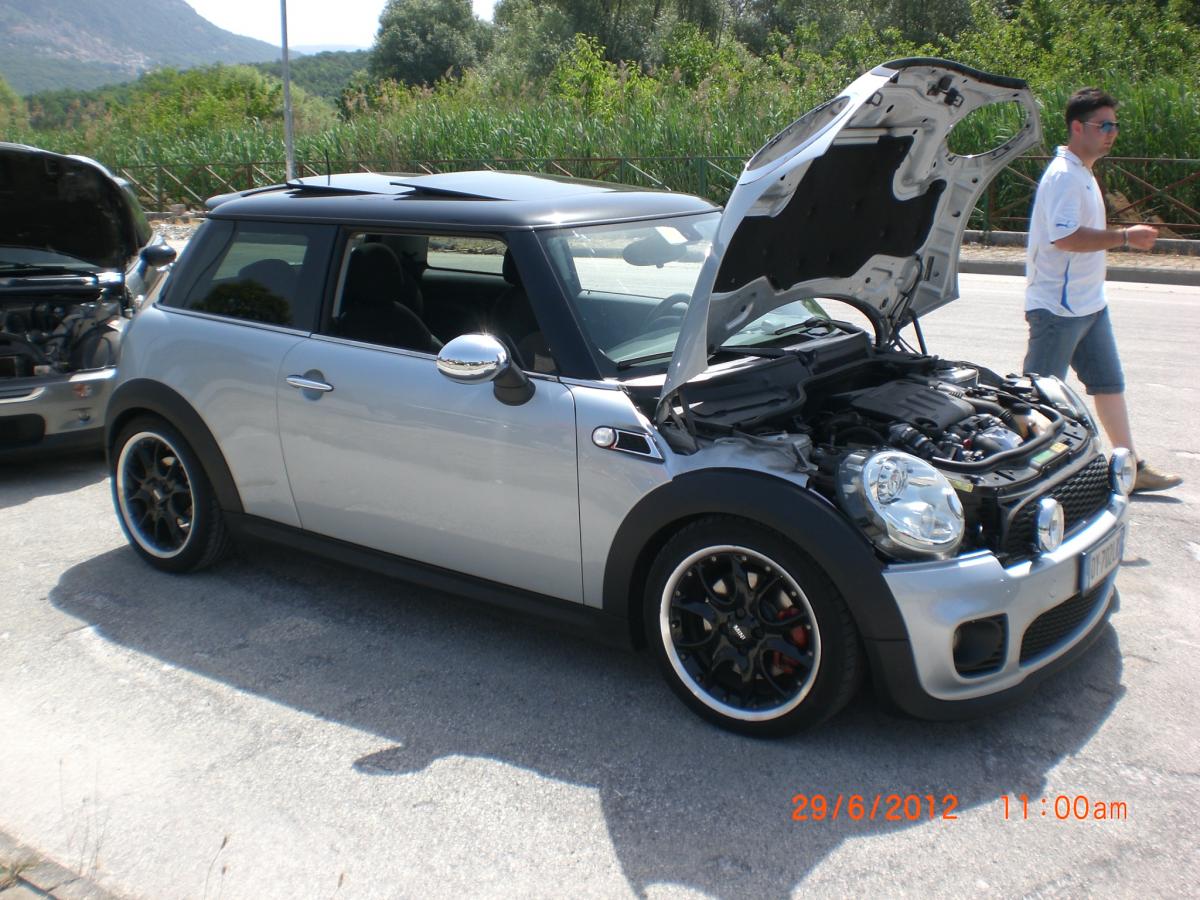
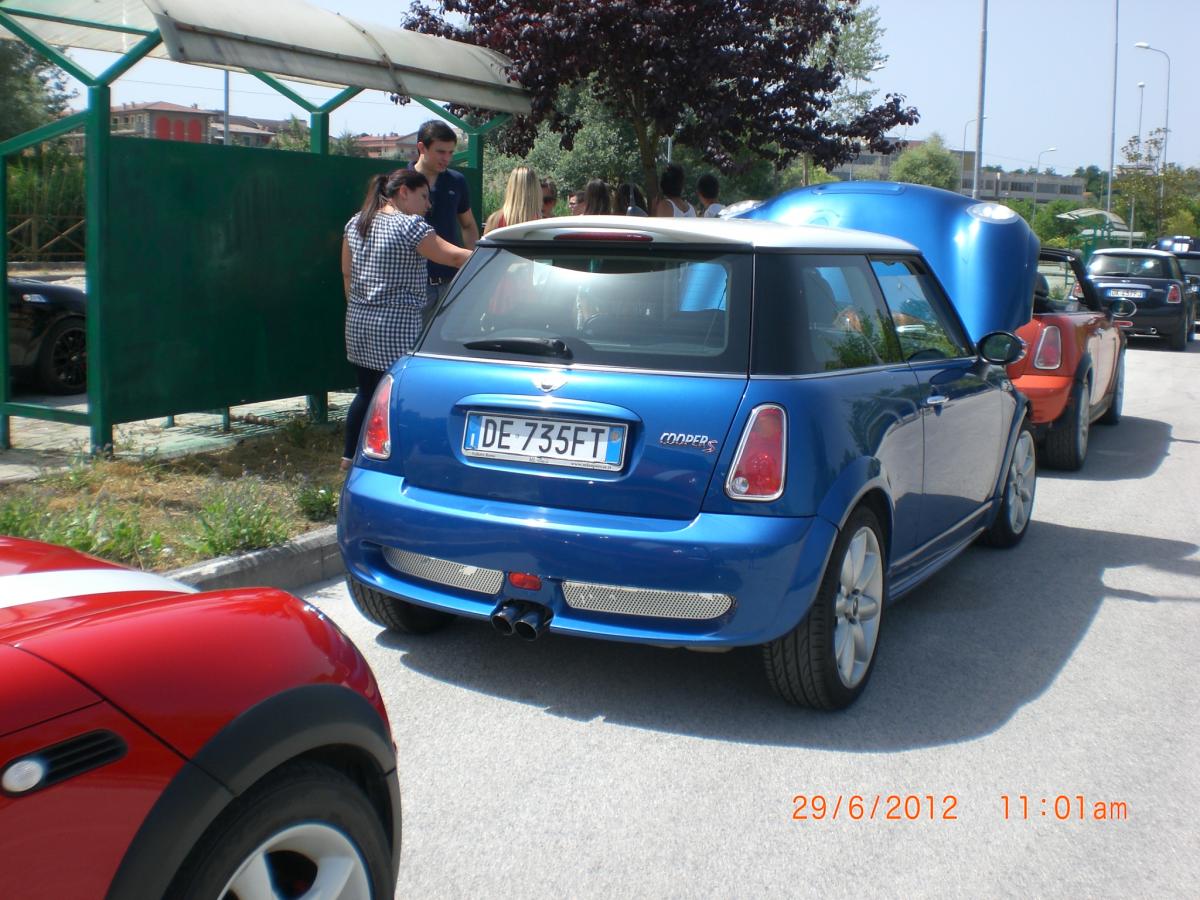
foto,foto...





-
alte foto....


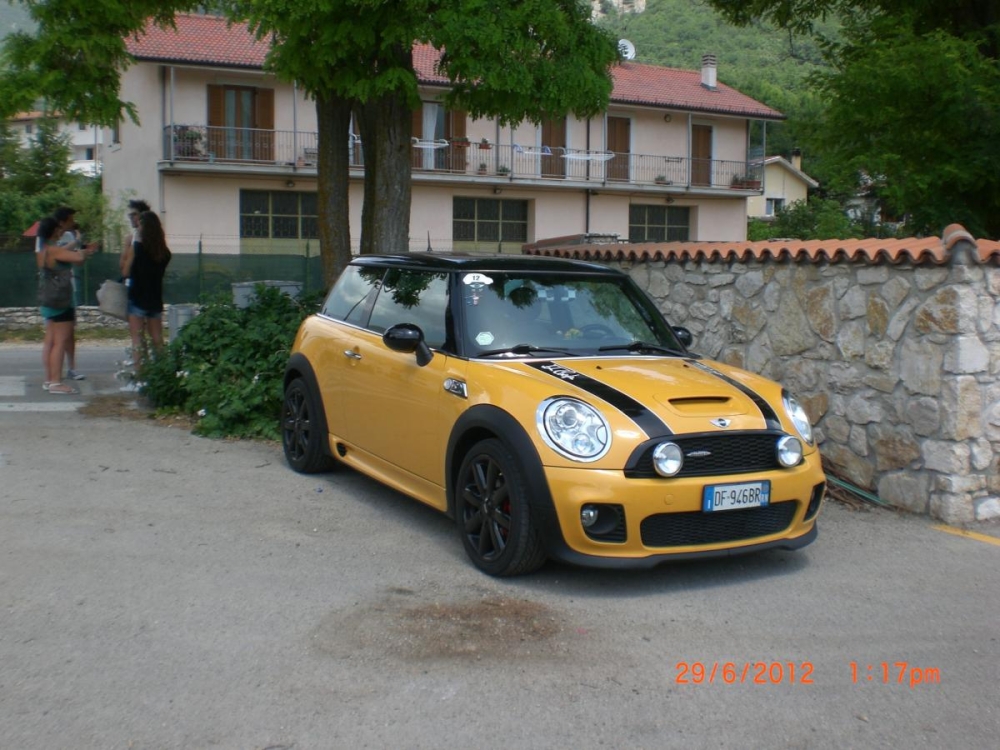







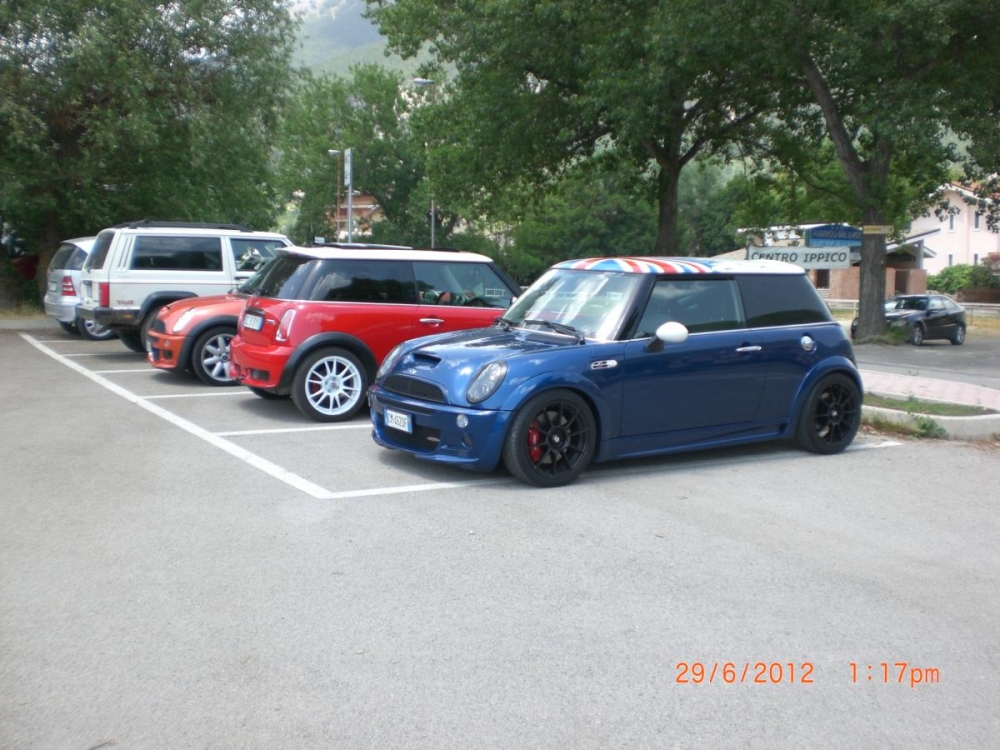
-
-
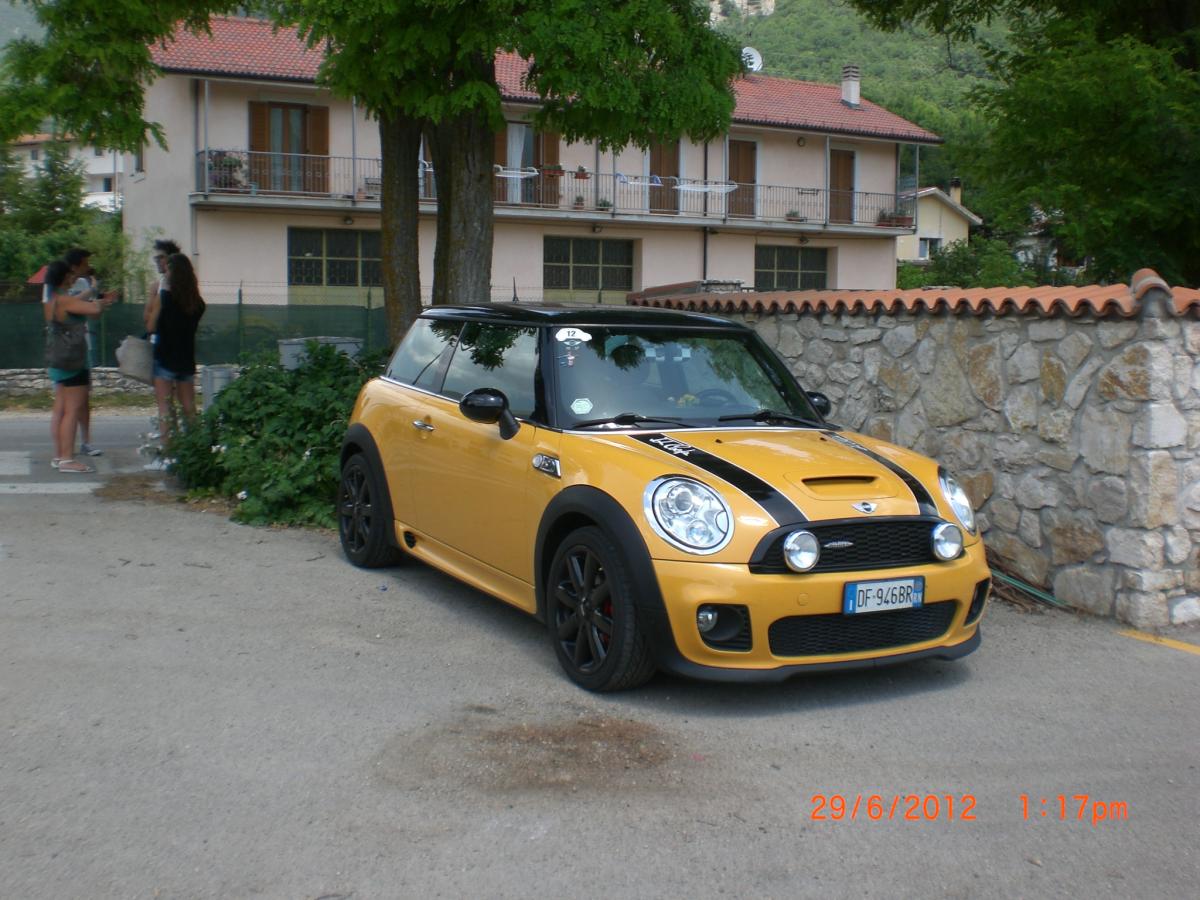
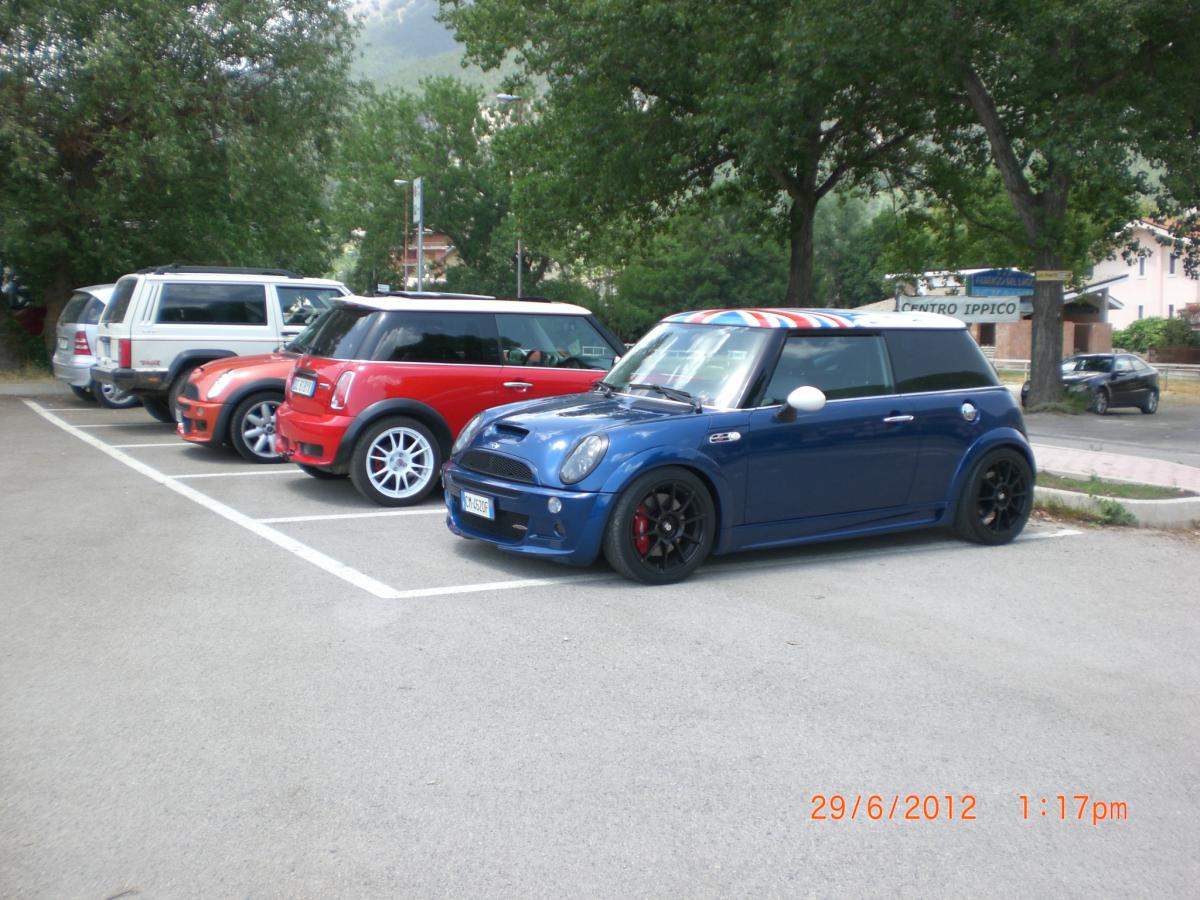
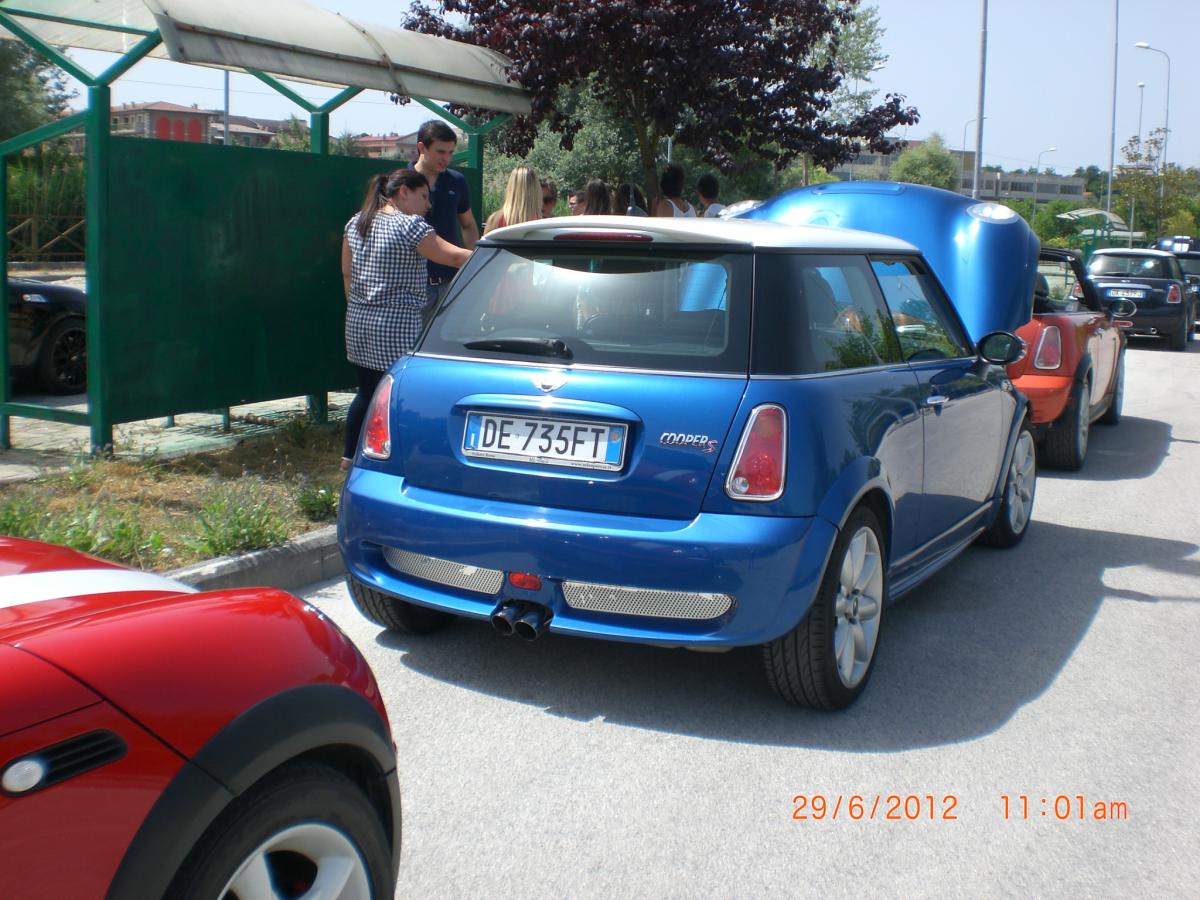
Ecco un po' di foto


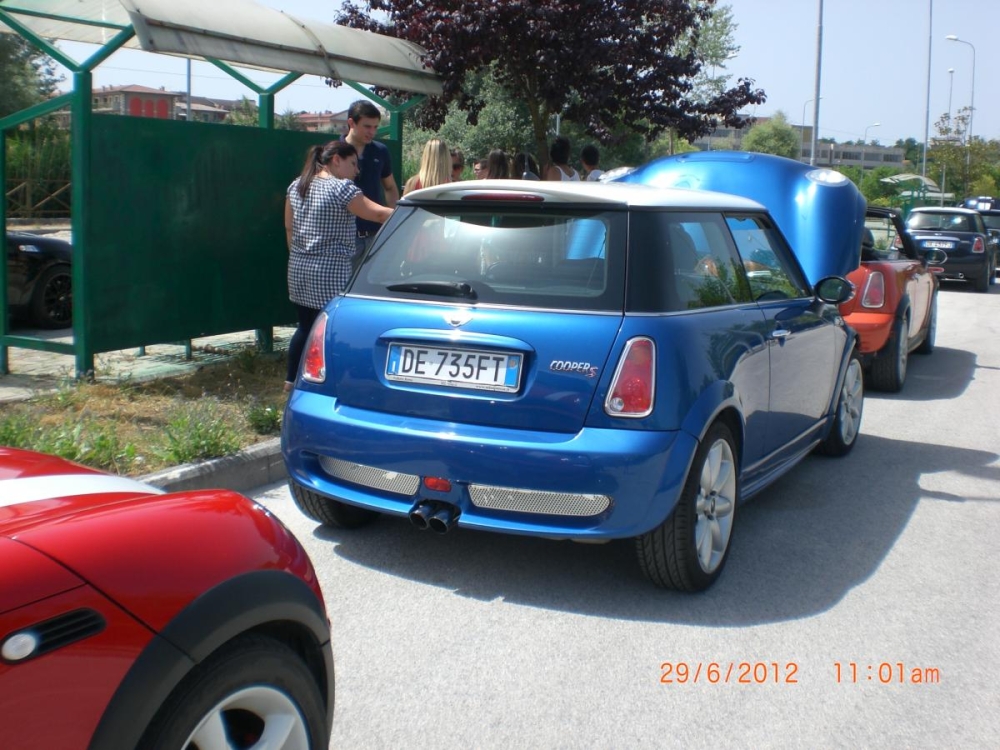













 ringrazio a tutti i ministi per la splendida giornata che mi avete fatto passare. sul tracciato del macerone in piena curva ho azzardato un sorpasso da suicidio.mentre noi che partiamo da sud dove ci ritroviamo .
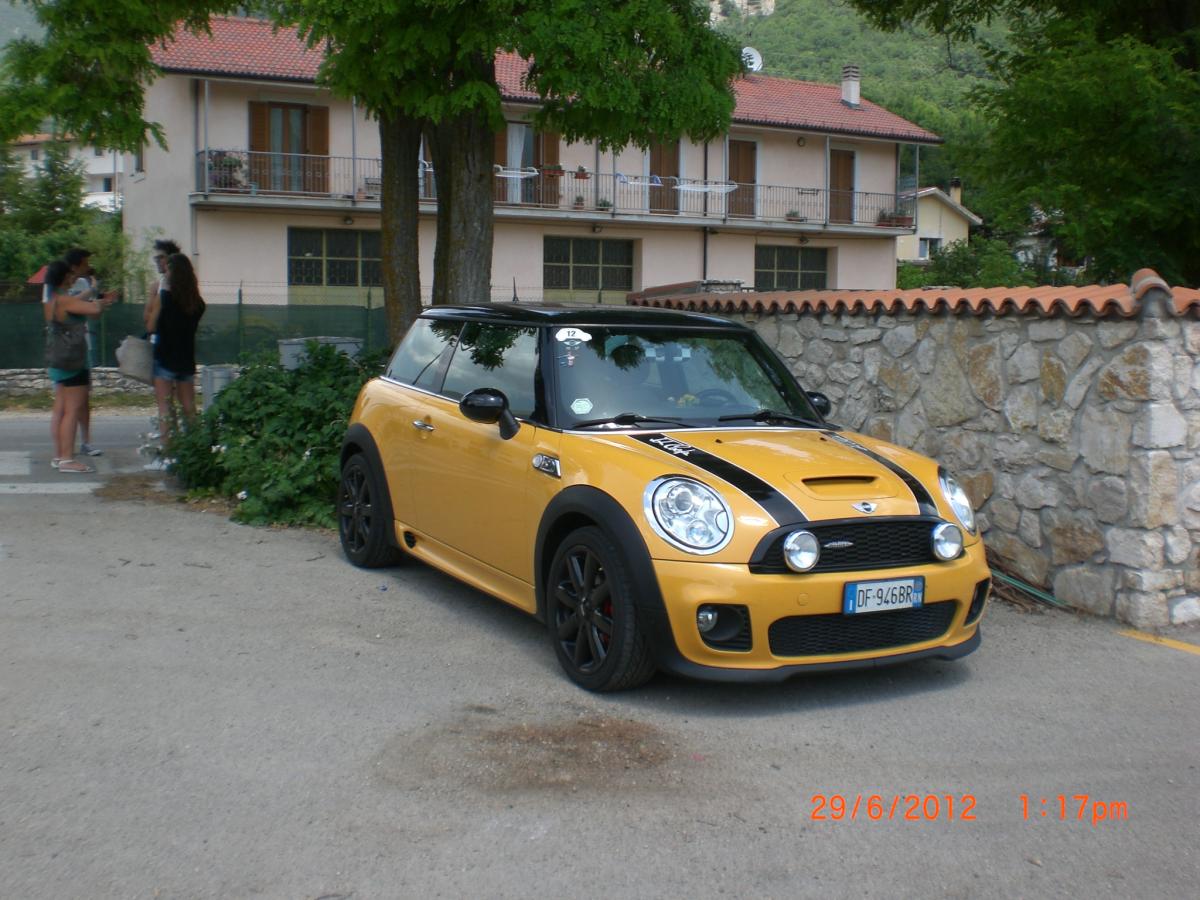
 ma che assetto monti un ghiera .allora,Gian fatti controllare dal tuo meccanico tutti i silent block,i bracetti anteriori e il semiasse se e tutto a posto monta le molle,puo essere che uno di questi pezzi elencati non sia a posto e ti vibra tutto .
 questi,ora provo a indovinare,speedline .be ti posso dire che dove abito io a Potenza,e pieno di buche sembra un campo da golf,o piegato uno dei miei flame spoke originali,anche se di poco,poi il mio gommista me lo ha sistemato con il macchinario .


















































Account
Navigation
Cerca
Configure browser push notifications
Chrome (Android)
- Tap the lock icon next to the address bar.
- Tap Permissions → Notifications.
- Adjust your preference.
Chrome (Desktop)
- Click the padlock icon in the address bar.
- Select Site settings.
- Find Notifications and adjust your preference.
Safari (iOS 16.4+)
- Ensure the site is installed via Add to Home Screen.
- Open Settings App → Notifications.
- Find your app name and adjust your preference.
Safari (macOS)
- Go to Safari → Preferences.
- Click the Websites tab.
- Select Notifications in the sidebar.
- Find this website and adjust your preference.
Edge (Android)
- Tap the lock icon next to the address bar.
- Tap Permissions.
- Find Notifications and adjust your preference.
Edge (Desktop)
- Click the padlock icon in the address bar.
- Click Permissions for this site.
- Find Notifications and adjust your preference.
Firefox (Android)
- Go to Settings → Site permissions.
- Tap Notifications.
- Find this site in the list and adjust your preference.
Firefox (Desktop)
- Open Firefox Settings.
- Search for Notifications.
- Find this site in the list and adjust your preference.