Vai al contenuto
View in the app

A better way to browse. Learn more.

mega MINI forum

A full-screen app on your home screen with push notifications, badges and more.

To install this app on iOS and iPadOS
  1. Tap the Share icon in Safari
  2. Scroll the menu and tap Add to Home Screen.
  3. Tap Add in the top-right corner.
To install this app on Android
  1. Tap the 3-dot menu (⋮) in the top-right corner of the browser.
  2. Tap Add to Home screen or Install app.
  3. Confirm by tapping Install.

BestVale56

Utente forum
  • Iscritto

  • Ultima visita

Tutti i contenuti di BestVale56

  1. BestVale56 ha risposto a Matte 6464 nella discussione Nord
    Mi sarebbe tanto piaciuto conoscervi di persona per questo evento, ma la mia situazione logistica, vivendo in Sardegna, non me lo permette. Tuttavia se in futuro volete prevedere, qualche giorno di vacanza MINI, in Sardegna, magari in primavera, Io mi metto a Vs. dispsizione. Io vivo ad Olbia. Un abbraccio Valentino
  2. BestVale56 ha commentato al blog entry BestVale56 in Film
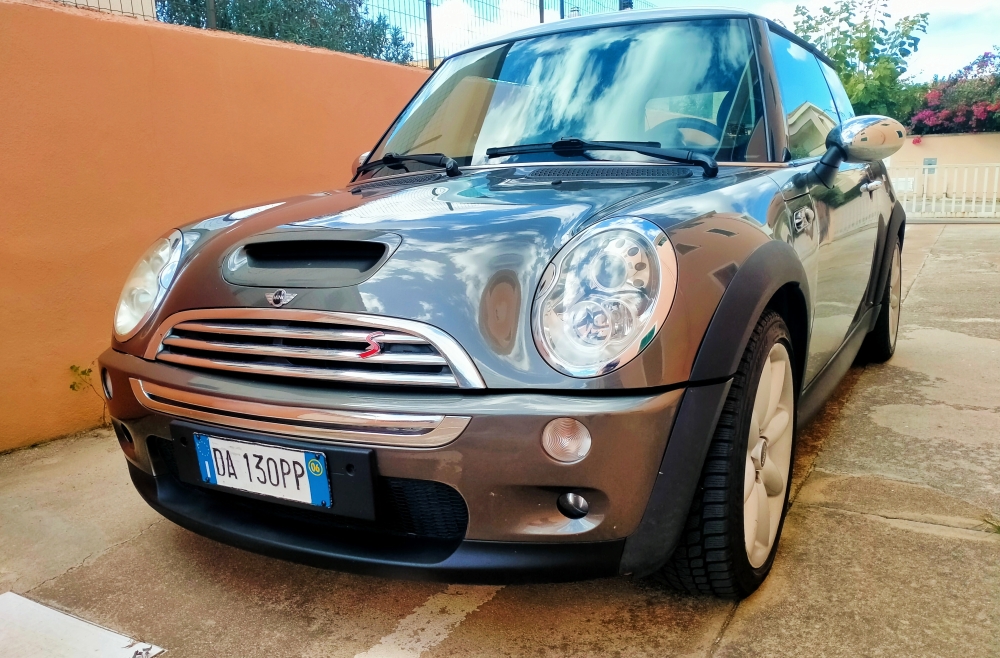
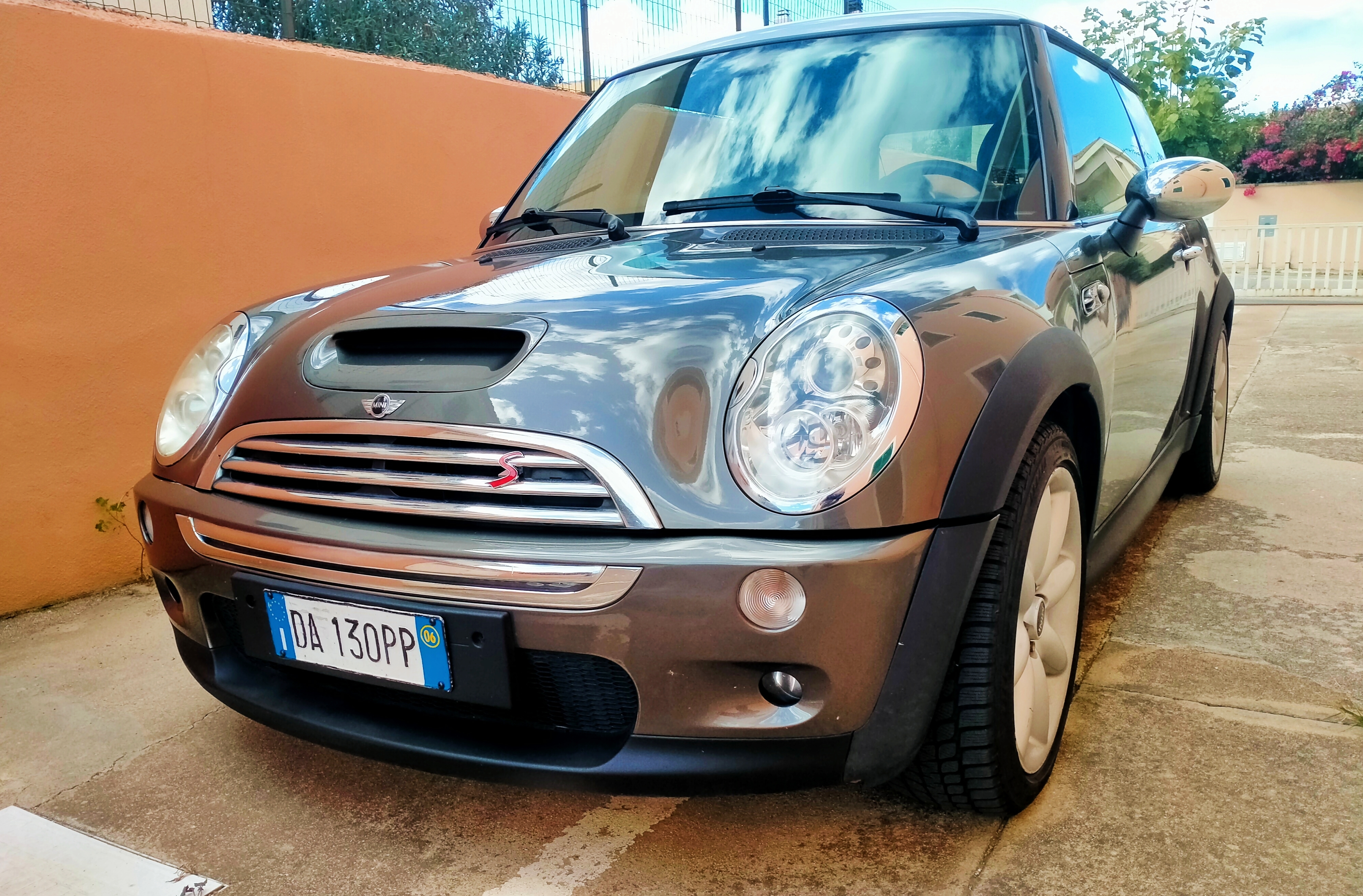
    Ho acquistato da circa un mese la mia rima MINI Cooper S(R53), con 129.000 KM, e la sinta emotiva, mi ha portato a ritrovare nel mio archivio, il DVD, per rivedere con gioia il Film "Itaian Job", che tanto mi ha ispirato nel rendere questa MINI.
Account

Navigation

Cerca

Cerca

Configure browser push notifications

Chrome (Android)
  1. Tap the lock icon next to the address bar.
  2. Tap Permissions → Notifications.
  3. Adjust your preference.
Chrome (Desktop)
  1. Click the padlock icon in the address bar.
  2. Select Site settings.
  3. Find Notifications and adjust your preference.
