


Classifica
-
GiuseppeMBG
Socio 20262Punti4.310Numero contenuti -
Berto
Moderatore2Punti1.946Numero contenuti -

Matte 6464
Admin1Punti8.054Numero contenuti -
Massyesse
Utente forum1Punti87Numero contenuti
.thumb.jpg.f01d3dc530f0abc8b805cdb197d56462.jpg)


Contenuto Popolare
Mostra il contenuto con la massima reputazione di 04/07/2015 in tutte le aree
-
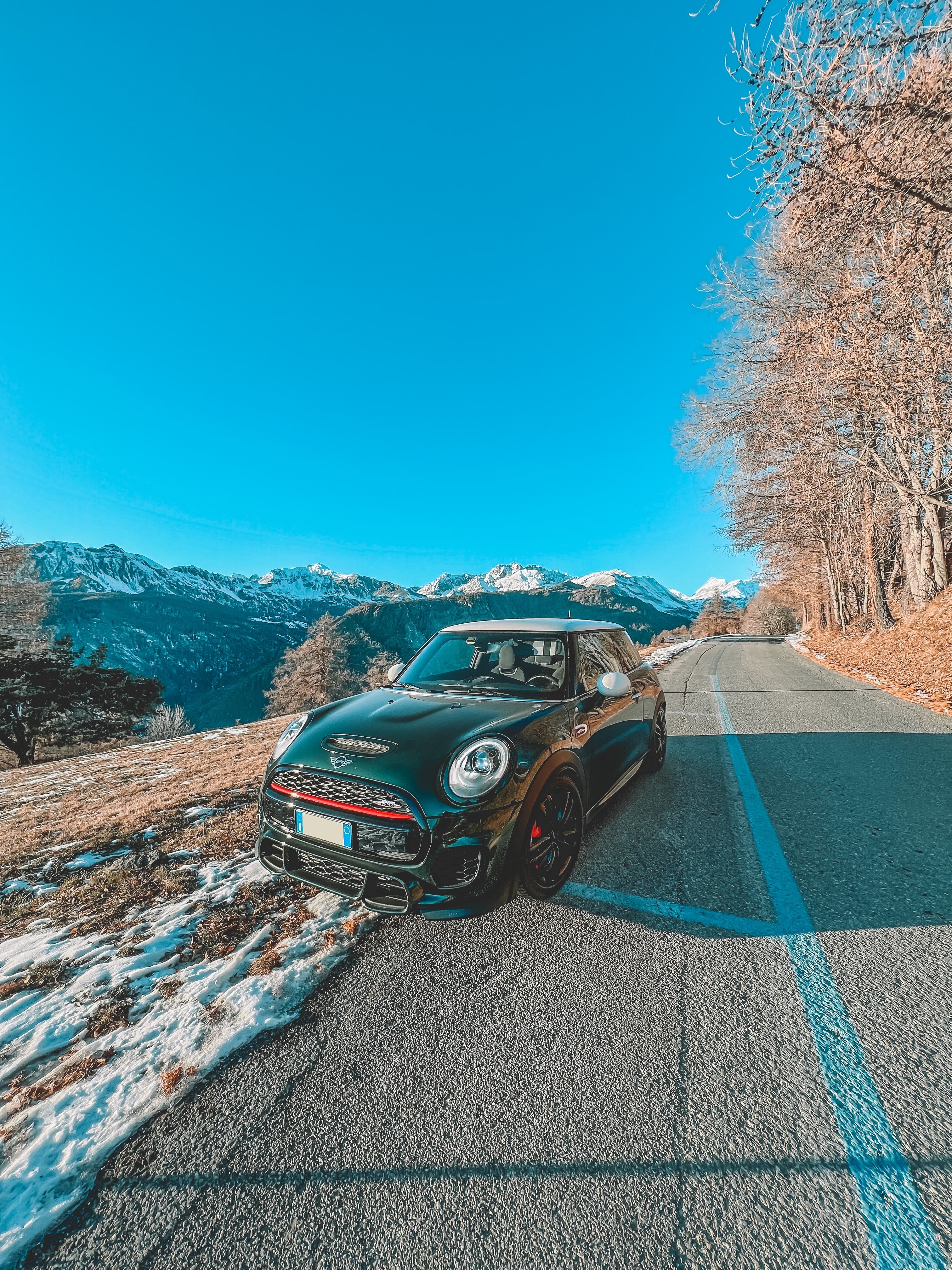
BRG tetto bianco, cerchi da 17 neri. Pacchetto Function Mandarin Pacchetto Wired Cream Pacchetto Visibility Blueberry Harman/Kardon Tempo di attesa 3 mesi ;)1 punto
-
Si alla fine mi hanno fatto un ulteriore forte sconto, che sommato già al 12% di prima è una bella somma. :D1 punto
-
1 punto1 punto1 punto1 puntocerto che c'è il CD ormai come tutte le auto bisogna ordinare il caricatore nel vano oggetti , ovviamente avere il caricatore cd singolo davanti fa molto anni 2000 e farebbe cagare , sicuramente è optional ma per chi sente l'esigenza del supporto può sempre prenderlo io ormai , facendo pure il dj ho tutto su chiavetta il cd è superato da due anni..1 punto1 puntoPurtroppo ieri non son riuscito avenire...... :( :( il nuovo cambio automatico è grand bello tende la guida molto sportiva, finalmente han fatto un cambio serio..... dai dai che arriva presto....1 punto