Classifica
-
mrspazzaneve
Utente forum1Punti155Numero contenuti -
cippy
Admin1Punti28.999Numero contenuti -

Vam
Moderatore1Punti14.898Numero contenuti -

Mr. Bluesman
Socio 20251Punti2.208Numero contenuti



Contenuto Popolare
Mostra il contenuto con la massima reputazione di 01/04/2023 in tutte le aree
-
1 punto
-
1 punto
-
1 punto
-
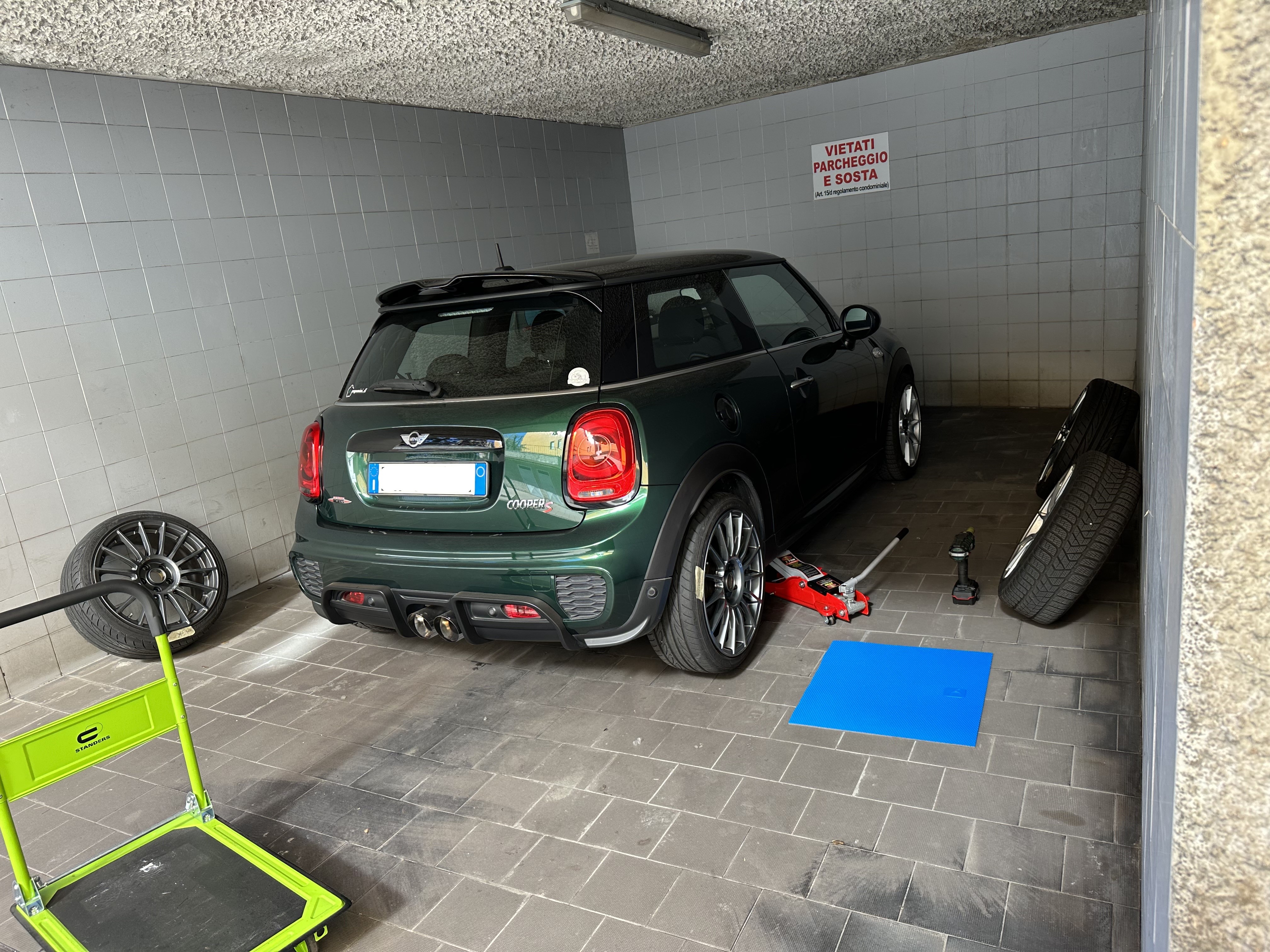
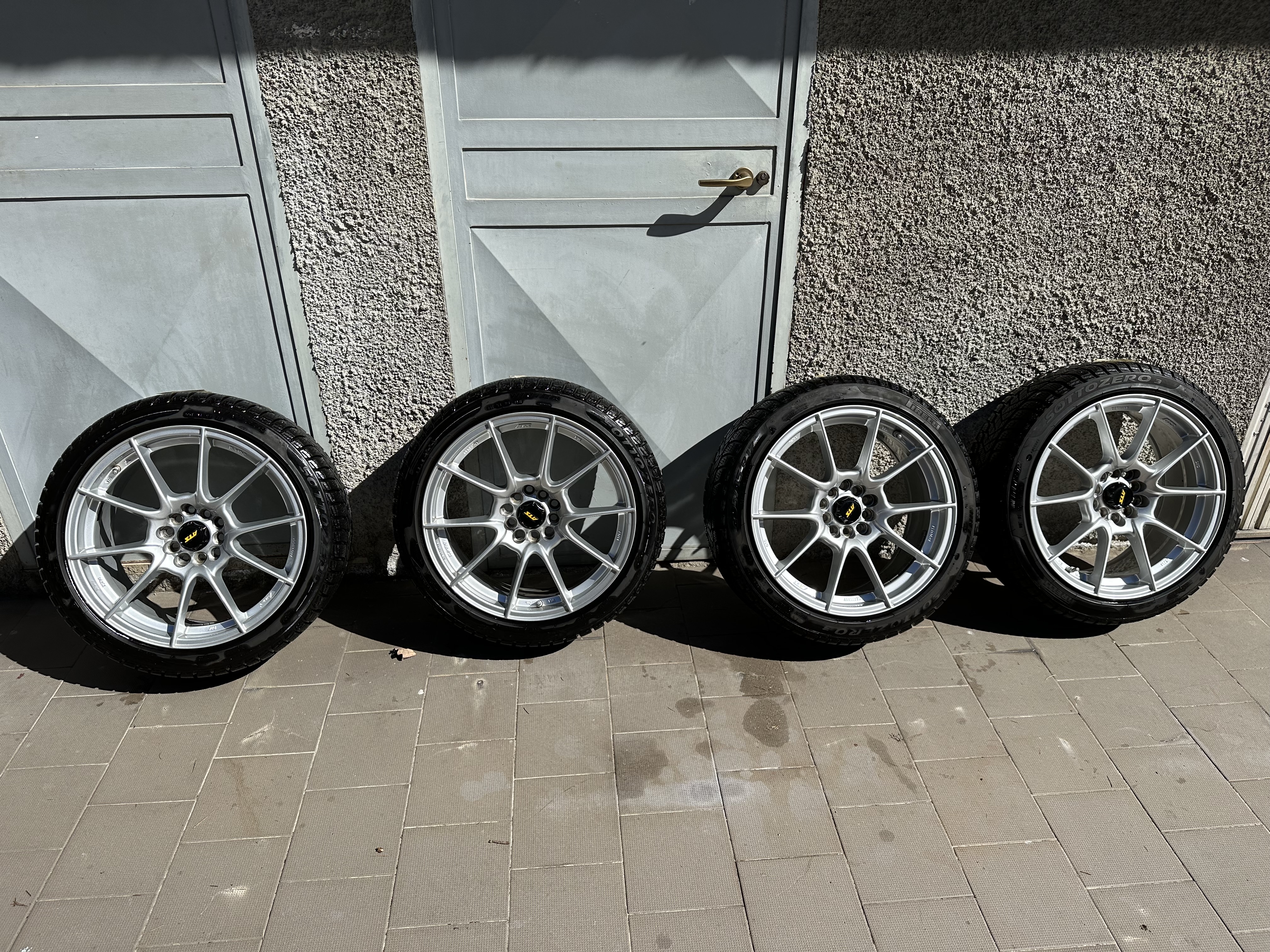
1 puntoCiao tutti bella gente… Questo è un post di arrivederci in quanto per motivi familiari (belli per fortuna, a giugno divento papà) ho venduto la mia JCW per passare a qualcosa di più idoneo all’utilizzo. L’ha comprata un ragazzo di Varese, già possessore di una Petrolhead, quindi magari quella della zona la vedranno in giro [emoji51] Grazie per tutto il supporto che ho ricevuto da questo forum per l’acquisto e modifica della mia MINI, magari un giorno tornerò! Inviato dal mio iPhone utilizzando Tapatalk1 punto