Classifica
-
Stefano89
Utente forum4Punti95Numero contenuti -

Vam
Moderatore3Punti14.899Numero contenuti -
cippy
Admin1Punti29.000Numero contenuti -
MarcoJcw75
Utente forum1Punti4Numero contenuti




Contenuto Popolare
Mostra il contenuto con la massima reputazione di 21/09/2024 in tutte le aree
-
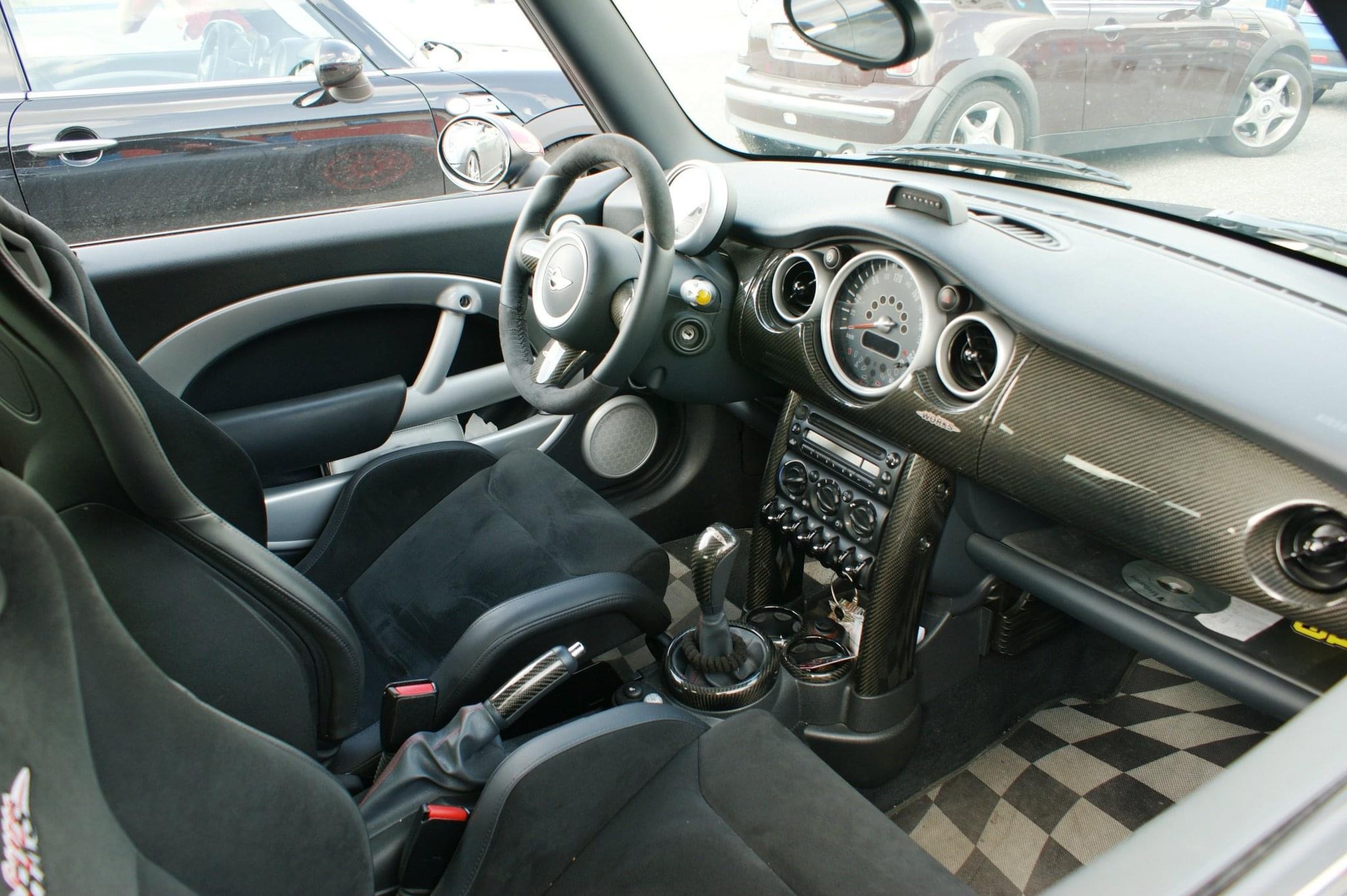
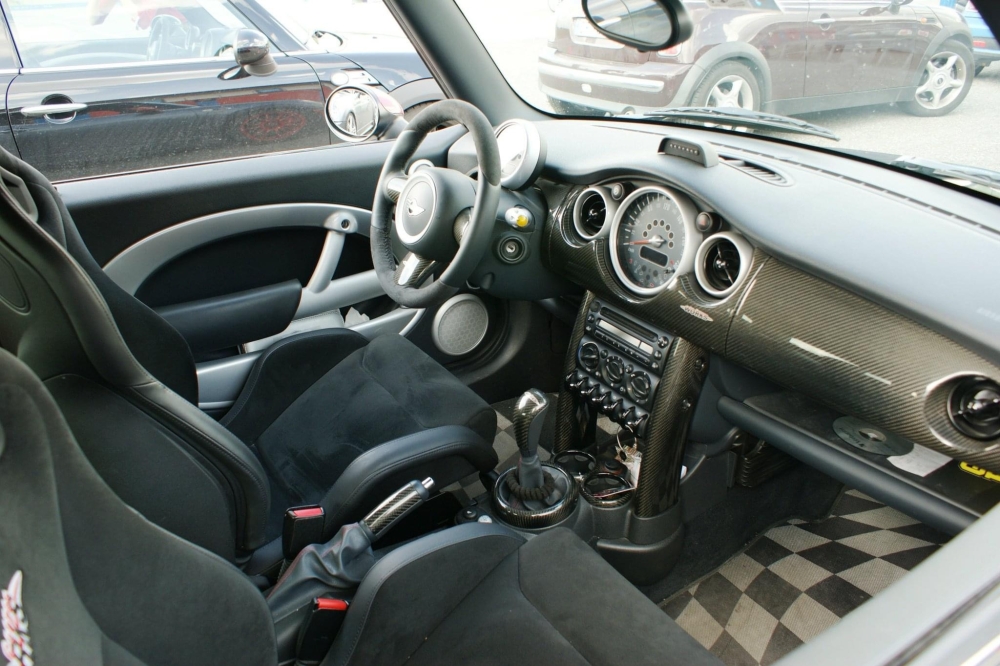
2 punti@cippy si , avevo fatto anche interni full carbon jcw .. peccato che l’ho distrutta 😭
 2 punti
 -
1 punto
-
1 punto
-
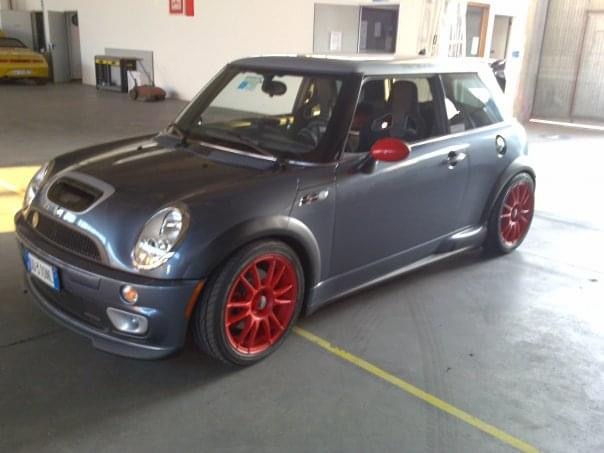
1 punto@vam non so se ti ricordi la mia GP 🤣 questa sta facendo la stessa fine , e farà la stessa fine della r56
 1 punto
 -
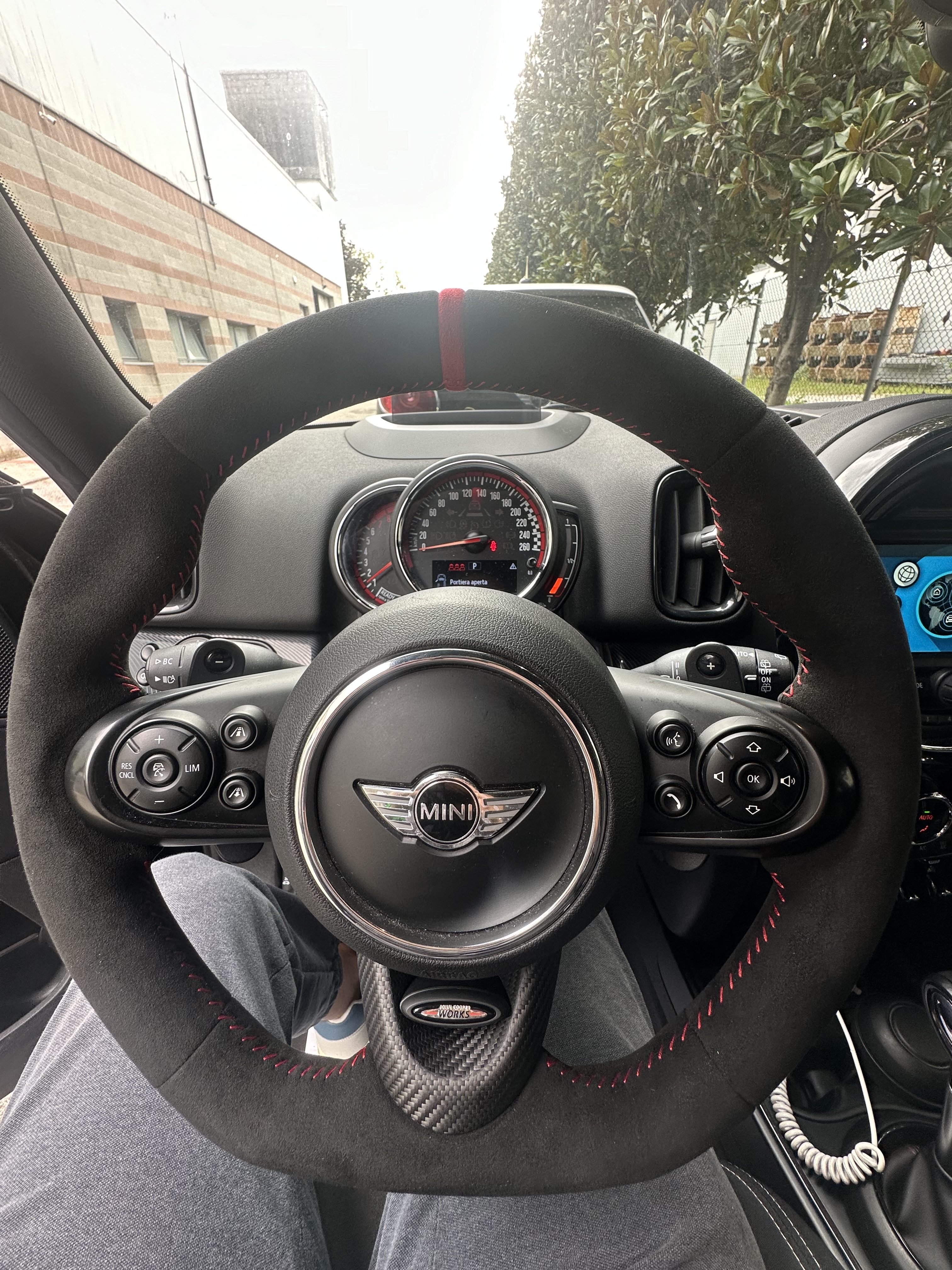
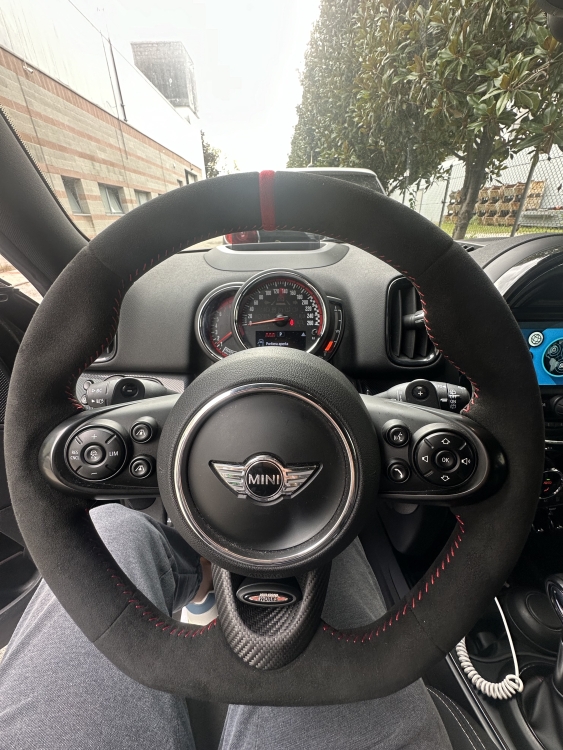
1 puntoGrazie mille @Daviduz appena monto il pezzo nuovo dietro faccio un po’ di foto. Nel frattempo sono riuscito a montare questo. Favoloso
 1 punto
 -
1 puntoSe ci fossero perdite immagino si vedrebbero visto la quantità di olio mancante. Purtroppo è sempre difficile determinare la causa, sopratutto su motori, a differenza della r56, che non hanno mai manifestato consumi importanti. L'unica è tenere controllato il livello, rabboccare al bisogno e pensare cosa fare solo quando la situazione diventa insostenibile.1 punto
-
1 punto
-
1 punto