Vai al contenuto
View in the app

A better way to browse. Learn more.

mega MINI forum

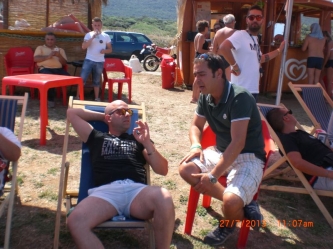
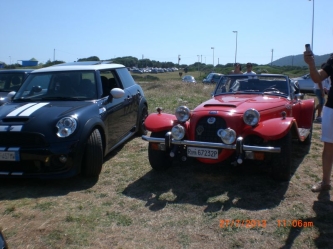
A full-screen app on your home screen with push notifications, badges and more.

To install this app on iOS and iPadOS
  1. Tap the Share icon in Safari
  2. Scroll the menu and tap Add to Home Screen.
  3. Tap Add in the top-right corner.
To install this app on Android
  1. Tap the 3-dot menu (⋮) in the top-right corner of the browser.
  2. Tap Add to Home screen or Install app.
  3. Confirm by tapping Install.

Cooper D

Utente forum
  • Iscritto

  • Ultima visita

Tutti i contenuti di Cooper D

  1. come mai a me si vedono chiaramente,chedete di modificarle a MINId
  2. Bilstein b14
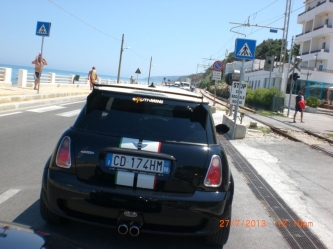
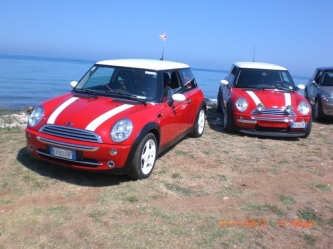
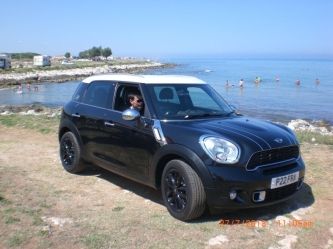
  3. ora posto tutte e 33 foto fatte da me.......
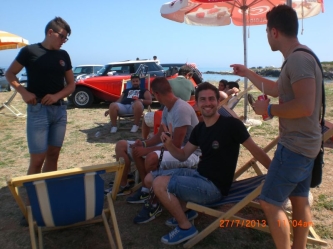
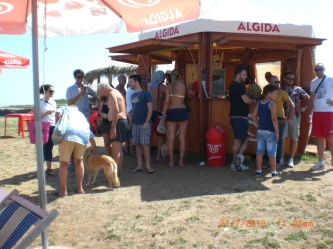
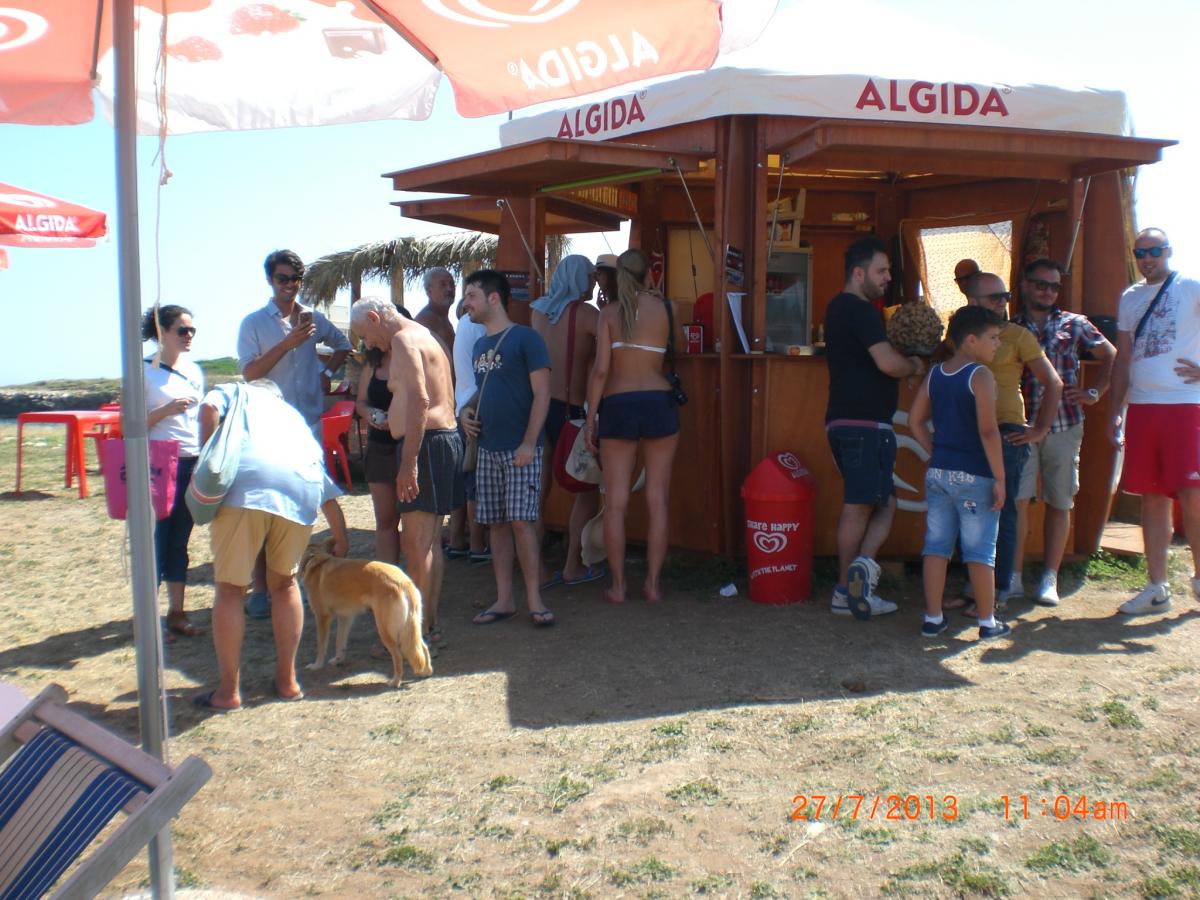
  4. ragazzi cosa dire bel posto e ottima compagnia bello trovare amici nuovi e vecchi e condividere insieme la stessa passione,il pranzo alla fine e andato bene il pranzo mi e piaciuto.
  5. fate moltissime foto e video
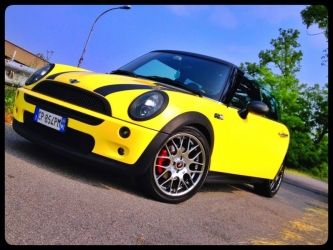
  6. Cooper D ha commentato al immagine della galleria Cooper D in MINI degli utenti
  7. si va bene allora all' uscita del casello autostradale di Candela per le 8:30 anche se faccio qualche minuto di ritardo aspettatemi,ok!

Account

Navigation

Cerca

Cerca

Configure browser push notifications

Chrome (Android)
  1. Tap the lock icon next to the address bar.
  2. Tap Permissions → Notifications.
  3. Adjust your preference.
Chrome (Desktop)
  1. Click the padlock icon in the address bar.
  2. Select Site settings.
  3. Find Notifications and adjust your preference.