


Classifica
-
MrNoMercy89
Socio 20213Punti48Numero contenuti -

wwleone
Moderatore1Punti18.124Numero contenuti -
Giulio75
Socio 20241Punti93Numero contenuti -
SpallaJCW
Socio 20211Punti45Numero contenuti




Contenuto Popolare
Mostra il contenuto con la massima reputazione di 13/03/2021 in tutte le aree
-
1 punto
-
1 punto
-
1 punto
-
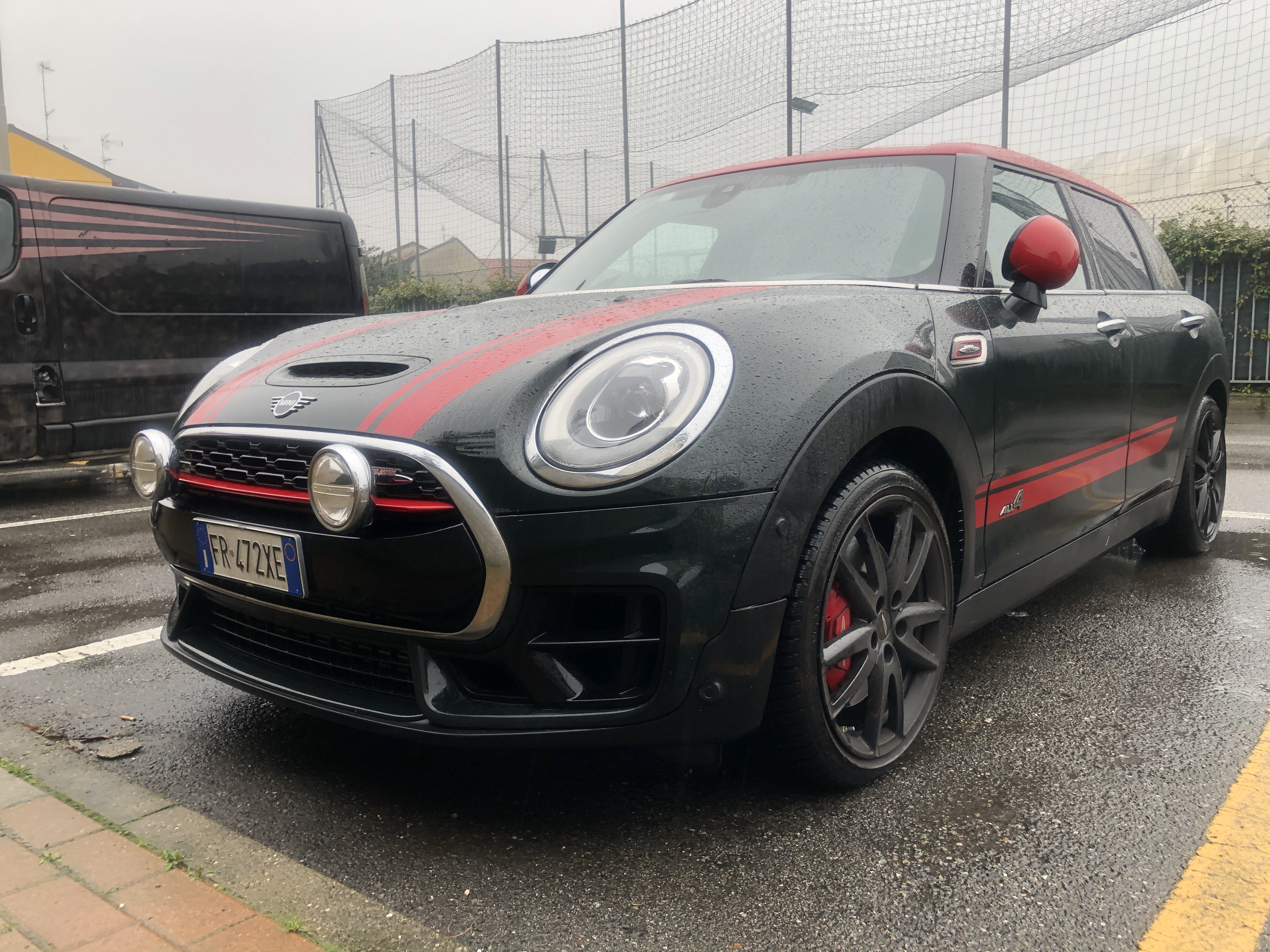
1 puntoGrazie per l’apprezzamento della mia piccola. Lo sterzo credo sia solo questione di abituarsi. Già ora mi sembra meno duro dei primi giorni e comunque non mi dispiace, mi dà una sensazione di sicurezza1 punto
-
1 punto
-
Complimenti. La targa dalle mie parti è già GE. Per il lavaggio MAI rulli, per il resto OK.1 punto


