


Vai al contenuto
View in the app

A better way to browse. Learn more.

mega MINI forum

A full-screen app on your home screen with push notifications, badges and more.

To install this app on iOS and iPadOS
  1. Tap the Share icon in Safari
  2. Scroll the menu and tap Add to Home Screen.
  3. Tap Add in the top-right corner.
To install this app on Android
  1. Tap the 3-dot menu (⋮) in the top-right corner of the browser.
  2. Tap Add to Home screen or Install app.
  3. Confirm by tapping Install.

Classifica

Contenuto Popolare

Mostra il contenuto con la massima reputazione di 31/05/2021 in tutte le aree

  1. Ciao, se ti interessa io sono RPM POWER Dealer (stesso mappatore di Gpgarage) ma ho sede a Brescia. magari ti torna più comodo come strada... Matteo #przperformance
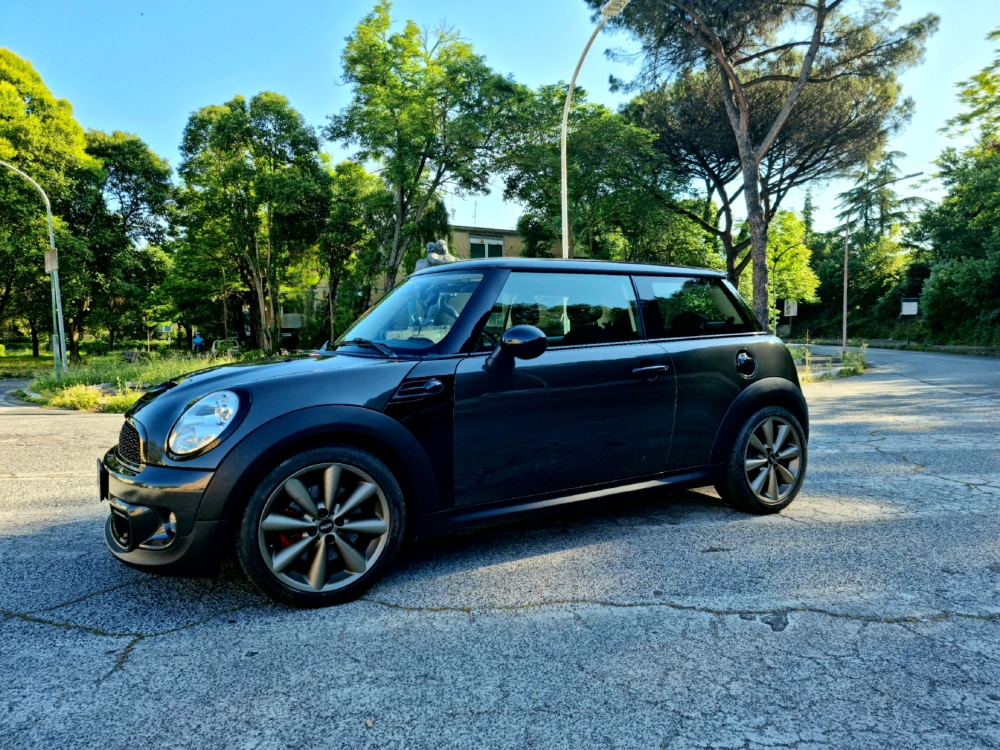
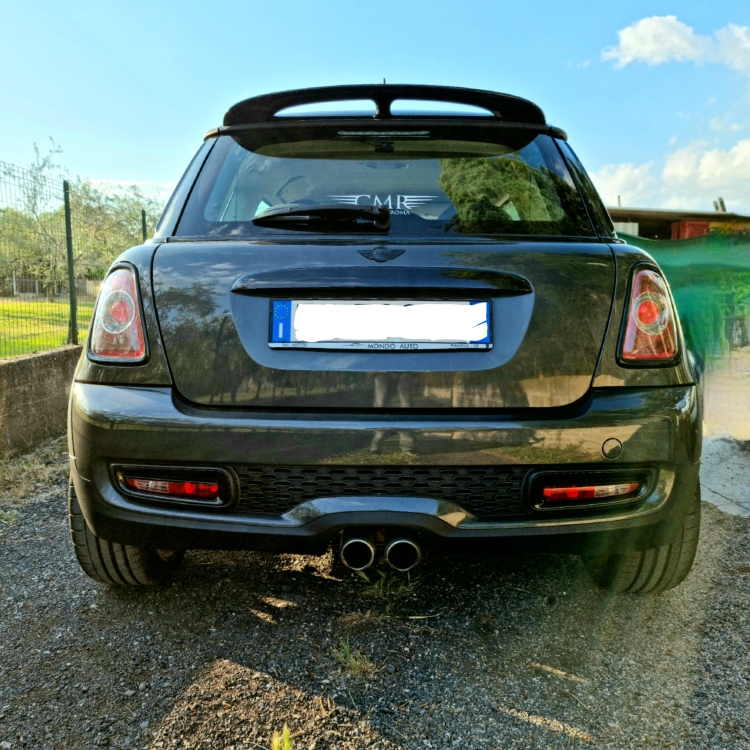
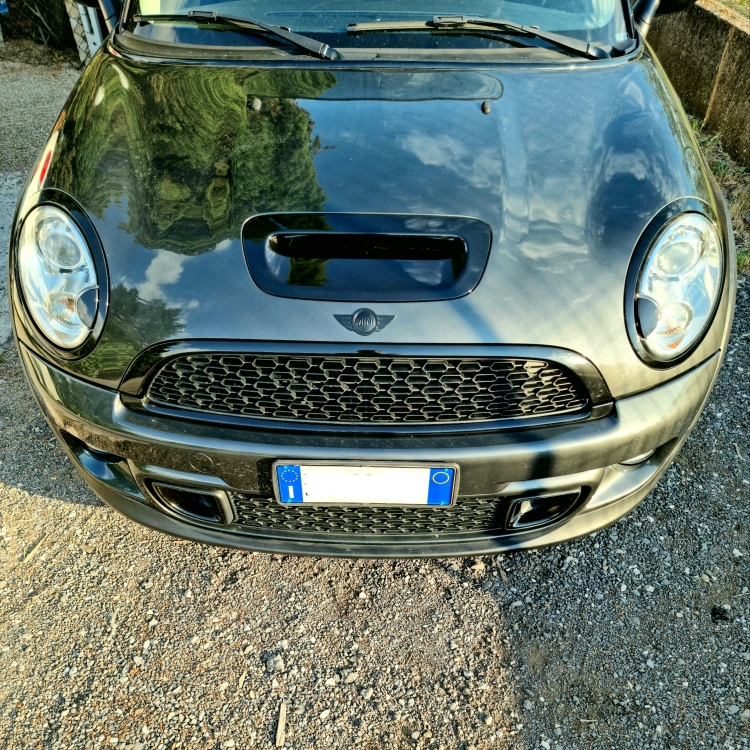
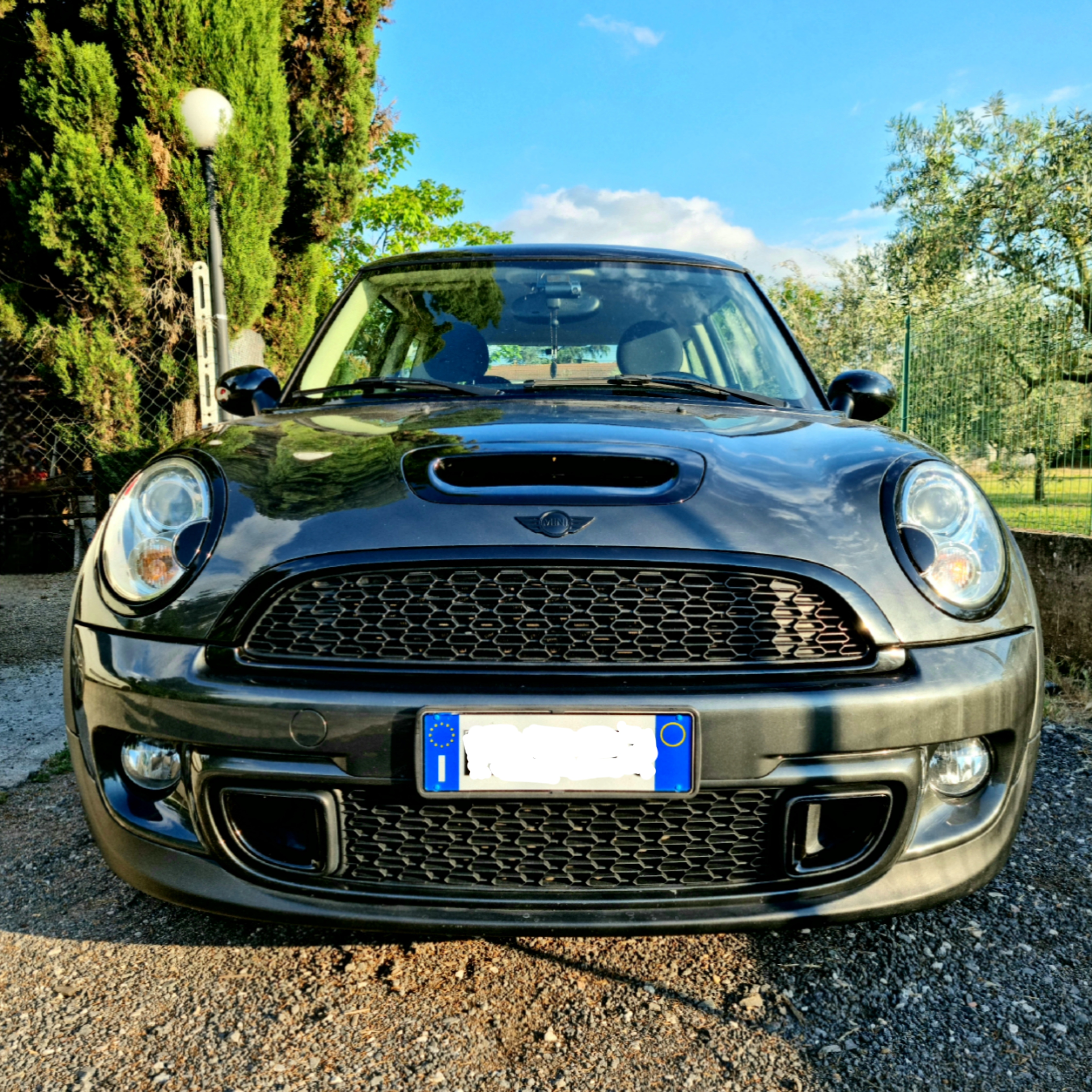
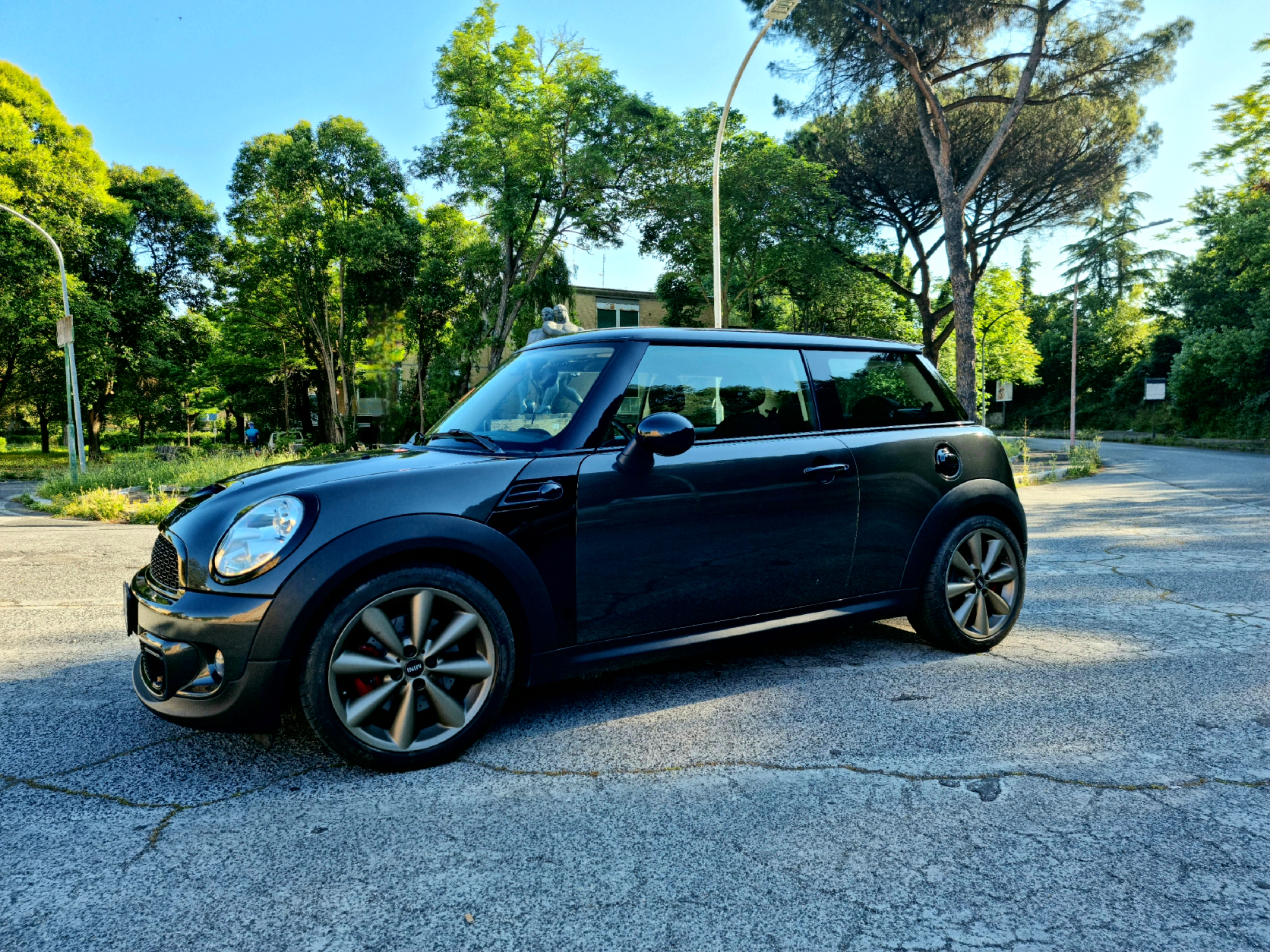
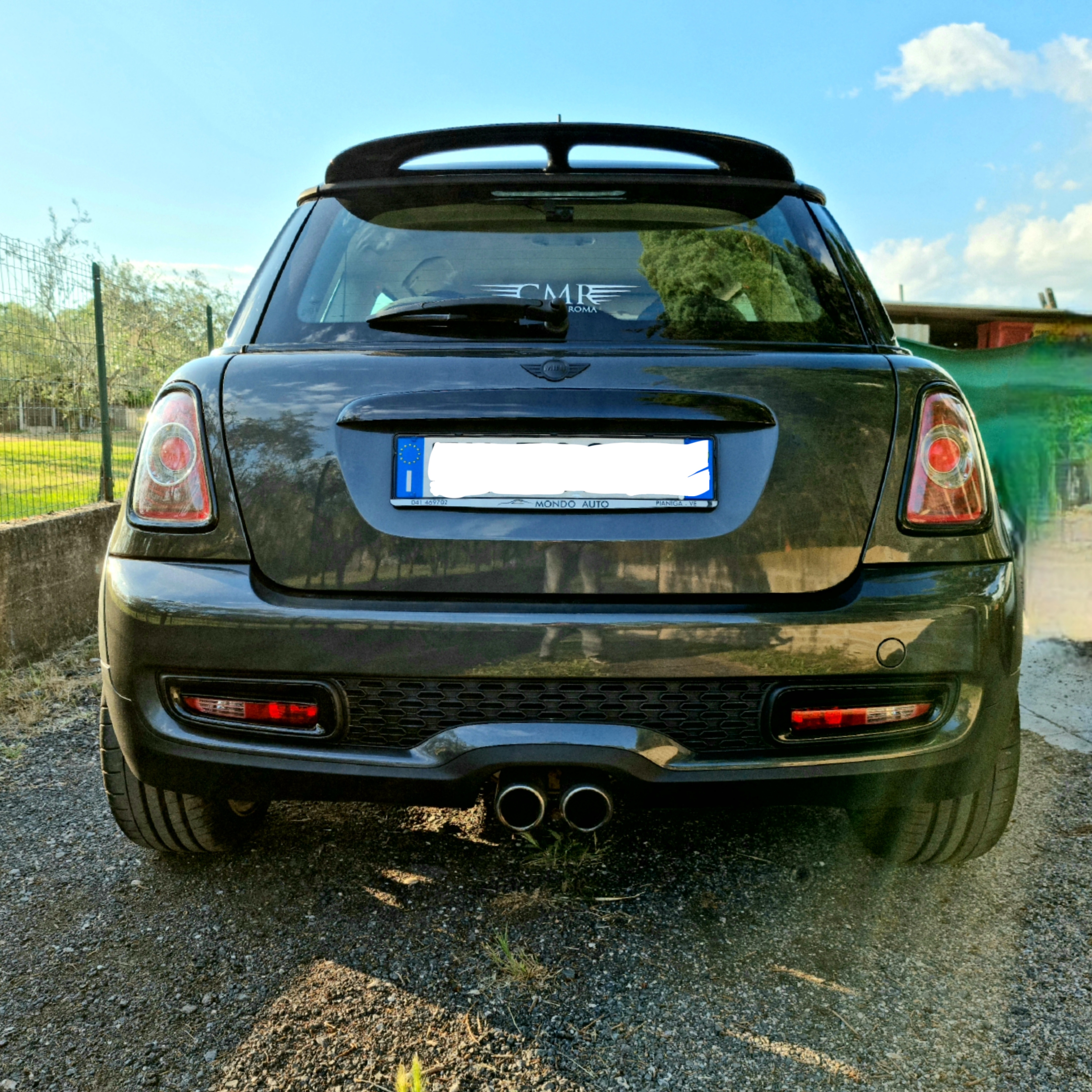
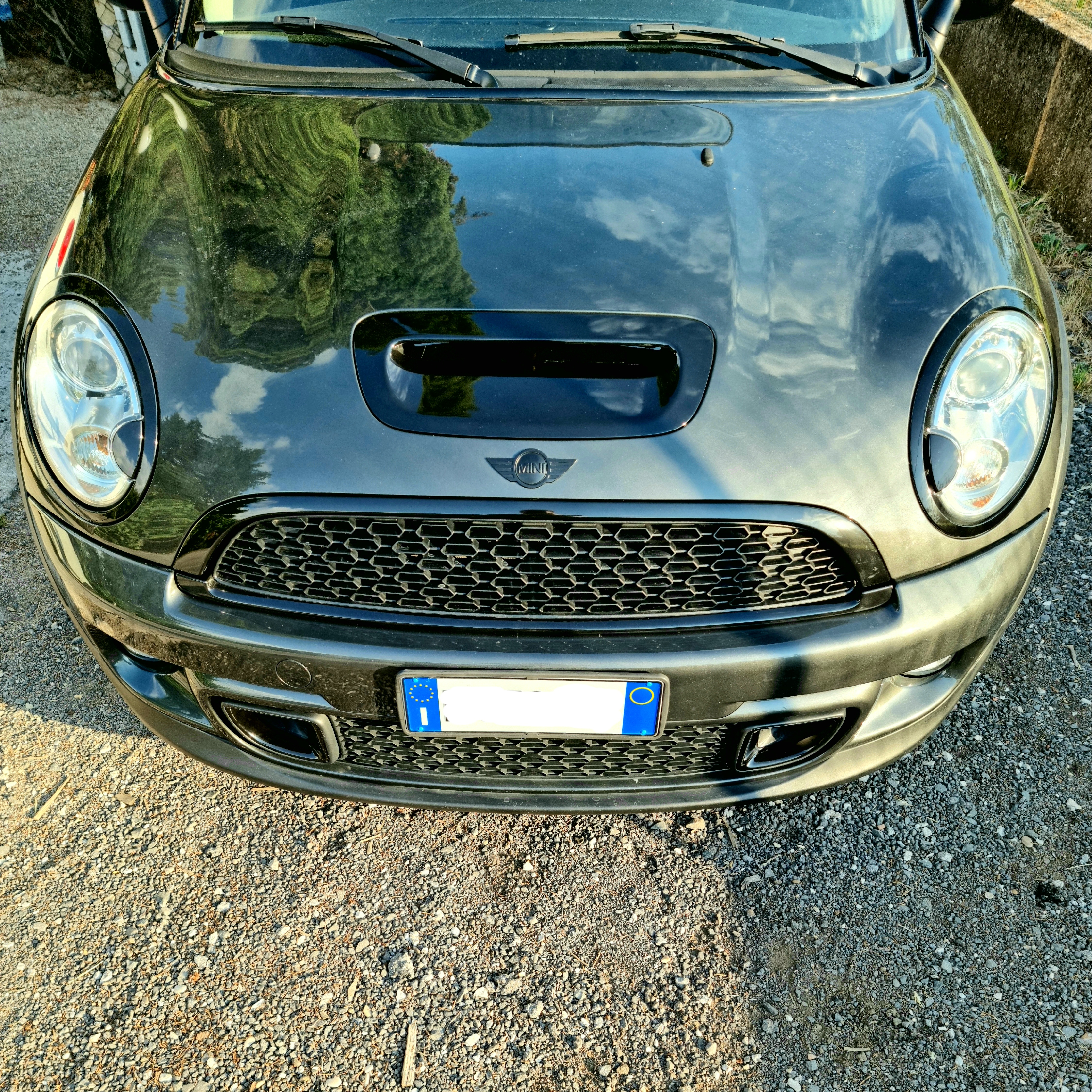
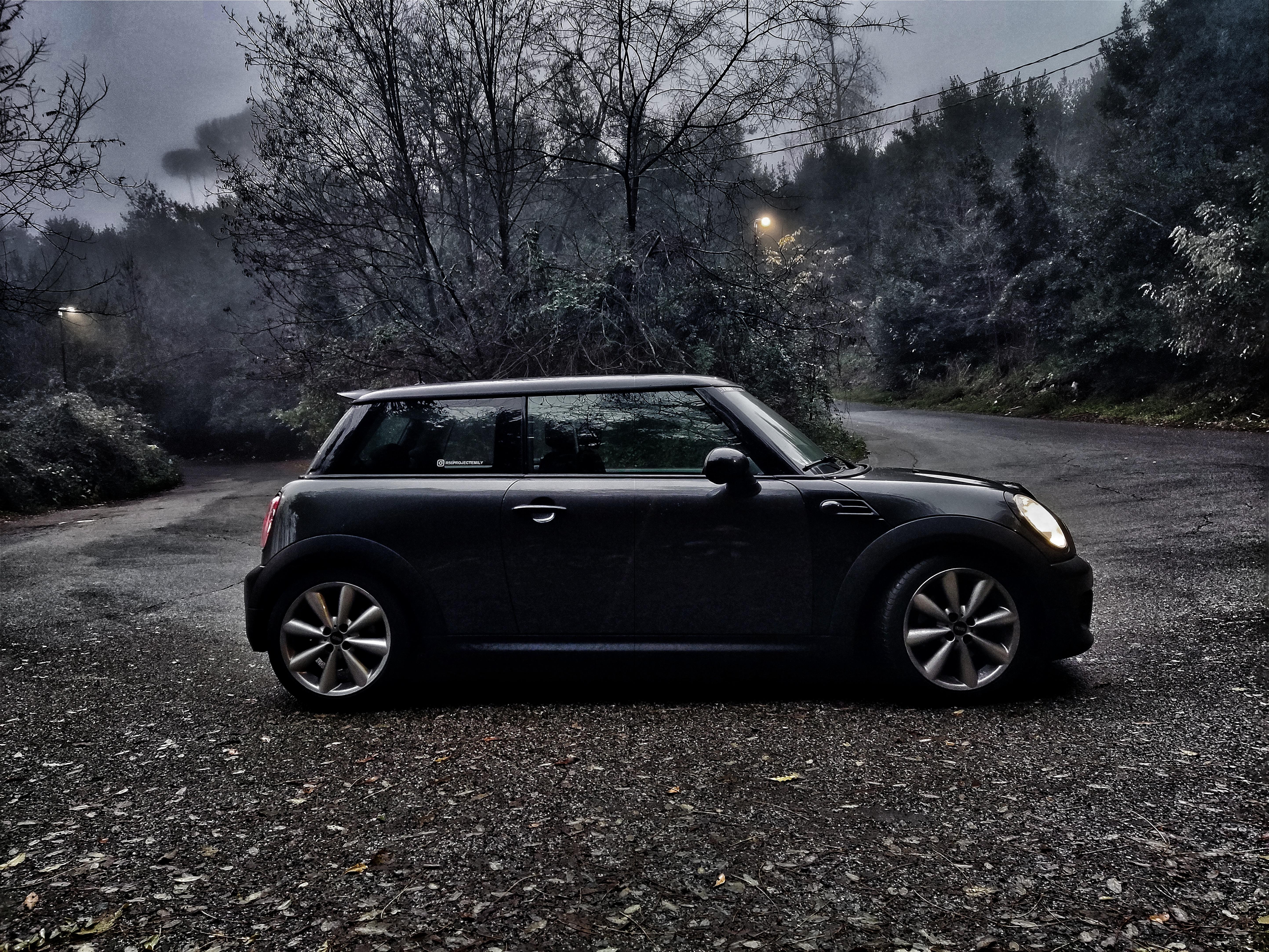
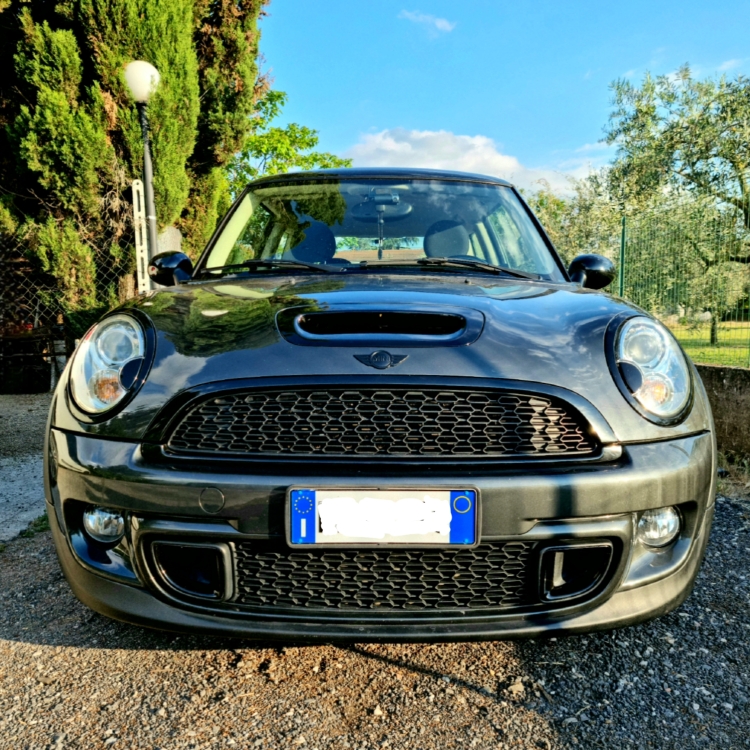
  2. Dechrome finito! Che ne pensate? l'unica cosa che farei ora come ora sono i cerchi color antracite..
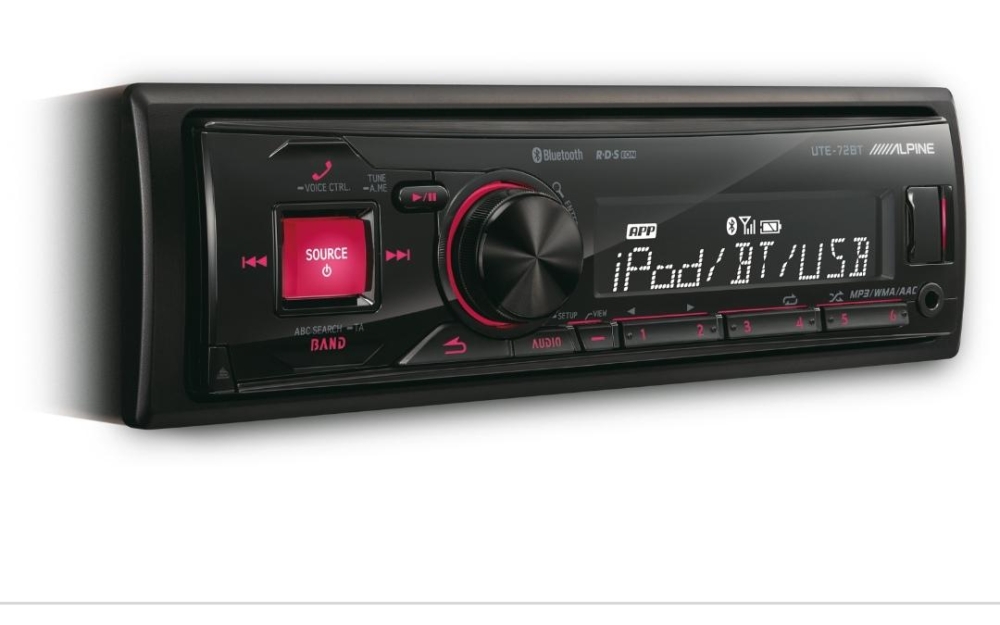
  3. Prima di smontare l'attuale radio che mi sono trovato (Alpine ute 72 bt) ho visto che altre mini montano tale radio... vi risulta fosse montata afternarket dalla bmw stessa??
Account

Navigation

Cerca

Cerca

Configure browser push notifications

Chrome (Android)
  1. Tap the lock icon next to the address bar.
  2. Tap Permissions → Notifications.
  3. Adjust your preference.
Chrome (Desktop)
  1. Click the padlock icon in the address bar.
  2. Select Site settings.
  3. Find Notifications and adjust your preference.