Classifica





Contenuto Popolare
Mostra il contenuto con la massima reputazione di 30/04/2023 in tutte le aree
-
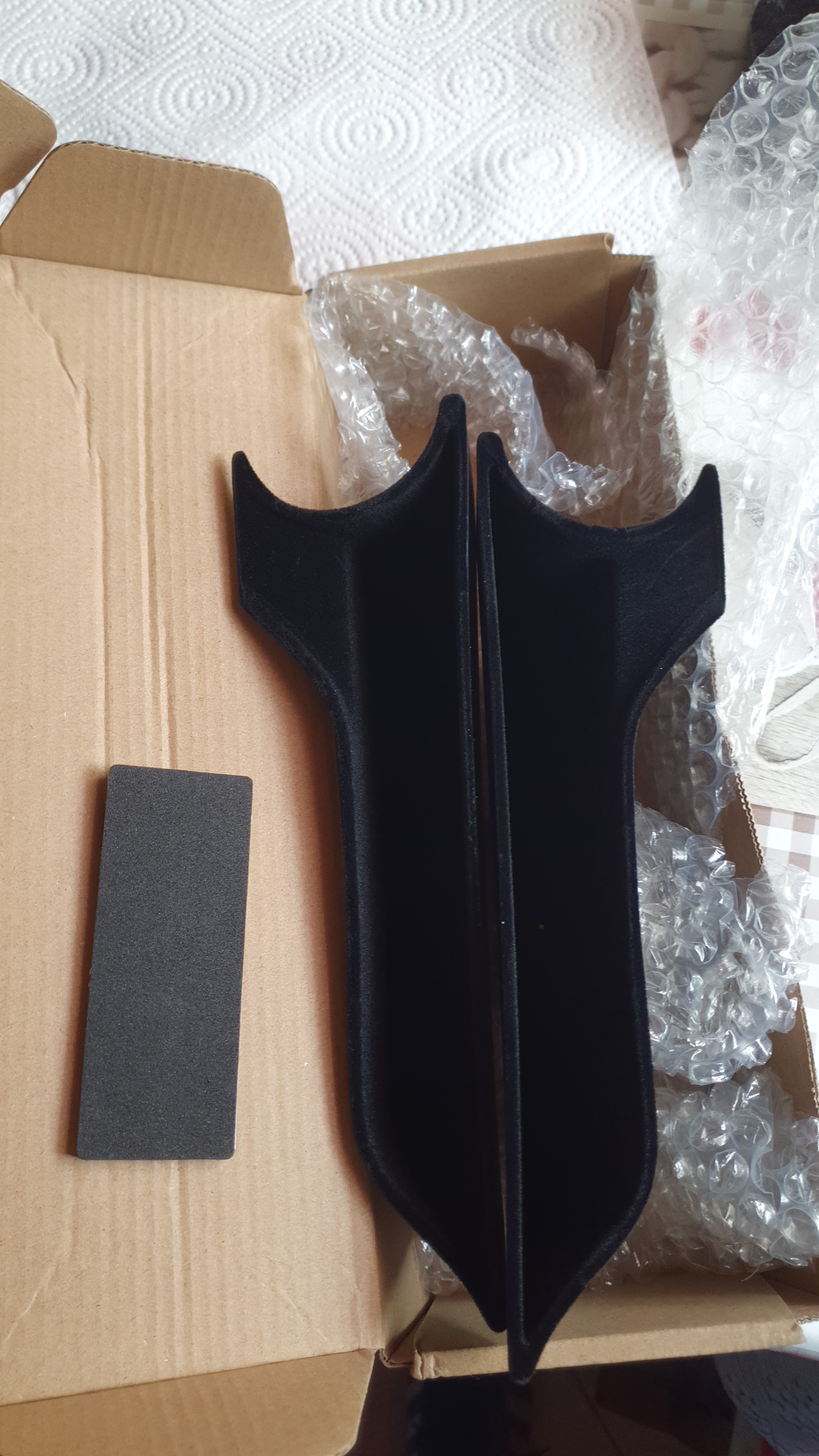
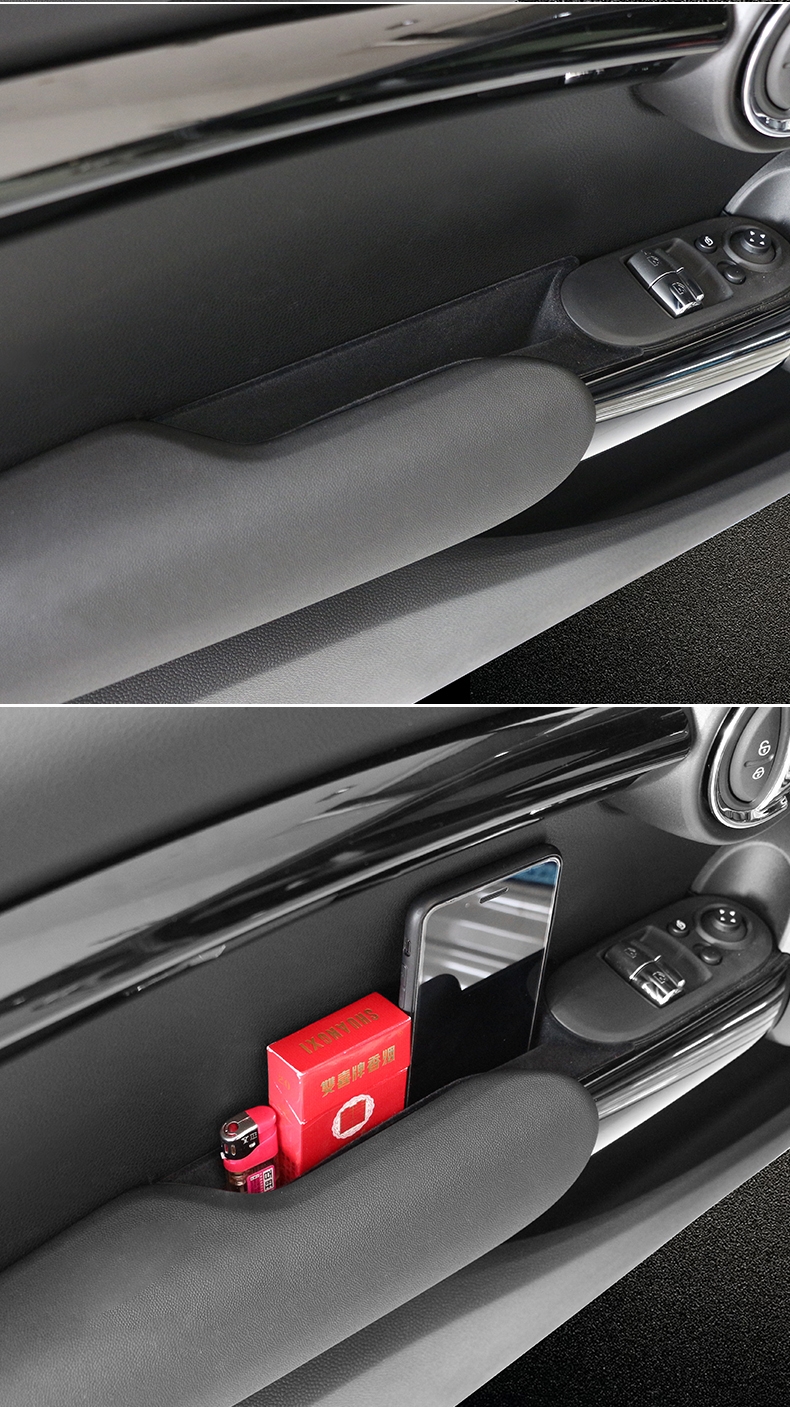
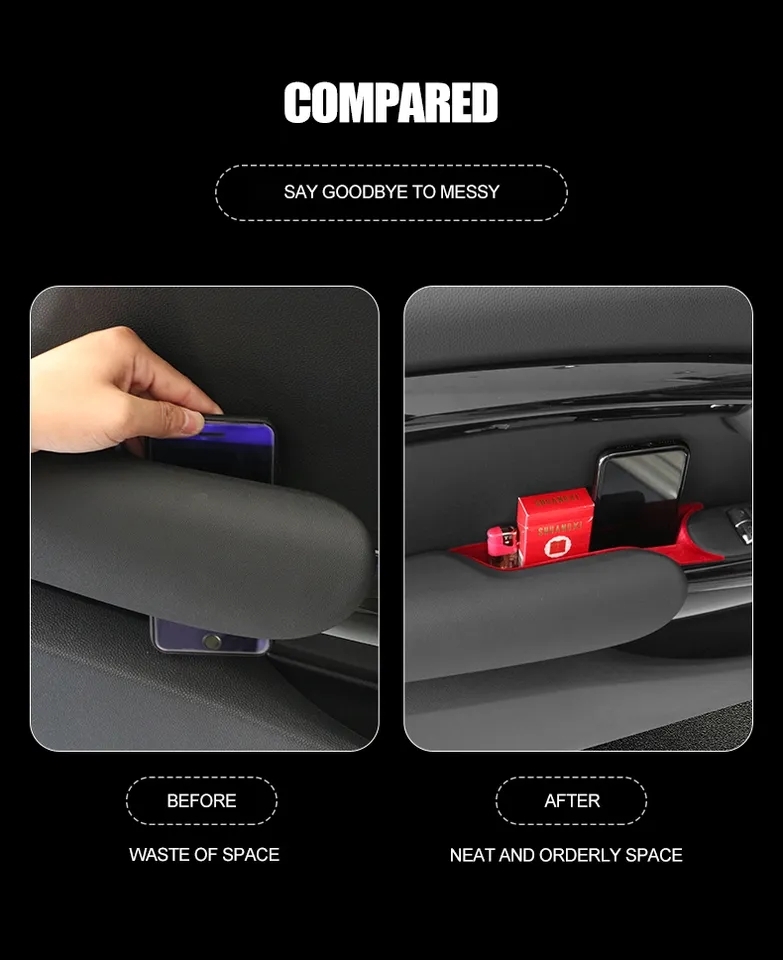
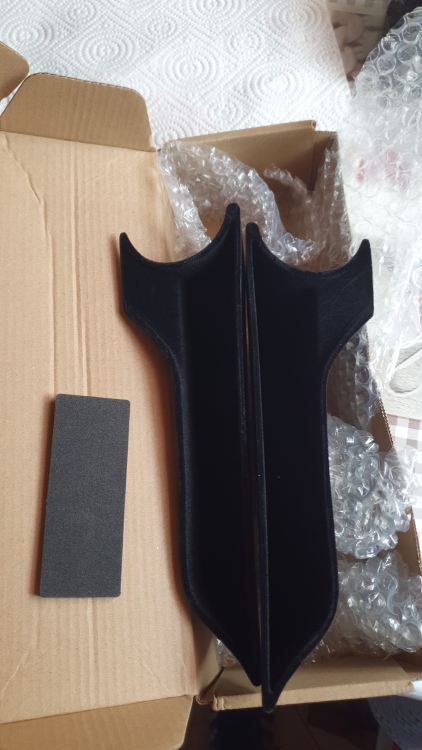
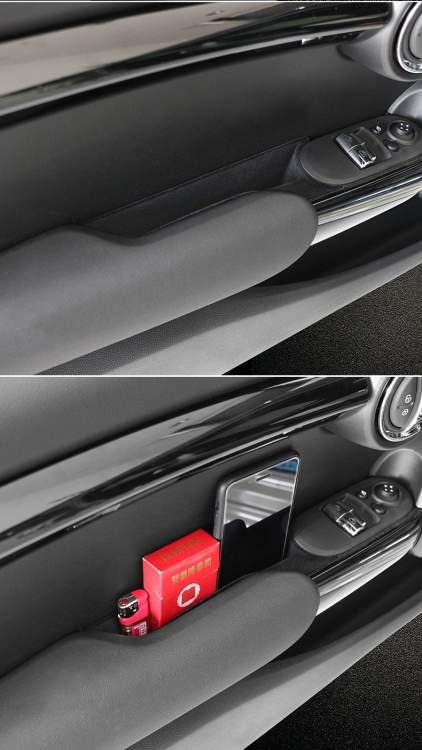
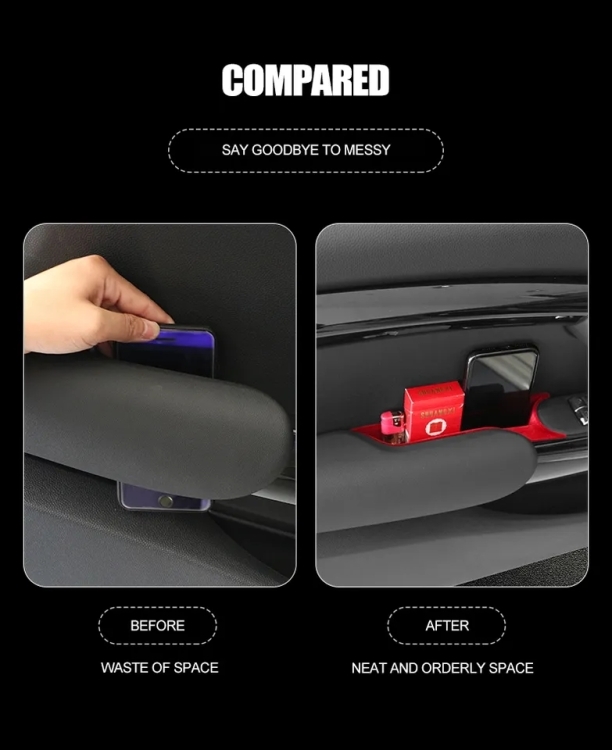
1 puntoAltro, ulteriore up: vasche portaoggetti maniglia/sportello (20€ made in AliExpress). Versione nera con rivestimento interno per attutire ev. rumori degli oggetti contenuti.
 1 punto
 -
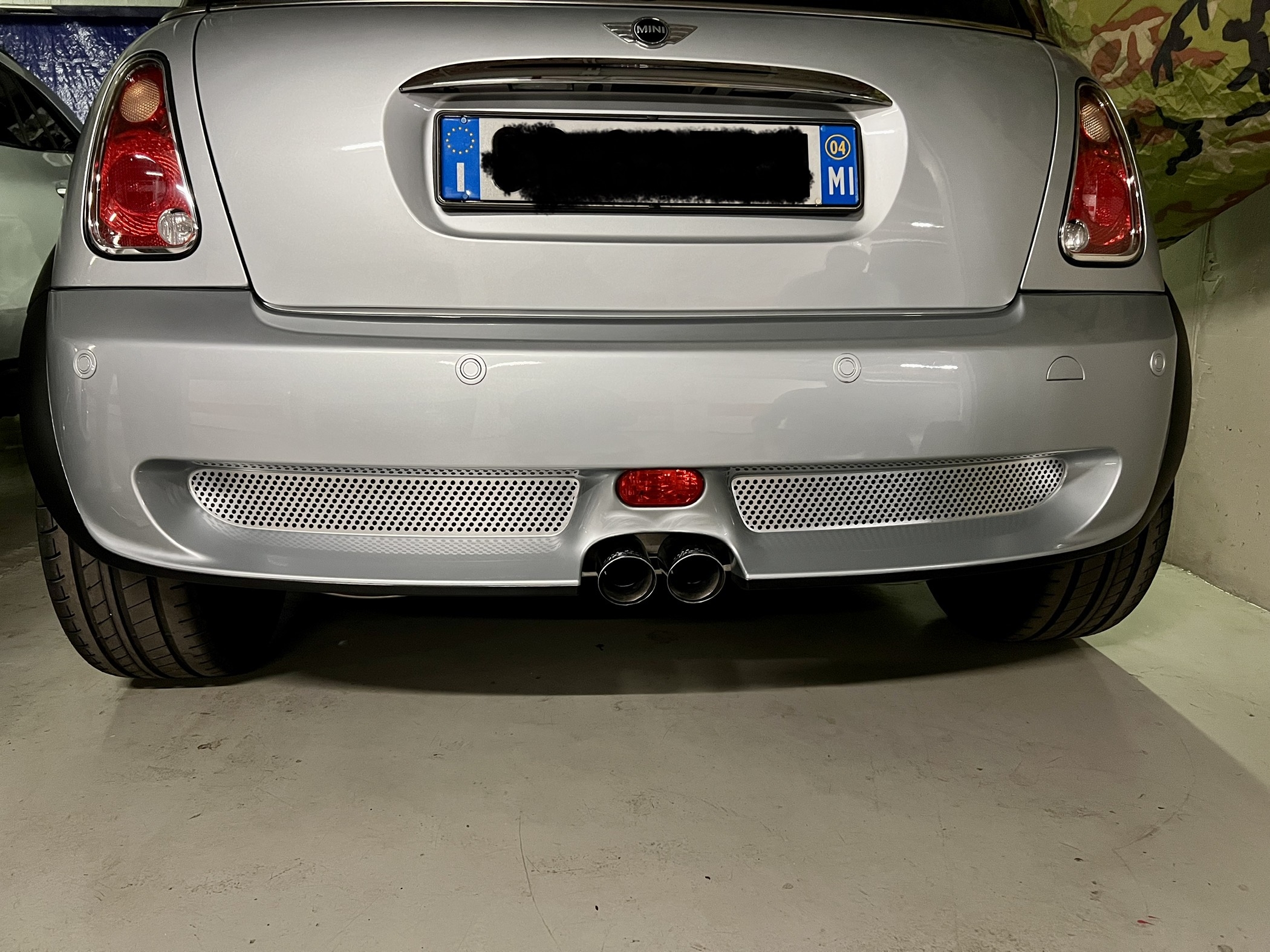
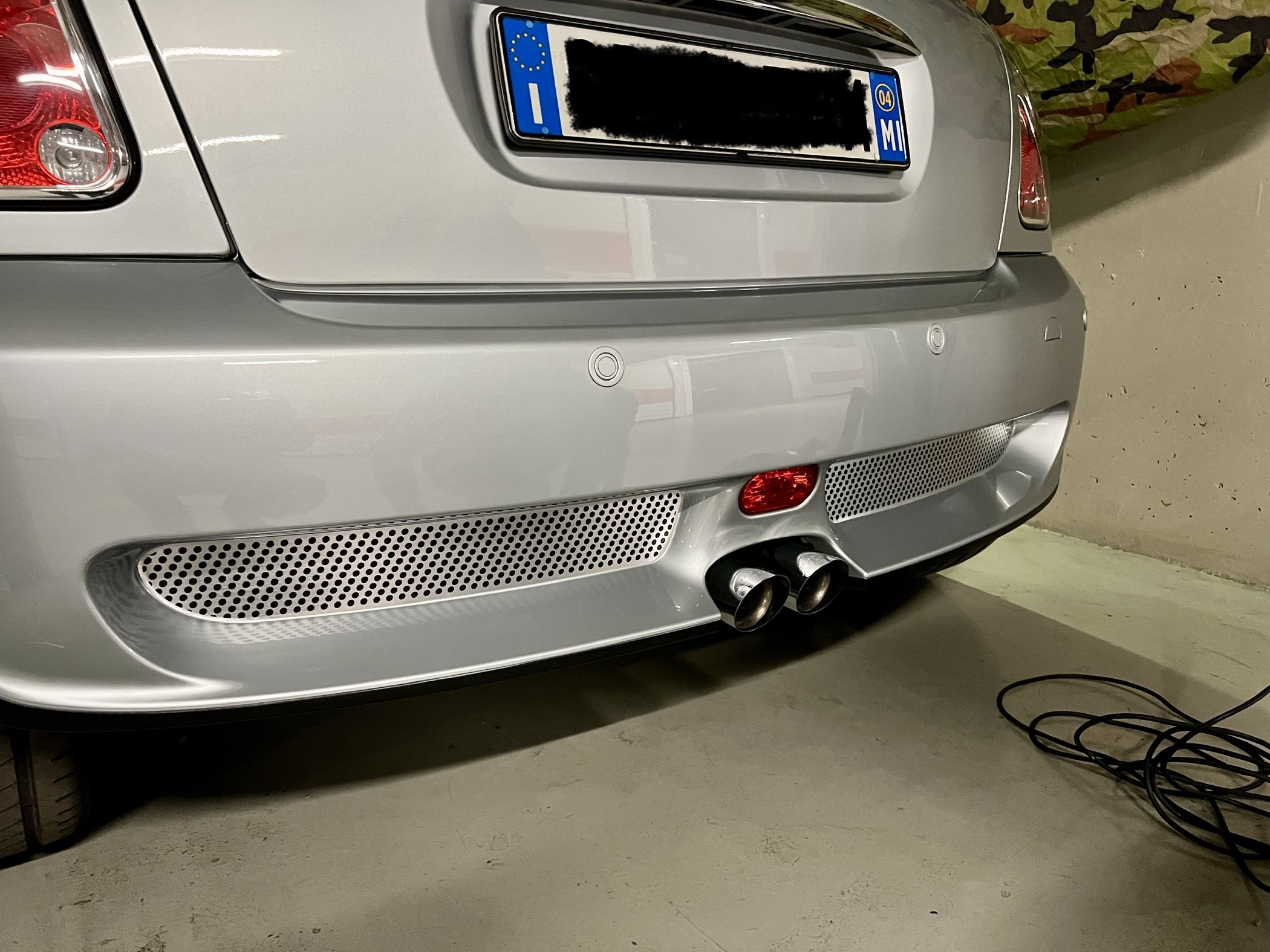
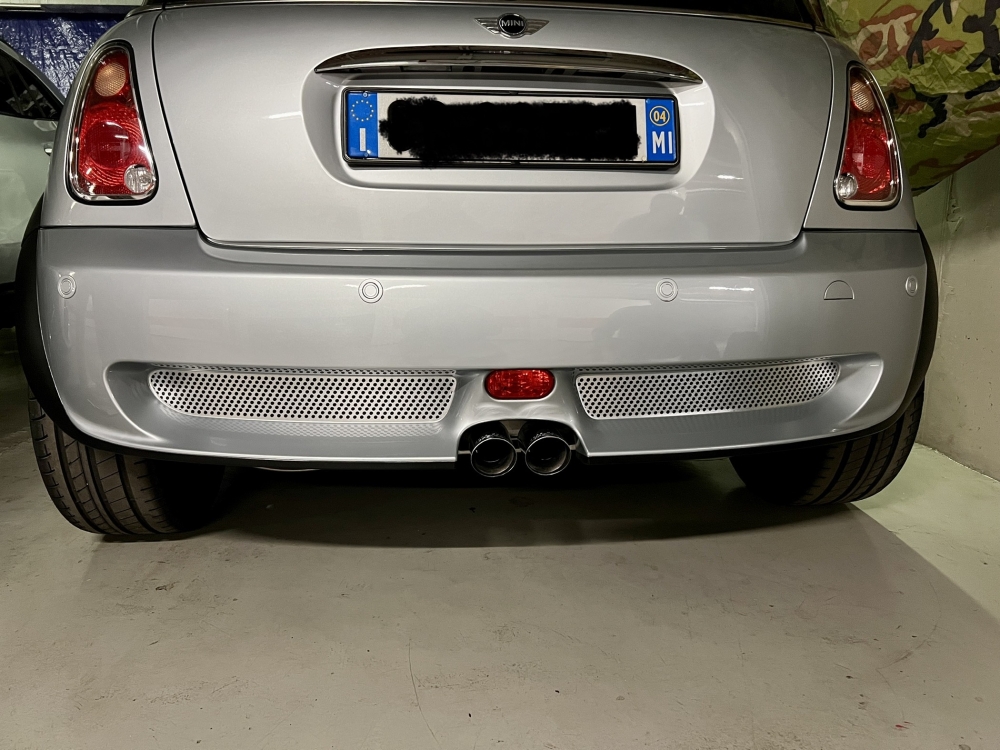
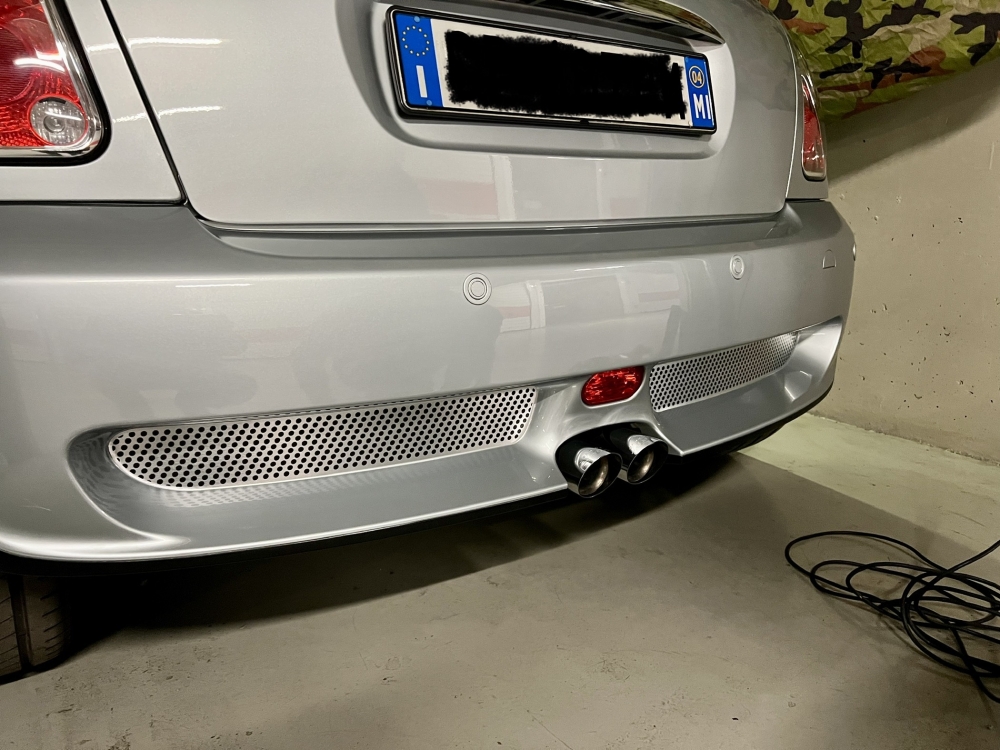
1 punto1 punto1 puntoGrazie all’amico Matteo alias @Matte 6464, alias @Dress-your-mini Staff per le griglie per il paraurti posteriore 🔝👍🏻
 1 punto1 puntoSe puoi modificare ancora ordine senza annullarlo io un pensiero ce lo farei. Ho assetto regolabile elettronico sulla mia GLA ed è davvero eccellente. Ovvio non attenderti la sportività che potresti ottenere con aftermarket conosciuti e più estremi. Come ha ben detto @wwleone potrai probabilmente cambiare le molle. Dipende cosa ti aspetti e cosa vuoi ottenere sull’auto. Personalmente, potendo, le metterei.1 punto