
Vai al contenuto
View in the app

A better way to browse. Learn more.

mega MINI forum

A full-screen app on your home screen with push notifications, badges and more.

To install this app on iOS and iPadOS
  1. Tap the Share icon in Safari
  2. Scroll the menu and tap Add to Home Screen.
  3. Tap Add in the top-right corner.
To install this app on Android
  1. Tap the 3-dot menu (⋮) in the top-right corner of the browser.
  2. Tap Add to Home screen or Install app.
  3. Confirm by tapping Install.

Classifica

Contenuto Popolare

Mostra il contenuto con la massima reputazione di 24/05/2020 in tutte le aree

  1. Ve la presento, ritirata lunedì. Mi piacerebbe cambiare le cromature e mettere il nero.
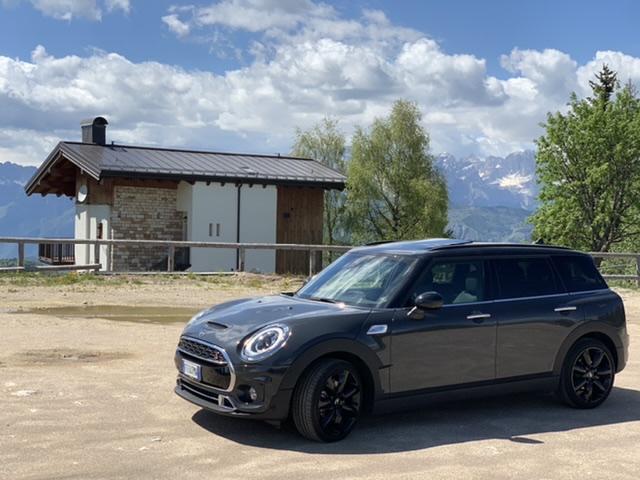
  2. Finalmente non sarà più un suv
  3. Io vorrei approfittare per ringraziare ed elogiare pubblicamente Marco @MF4 magari erano sciocchezze i dubbi che mi ha chiarito nel tempo...ma aldilà delle sue conoscenze, solo per disponibilità e gentilezza merita un plauso...
  4. 1 punto
    Ciao benvenuto a te e alla tua futura MINI

Account

Navigation

Cerca

Cerca

Configure browser push notifications

Chrome (Android)
  1. Tap the lock icon next to the address bar.
  2. Tap Permissions → Notifications.
  3. Adjust your preference.
Chrome (Desktop)
  1. Click the padlock icon in the address bar.
  2. Select Site settings.
  3. Find Notifications and adjust your preference.