Classifica
-

LucasCooper
Socio 201530Punti3.924Numero contenuti -

wwleone
Moderatore28Punti18.111Numero contenuti -

Fabry Geims Din
Utente forum24Punti6.744Numero contenuti -
Andrea23
Utente forum22Punti79Numero contenuti



Contenuto Popolare
Mostra il contenuto con la massima reputazione da 17/08/2009 in Commenti immagine
-
3 punti
-
3 punti
-
3 punti
-
2 punti
-
 A celle ...girando con la mia MINI ...ho questo panorama mattutino2 punti
 -
2 punti
-
2 punti
-
2 punti
-
2 punti
-
2 punti
-
 Cerchi meravigliosi! prima o poi me la cavo la voglia….2 punti
 -
2 punti
-
2 punti
-
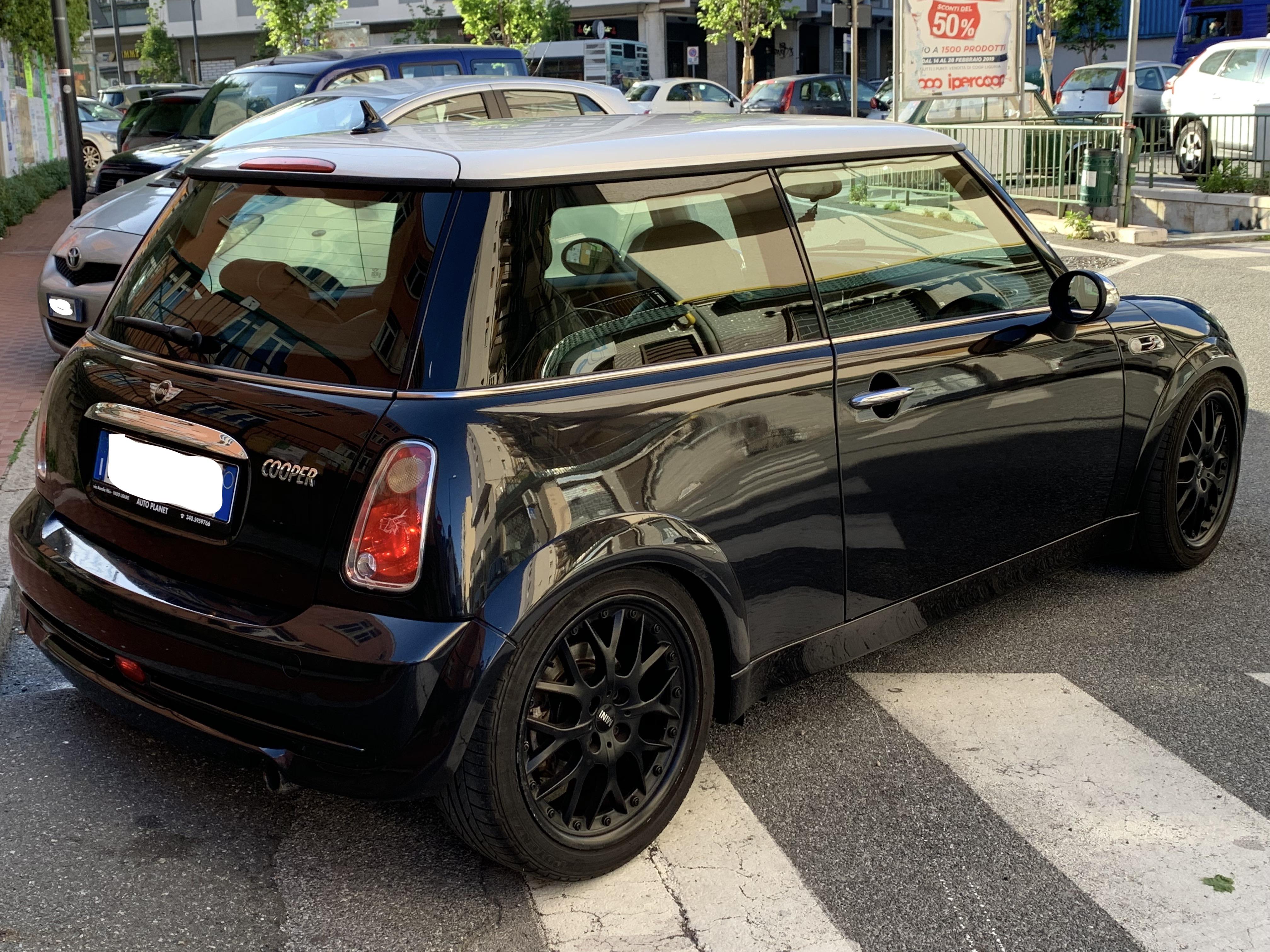
 A me personalmente le cromatura piacciono molto, ma mi accorgo che è nata proprio sta moda del "de-chrome". Sicuramente su colori scuri come questo, il risultato è comunque molto bello.2 punti
 -
2 punti
 Tutto molto bello! Spoiler, cerchi e combinazioni dei colori. Gran bella Mini 🙂2 punti
 -
2 punti
-
2 punti
-
2 punti
 Bella la Jubilee complimenti! Eh già il benzinaio è il nostro migliore amico 😁2 punti
 -
2 punti
 COMPLIMENTI...BELLISSIMA!! Identica alla mia tranne che motorizzata 75 cv benzina. Amore a prima vista!!! Acquistata usata da inizio anno e ne sono innamorato!!!2 punti
 -
2 punti
-
1 punto
-
1 punto
-
1 punto
-
1 punto
-
1 punto
-
1 punto
-
1 punto
-
1 punto
-
1 punto
-
1 punto
-
1 punto
 Ci avevo pensato. Poi però non ne ero sicuro al 100% e ho cambiato idea dopo aver consultato il mio meccanico, dato che la uso per fare parecchia strada (circa 35/40.000 km l'anno) e abbassandola andrei ad irrigidirla ancora più di quanto lo sia già adesso😣1 punto
 -
1 punto
-
1 punto
-
1 punto
-
1 punto
 Yes, ho provato a montare le Kumho WinterCraft WP51. Si sono comportate benissimo (purtroppo con la misura di gomma 195/55 R16 non si possono montare catene da neve). Ho percorso circa 180 km tra andata e ritorno da Livigno con la strada completamente innevata e senza alcun problema😁1 punto
 -
1 punto
-
1 punto
Ciao, ho sentito della formidabile spinta del Diesel...!! TOP!! Il massimo trovare l'auto tenuta maniacalmente ma vedo che tra i possessori delle Mini non è cosi impossibile visto l'amore smodato per il marchio...!!!😉 Buone emozioni!!!!1 punto
-
1 punto
L'ho acquistata anche io usata ad ottobre scorso (ma non ero ancora iscritto a questo forum). Avendo l'esigenza di dover percorrere un pò di km ho optato per il motore diesel e non me ne sono pentito per niente. È una bomba questa macchina, spinta costante in qualsiasi marcia e una ripresa davvero niente male. Tenuta maniacalmente dal vecchio proprietario, ne ho approfittato!😄1 punto
-
1 punto
-
1 punto
 😂😂😂 Li trovai da un ragazzo qui in Toscana dove vivo, diciamo che é stato un buon affare.1 punto
 -
1 punto
Immagino..ci vedo sportività ed eleganza insieme!!immagino..visto che sn introvabili che li avrai pagati un botto!!!☺️1 punto
-
1 punto
Grazie! Sono gli R99 double spoke antracite molto rari da trovare, é stato amore a prima vista. 😁1 punto
-
1 punto
-
1 punto
-
1 punto
-
1 punto
 Ruggisce da far paura quando acceleri e quando stai a bassi giri e rilasci senti quasi un urlo *____* sono rimasto davvero contento :)1 punto
 -
1 punto
-
1 punto
-
1 punto



.thumb.jpg.f01d3dc530f0abc8b805cdb197d56462.jpg)