
Vai al contenuto
View in the app

A better way to browse. Learn more.

mega MINI forum

A full-screen app on your home screen with push notifications, badges and more.

To install this app on iOS and iPadOS
  1. Tap the Share icon in Safari
  2. Scroll the menu and tap Add to Home Screen.
  3. Tap Add in the top-right corner.
To install this app on Android
  1. Tap the 3-dot menu (⋮) in the top-right corner of the browser.
  2. Tap Add to Home screen or Install app.
  3. Confirm by tapping Install.

Classifica

Contenuto Popolare

Mostra il contenuto con la massima reputazione di 25/04/2020 in tutte le aree

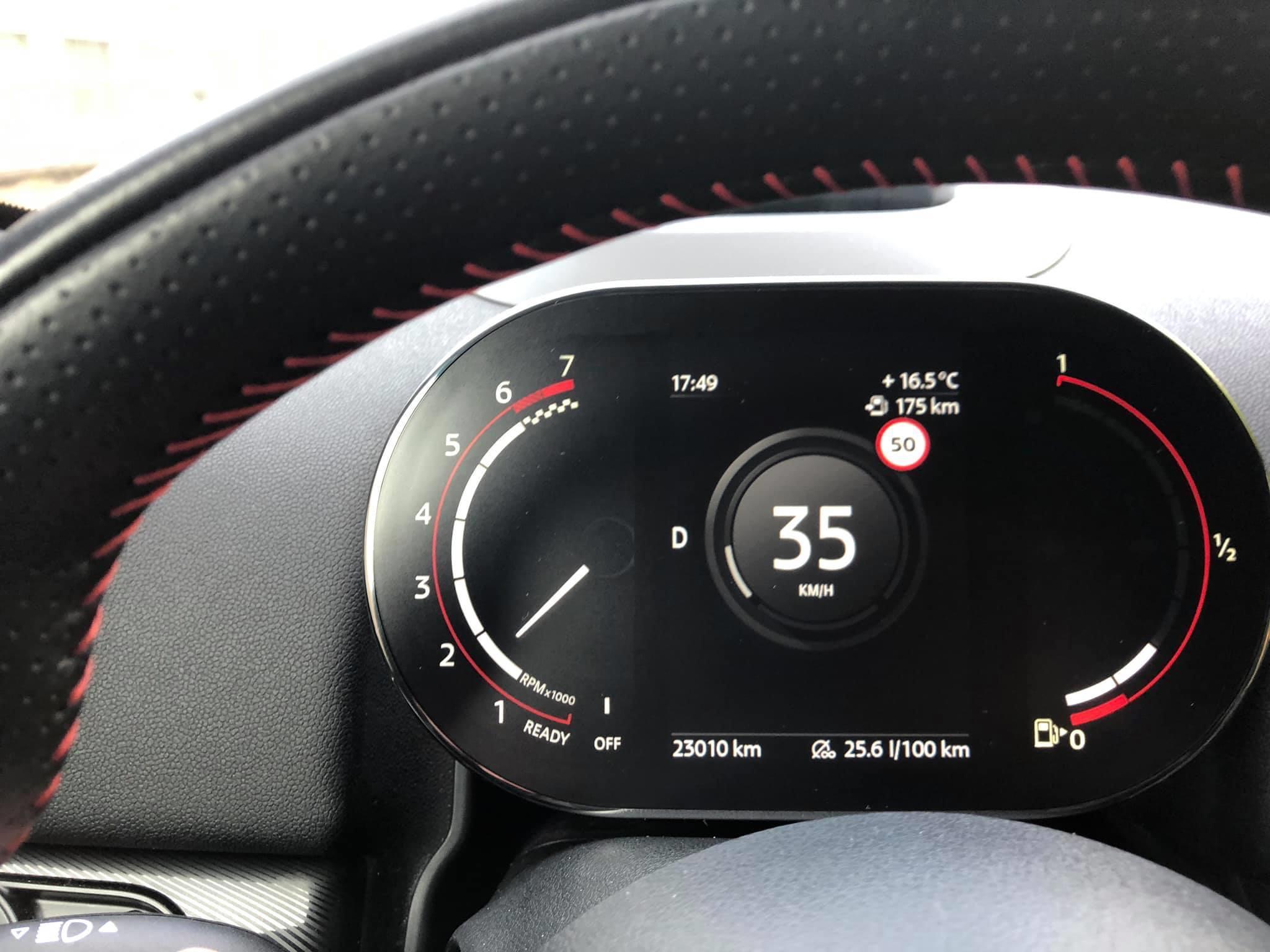
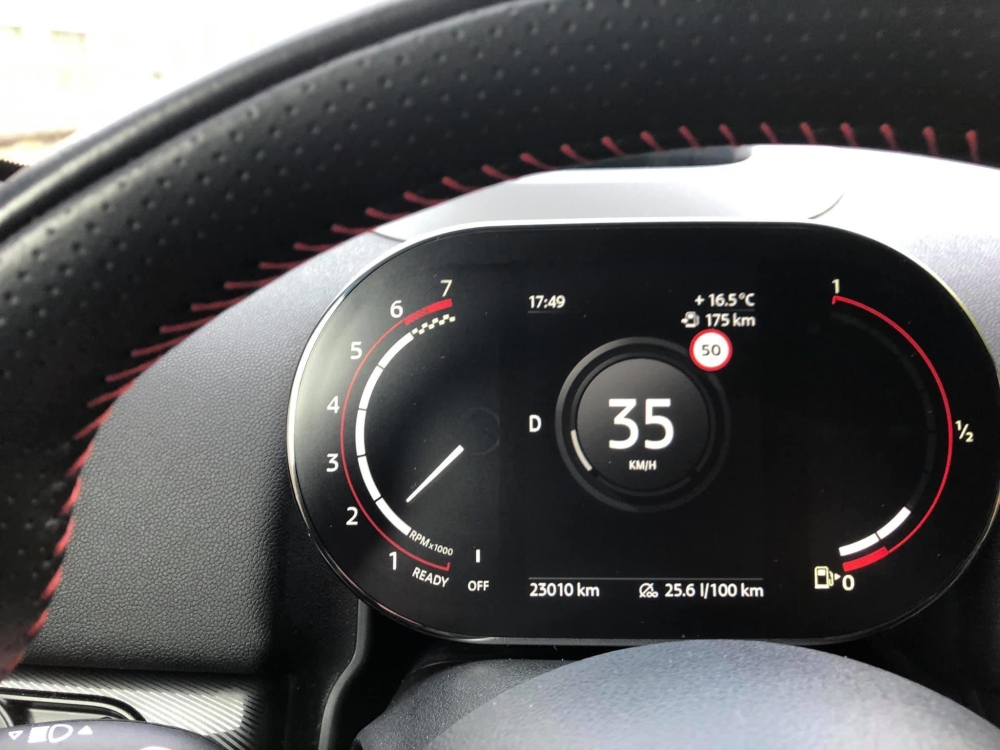
  1. ASSOLUTA ANTEPRIMA NUOVO KOMBI 6WB MINI COUNTRYMAN F60 perfettamente funzionare ! Uscirà sul prossimo restyling 2020 Adattabile anche su F54 - F55- F56 - F57 - installato sulla mia F60 del 2018 Dal vivo rende molto più che in video ed è perfettamente proporzionato al cruscotto, molto visibile anche con il sole E’ possibile aggiungere il logo JCW IMG_1163.mov IMG_1164.mov
  2. Come al solito, ottimo lavoro Max!!! 😉
  3. 1 punto
    Benvenuto 🙂
  4. 1 punto
    Ciao benvenuto a te e alla tua MINI

Account

Navigation

Cerca

Cerca

Configure browser push notifications

Chrome (Android)
  1. Tap the lock icon next to the address bar.
  2. Tap Permissions → Notifications.
  3. Adjust your preference.
Chrome (Desktop)
  1. Click the padlock icon in the address bar.
  2. Select Site settings.
  3. Find Notifications and adjust your preference.