


Classifica
-

Matte 6464
Admin3Punti8.054Numero contenuti -
JackoB1206
Utente forum1Punti89Numero contenuti -

LucasCooper
Socio 20151Punti3.926Numero contenuti -

wwleone
Moderatore1Punti18.125Numero contenuti




Contenuto Popolare
Mostra il contenuto con la massima reputazione di 26/10/2020 in tutte le aree
-
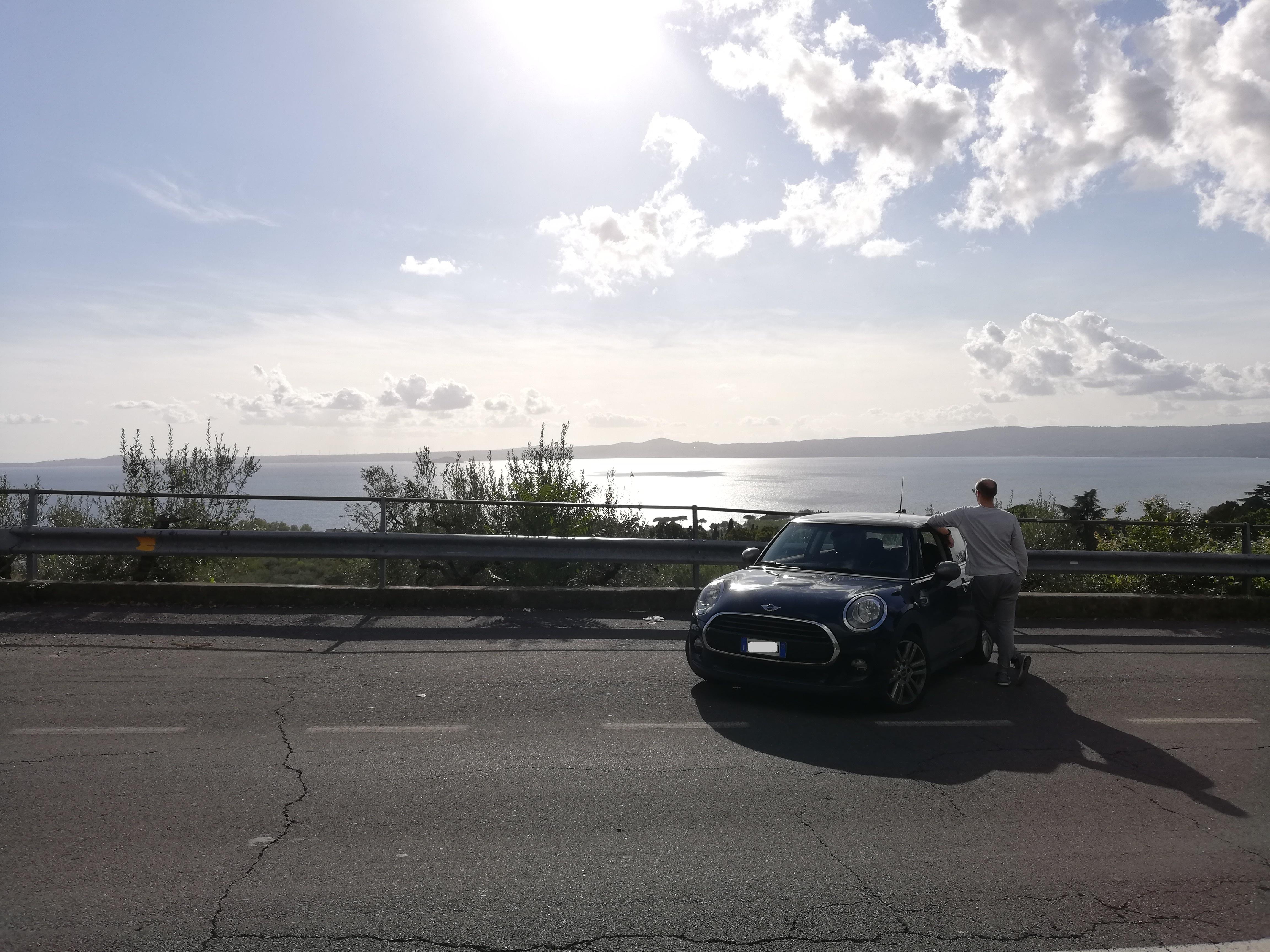
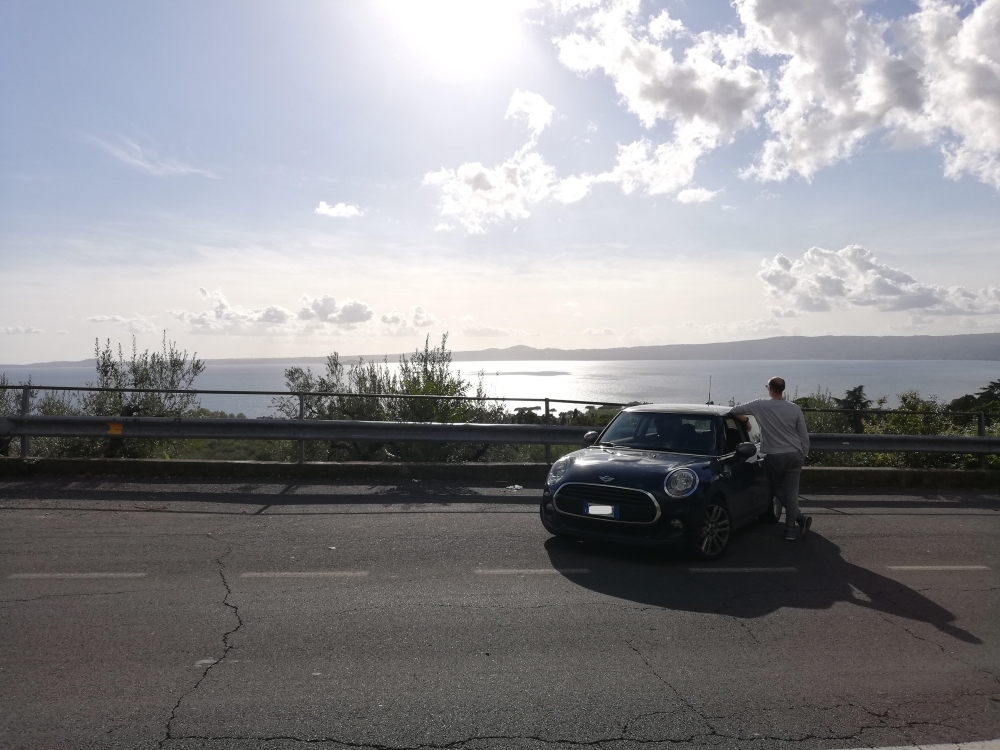
1 puntoQualche settimana fa, in gita fuori porta. Sullo sfondo, il lago di Bolsena (VT). Ps. Non so se è questa la sezione giusta del forum per pubblicare le proprie foto; in caso di errore, mi scuso
 1 punto
 -
1 punto
-
1 punto
-
1 puntoPrimi aggiornamenti fatti... pian piano vi sveleremo tutte le modifiche del nuovo forum. purtroppo non potendocisi incontrare con raduni ed eventi vediamo di ridar vita a questo forum come un tempo1 punto
-
1 punto
-
1 puntoE' OK, puoi utilizzare questa discussione per le varie foto e descrizione di modifiche o quant'altro sulla tua MINI.1 punto
-
1 punto


